In today’s digital landscape, creating eye-catching videos is essential for capturing attention and engaging viewers. With the ever-increasing competition on platforms like YouTube, TikTok, and Instagram, it is crucial to utilize tools that enhance your video quality and make your content stand out. Whether you are a seasoned content creator or just starting, the right tools can elevate your videos from ordinary to extraordinary. This article will explore five indispensable tools that can help you make your videos pop, ensuring they leave a lasting impression on your audience.
Creating engaging videos is essential in today’s visual landscape, and utilizing the right tools can make all the difference. Whether you’re looking to enhance production quality or simplify your editing process, there are numerous resources available to help your videos stand out. For a polished presentation, consider using a mockup like a tube product presentation to elevate your content.
Table of Contents
1. Adobe Premiere Pro
As one of the industry standards for video editing, Adobe Premiere Pro offers a comprehensive suite of features that cater to both beginner and advanced users. With this powerful tool, content creators can easily edit, cut, and join video clips to create professional-looking projects.
Key Features:
- Robust Editing Tools: Cut, trim, and arrange clips with precision.
- Multi-Camera Editing: Seamlessly edit footage from multiple angles.
- Color Correction: Use Lumetri Color tools for stunning visual effects.
- Audio Editing: Fine-tune your sound with integrated audio tools.
Getting Started:
- Download Adobe Premiere Pro from Adobe’s website.
- Familiarize yourself with the interface through online tutorials.
- Import your video footage and start editing using the timeline.
2. Final Cut Pro X
If you are a Mac user, Final Cut Pro X is an excellent option for creating visually stunning content. This tool is renowned for its user-friendly interface and powerful features that make video editing a breeze.
Benefits of Using Final Cut Pro X:
- Magnetic Timeline: Simplifies the editing process by automatically rearranging clips.
- Smart Conform: Automatically adjusts your footage for different aspect ratios.
- Dynamic Effects: Apply a variety of effects with drag-and-drop functionality.
Steps to Create Your Video:
- Purchase and download Final Cut Pro X from the Mac App Store.
- Create a new project and import your media.
- Utilize the built-in effects and transitions to enhance your video.
3. Canva
For those who may not have advanced video editing skills, Canva offers a user-friendly platform that allows anyone to create professional-quality videos quickly. Its extensive library of templates and design elements makes it an ideal choice for social media content.
Why Choose Canva?
- Template Variety: Choose from hundreds of customizable video templates.
- Drag-and-Drop Interface: Easily add graphics, animations, and music.
- Collaboration Tools: Work with team members in real-time.
How to Use Canva for Video Creation:
- Create a free account on Canva’s website.
- Select the “Video” option and browse through templates.
- Customize your video with text, images, and animations.
4. After Effects
For those looking to add a creative flair to their videos, Adobe After Effects is the go-to tool for motion graphics and visual effects. This application opens up endless possibilities for making your videos pop with animations and dynamic visuals.
Notable Features:
- Animation Tools: Create striking animations and visual effects.
- Visual Effects Library: Access a vast range of effects to enhance your video.
- Integration with Premiere Pro: Easily transfer projects between After Effects and Premiere Pro.
Getting Started with After Effects:
- Download After Effects as part of the Adobe Creative Cloud.
- Explore tutorials to learn about keyframe animation.
- Start creating your visual effects for your projects.
5. Filmora
Filmora is a powerful yet accessible video editing software that is perfect for beginners and intermediate users. Its intuitive interface, paired with a wealth of features, allows users to create engaging videos effortlessly.
Main Features:
- Intuitive Interface: Simplified navigation for quick video creation.
- Built-in Effects: A library of effects, transitions, and elements.
- Audio Ducking: Automatically lower background music during dialogue.
Steps to Get Started with Filmora:
- Download and install Filmora on your computer.
- Create a new project and import your media files.
- Utilize the preset templates and effects for a professional touch.
Conclusion
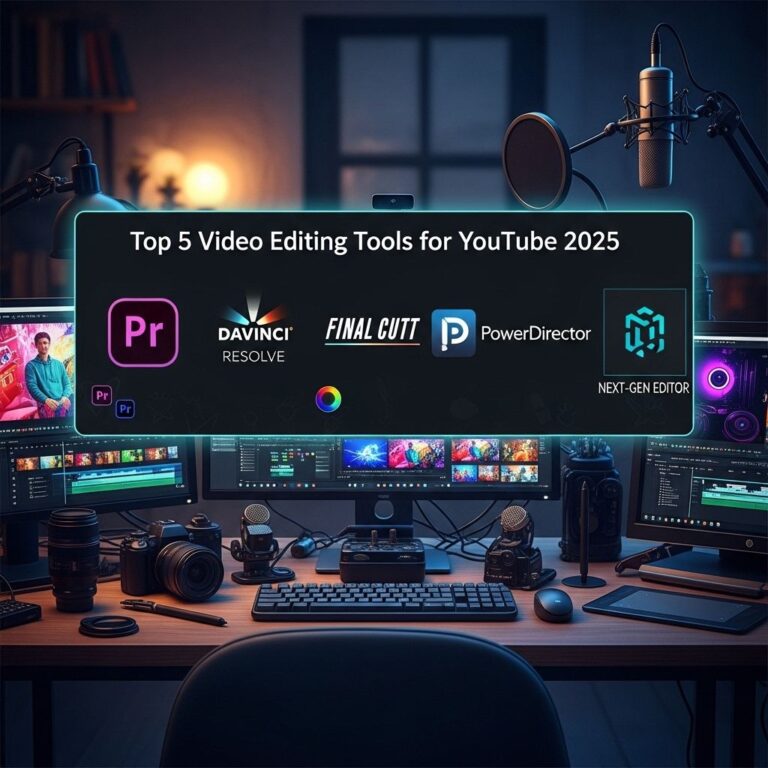
Creating visually appealing videos is essential to capturing and retaining audience attention in the crowded digital landscape. With tools like Adobe Premiere Pro, Final Cut Pro X, Canva, After Effects, and Filmora, you can enhance your video quality and ensure that your content stands out. Whether you are looking for advanced editing capabilities or user-friendly interfaces, these tools cater to a variety of needs and skill levels. Embrace these technologies to make your videos pop and keep your audience engaged!
FAQ
What are the best tools to enhance video quality?
Some of the best tools to enhance video quality include Adobe Premiere Pro, Final Cut Pro, DaVinci Resolve, Filmora, and Camtasia.
How can I make my videos more engaging?
To make your videos more engaging, consider using dynamic transitions, eye-catching graphics, background music, and incorporating storytelling elements.
What software can I use for video editing?
Popular video editing software options include Adobe Premiere Pro, Final Cut Pro X, HitFilm Express, and iMovie, which cater to various skill levels.
How can I add special effects to my videos?
You can add special effects to your videos using tools like Adobe After Effects, HitFilm Express, or by using built-in features in video editing software like Filmora.
What tools are best for creating animated videos?
Tools like Adobe After Effects, Vyond, Animaker, and Blender are excellent for creating animated videos that can captivate your audience.
How can I improve the audio quality in my videos?
To improve audio quality, use tools like Audacity for audio editing, invest in a good microphone, and utilize background noise reduction software.