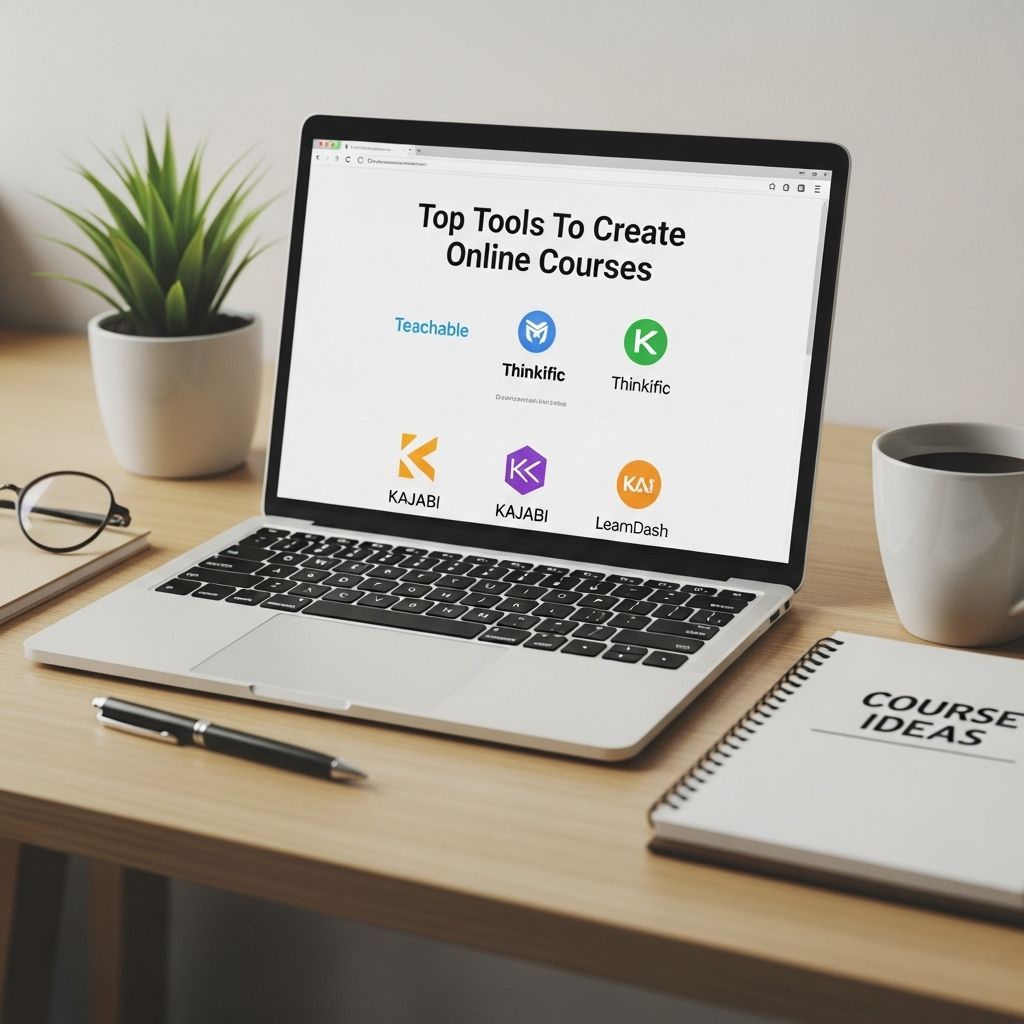
In a world driven by technology, the demand for online learning platforms has skyrocketed. As educators, entrepreneurs, and professionals look to share their knowledge and expertise, the ability to create engaging and effective online courses has become essential. This article explores various tools that empower you to design, develop, and deliver high-quality online courses, ensuring an enriching experience for your learners.
Creating effective online courses requires the right tools to enhance engagement and streamline the learning experience. From user-friendly platforms to visually appealing resources, the right selection can significantly impact course success. For instance, incorporating high-quality visuals like realistic bag mockup examples can offer a polished touch to course materials.
Table of Contents
Understanding the Landscape of Online Course Creation
The online course creation landscape is vast, with numerous tools available that cater to different needs and preferences. Whether you are a seasoned educator or just starting, it is crucial to select the right set of tools that will facilitate your course development process. Here are some key aspects to consider:
- User-Friendliness: The platform should be easy to navigate for both instructors and students.
- Customization: Flexibility in design and content delivery is vital for catering to diverse learning styles.
- Integration: The ability to integrate with other tools and platforms enhances functionality.
- Support and Resources: Access to technical support and educational resources can significantly impact your course’s success.
Popular Tools for Online Course Creation
1. Learning Management Systems (LMS)
Learning Management Systems are comprehensive solutions for creating, managing, and delivering online courses. Below are some prominent LMS platforms:
| Platform | Key Features | Pricing |
|---|---|---|
| Teachable | Easy course creation, multimedia support, affiliate marketing | Starts at $39/month |
| Thinkific | No transaction fees, customizable design, built-in marketing tools | Free plan available; paid plans start at $49/month |
| Kajabi | All-in-one platform, automated marketing, membership site capabilities | Starts at $149/month |
2. Course Authoring Tools
Course authoring tools help you create interactive and engaging content. These tools often include templates, assessments, and multimedia elements. Some notable options are:
- Articulate 360: A powerful suite that includes Storyline and Rise for building responsive courses.
- Adobe Captivate: Ideal for creating eLearning content with advanced interactions and simulations.
- iSpring Suite: Integrates with PowerPoint, allowing easy conversion of presentations into interactive courses.
3. Video Creation and Editing Tools
Video is a compelling medium for online courses. Here are some tools that can enhance your video content:
- Camtasia: A user-friendly screen recorder and video editor combining multiple features.
- OBS Studio: Free and open-source software for video recording and live streaming.
- Adobe Premiere Pro: A professional-grade video editing tool for creating polished course videos.
Enhancing User Engagement
Creating a course is just the beginning; engaging your learners is crucial for retention and success. Here are strategies and tools to foster engagement:
1. Interactive Quizzes and Assessments
Engaging learners through quizzes and assessments helps solidify their understanding. Consider using:
- Google Forms: A simple tool for creating quizzes that can automatically grade responses.
- Kahoot: A game-based learning platform to make assessments fun and competitive.
2. Discussion Boards and Community Building
Creating a community around your course can significantly enhance the learning experience.
- Slack: A messaging platform that facilitates real-time communication among learners.
- Facebook Groups: A familiar social media environment can encourage discussions and connections.
3. Personalized Learning Paths
Offering personalized learning paths can cater to individual learners’ needs. Tools like:
- LearnDash: An LMS with features for creating personalized experiences.
- Pathwright: Offers customizable paths based on learner progress and preferences.
Marketing Your Online Course
Creating a course is half the battle; successfully marketing it is just as crucial. Here are some tools to help you reach your target audience:
Email Marketing
Email marketing allows you to communicate directly with potential learners. Consider using:
- Mailchimp: A popular email marketing service with automation features.
- ConvertKit: Tailored for creators, it offers tools for growing and segmenting your audience.
Social Media Marketing
Leverage social media to promote your courses:
- Canva: Use it to create visually appealing graphics for social media posts.
- Hootsuite: A social media management tool to schedule and analyze posts across platforms.
Evaluating Your Course’s Success
Assessing the effectiveness of your online course is vital for continuous improvement. Consider the following metrics:
- Completion Rates: Monitor how many learners finish the course.
- Feedback Surveys: Gather insights from participants to understand their experiences.
- Engagement Levels: Track participation in discussions, quizzes, and activities.
Conclusion
As the online education landscape continues to evolve, leveraging the right tools is essential for creating impactful courses. By selecting user-friendly platforms, enhancing engagement, and employing effective marketing strategies, you can pave the way for a successful online learning experience. Remember, the key to a great online course lies not only in the content but also in the delivery and interaction with your learners.
FAQ
What are the best tools to create online courses?
Some of the top tools for creating online courses include Teachable, Thinkific, Kajabi, and Udemy. Each platform offers unique features tailored for course creation and management.
Can I create online courses for free?
Yes, there are several platforms like Moodle and Google Classroom that allow you to create online courses for free, although they may have limitations compared to paid options.
What features should I look for in an online course creation tool?
Look for features such as easy-to-use course builders, multimedia support, assessment options, student management, and marketing tools to promote your course.
Is it necessary to have technical skills to create an online course?
No, many course creation tools are designed to be user-friendly, allowing individuals without technical skills to create and launch courses easily.
How can I market my online course effectively?
You can market your online course through social media, email marketing, SEO strategies, and partnerships with influencers or affiliates to reach a broader audience.
What types of content can I include in my online course?
You can include various types of content such as videos, quizzes, PDFs, interactive assignments, and discussion forums to enhance the learning experience.