In today’s fast-paced digital landscape, technology is evolving at an unprecedented rate, and artificial intelligence (AI) is leading the charge. As businesses and individuals seek ways to enhance productivity, AI tools have emerged as vital allies. From automating mundane tasks to offering insights for improved decision-making, the right AI tools can dramatically transform workflows. This article explores some of the most effective AI tools available today that can help you maximize your productivity.
In today’s fast-paced world, leveraging technology can significantly boost your productivity. One way to do this is by utilizing AI tools tailored for various tasks, whether for designing, project management, or content creation. Among numerous resources available, you’ll also find innovative designs, such as these beer label design ideas, that can add flair to your projects.
Table of Contents
1. ChatGPT: Your AI Assistant
OpenAI’s ChatGPT is a powerful conversational AI tool that can assist with a myriad of tasks. Whether you need to draft an email, generate creative content, or brainstorm ideas, ChatGPT can provide quick and relevant responses. This tool is particularly useful for:
- Writing and editing documents
- Generating ideas for projects
- Engaging in customer support
- Learning and tutoring in various subjects
How it Works
ChatGPT employs a transformer architecture to generate human-like text based on the prompts given to it. You can interact with it via various platforms and integrate it into your applications using APIs.
2. Trello with Butler
Trello is a project management tool that allows teams to collaborate efficiently in a visual format. With the addition of its AI automation feature, Butler, Trello becomes even more powerful. Butler automates repetitive tasks, allowing you to focus on more important aspects of your projects.
Key Features
- Automate card management tasks
- Create custom buttons for specific actions
- Set up rules for automatic actions based on triggers
3. Notion: All-in-One Workspace
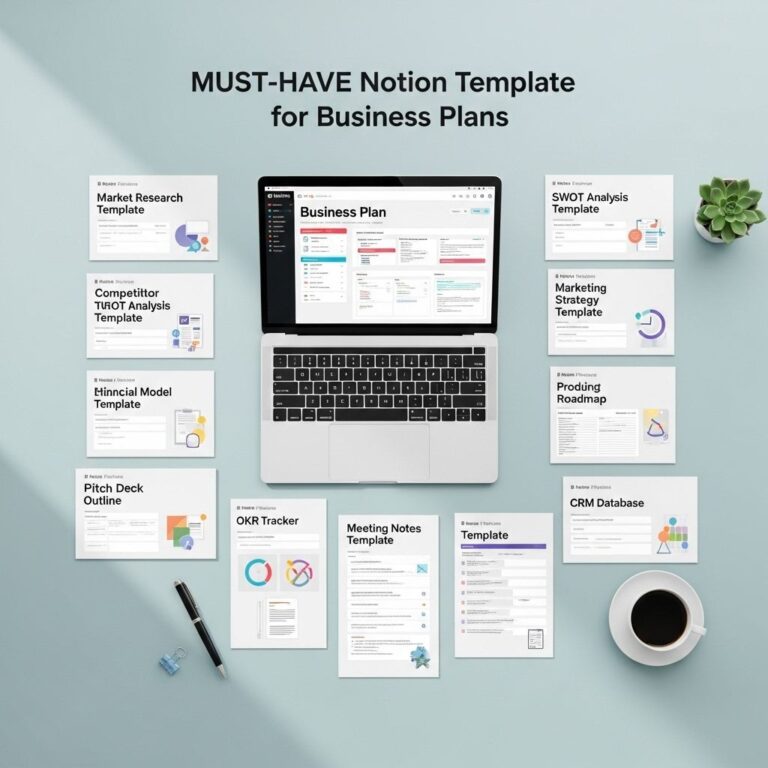
Notion is an all-in-one tool that combines note-taking, project management, and database functions. Its AI capabilities help streamline organizing and retrieving information. You can easily create templates, manage tasks, and even collaborate with teams in real-time.
Benefits of Notion
- Centralizes various workflows
- Customizable templates for different use cases
- Integrates with other tools and applications
4. Grammarly: Enhance Your Writing
Grammarly is an AI-powered writing assistant that improves your writing by correcting grammar, suggesting style improvements, and even checking for tone. This tool can significantly boost productivity by enhancing the quality of your written communication.
Why Use Grammarly?
- Real-time writing feedback
- Style and tone suggestions
- Plagiarism detection
5. Zapier: Connect Your Tools
Zapier is an automation tool that connects different apps and services to automate workflows. With its AI-driven capabilities, Zapier can help you set up automated processes that save time and eliminate manual work.
Use Cases for Zapier
- Sync data between apps automatically
- Generate reports from different sources
- Automate marketing tasks like social media posting
6. Otter.ai: Transcribe Your Meetings
Otter.ai is an AI-driven transcription service that converts speech to text, making it perfect for transcribing meetings, lectures, and interviews. This tool is invaluable for keeping records and ensuring that you capture key points.
How It Benefits Users
- Real-time transcription with speaker identification
- Integrated with video conferencing tools
- Searchable transcripts for easy retrieval
7. Microsoft Power Automate: Workflow Automation
Power Automate allows you to create automated workflows between your favorite apps and services to synchronize files, get notifications, collect data, and more. As part of the Microsoft ecosystem, it integrates seamlessly with Office 365 applications.
Features of Power Automate
- Pre-built templates for various workflows
- AI capabilities for process automation
- Integration with hundreds of services
8. Hootsuite: Social Media Management
Hootsuite is a social media management platform that helps you schedule posts, track performance, and engage with your audience across multiple social networks. Its AI tools analyze your engagement data, helping you make informed decisions about your social media strategy.
Why Choose Hootsuite?
- Manage multiple accounts from one dashboard
- Analyze social media performance
- AI-driven suggestions for optimal posting times
9. Canva: Design Made Easy
Canva is an online design tool that offers AI-driven features for creating stunning graphics, presentations, and social media posts. Its user-friendly interface and vast library of templates make it accessible for everyone, regardless of design skills.
Features of Canva
- Drag-and-drop functionality
- Collaboration features for teams
- AI tools for photo enhancement and layout suggestions
10. ClickUp: Comprehensive Task Management
ClickUp is a flexible task management tool that combines project management, time tracking, and goal setting. Its AI features help prioritize tasks based on deadlines and project requirements.
Advantages of Using ClickUp
- Customizable views to suit your working style
- Time tracking and reporting capabilities
- Integrates with numerous other productivity tools
Conclusion
Incorporating AI tools into your workflow can lead to significant improvements in productivity and efficiency. The tools mentioned in this article represent just a fraction of what is available today, but they are among the most effective in helping you manage your tasks, automate processes, and enhance your overall performance. By leveraging these technologies, you can focus on what truly matters—driving results and achieving your goals.
FAQ
What are the top AI tools to boost productivity?
Some of the top AI tools to boost productivity include tools like Notion AI, Trello, Grammarly, Asana, and ClickUp, each designed to enhance workflow and efficiency.
How can AI tools improve workplace efficiency?
AI tools can improve workplace efficiency by automating repetitive tasks, providing data-driven insights, enhancing communication, and streamlining project management.
Are AI tools suitable for small businesses?
Yes, AI tools are suitable for small businesses as they can help optimize processes, reduce costs, and enhance productivity without requiring extensive resources.
What features should I look for in productivity AI tools?
When choosing productivity AI tools, look for features like task automation, integration with other software, user-friendly interfaces, and robust analytics capabilities.
Can AI tools help with time management?
Absolutely! Many AI tools offer time tracking, scheduling, and reminders, helping users manage their time more effectively.
Is there a free version of AI productivity tools?
Many AI productivity tools offer free versions or trial periods, allowing users to explore their features before committing to a paid plan.