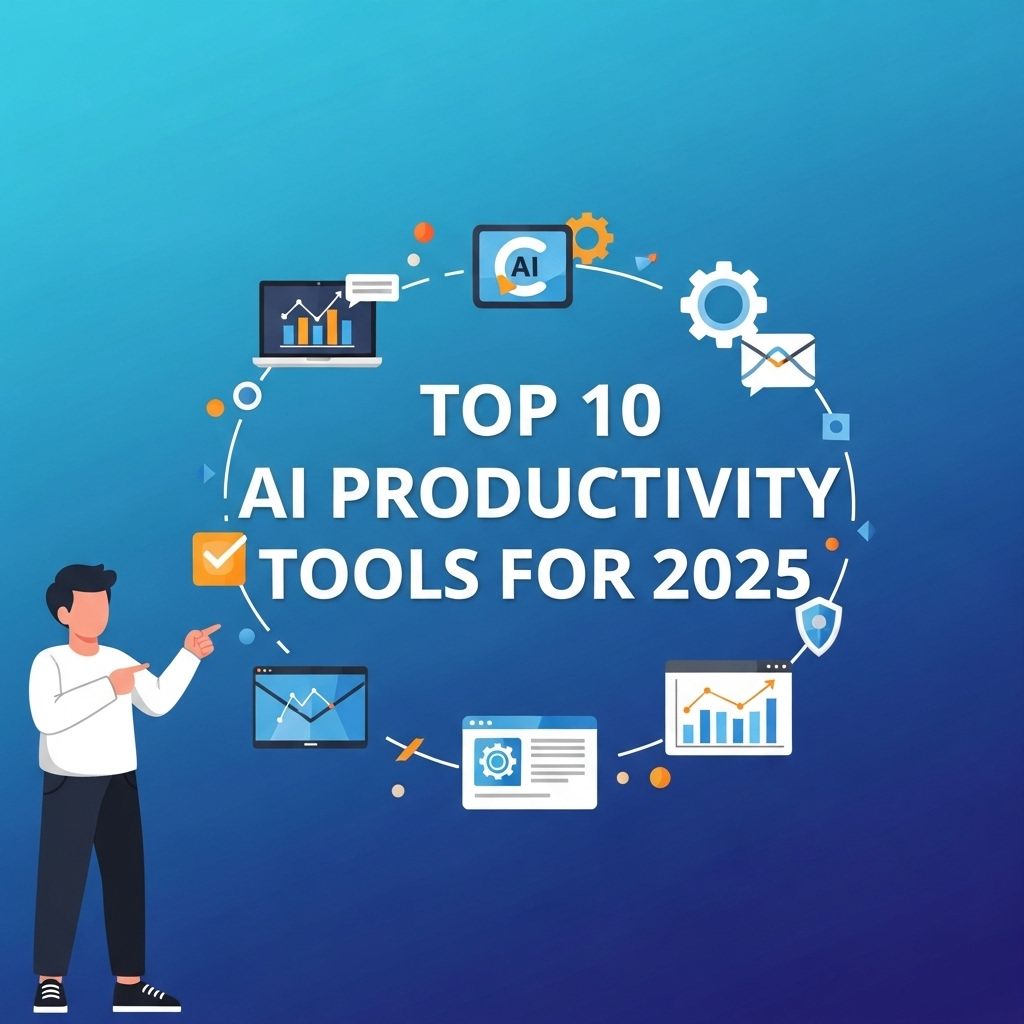
As we embrace the digital age, artificial intelligence (AI) has cemented its place as a key driver of productivity in various sectors. By 2025, the landscape of AI productivity tools is expected to evolve significantly, shaping how individuals and organizations approach their daily tasks. Whether it’s enhancing communication, automating mundane tasks, or providing insights through analytics, AI tools are becoming indispensable. In this article, we will explore the ten most promising AI productivity tools anticipated for 2025 and how they can revolutionize the way we work.
Table of Contents
The Rise of AI in Productivity
AI technology is rapidly becoming integrated into our daily workflows, enabling greater efficiency and effectiveness. Innovations in machine learning, natural language processing, and computer vision are paving the way for tools that can:
- Automate repetitive tasks
- Enhance decision-making with data-driven insights
- Facilitate seamless communication
- Optimize project management
With the increasing complexity of work environments, these tools not only support individual productivity but also foster collaboration among teams.
Top 10 AI Productivity Tools for 2025
Here is a list of the top AI productivity tools you should keep an eye on as we approach 2025:
1. Notion AI
Notion, popular for its note-taking and project management capabilities, is enhancing its platform with AI functionalities. Notion AI can help users:
- Generate content ideas
- Summarize long documents
- Automate task assignments
This tool is expected to become even more integral in managing personal and team productivity.
2. ChatGPT for Business
This advanced language model by OpenAI is tailored for enterprises. ChatGPT for Business can:
- Assist in drafting emails and reports
- Provide customer support
- Generate real-time insights from vast datasets
Its ability to interact with users in a conversational manner makes it a valuable asset for any business.
3. Trello with AI Automation
Trello’s project management features are set to become smarter with AI integration. Features expected to be included are:
- Predictive analytics for project timelines
- Automated task prioritization
- Real-time collaboration suggestions
4. Microsoft 365 Copilot
Integrating with Microsoft 365 applications, Copilot is designed to enhance productivity by:
- Generating documents based on user prompts
- Summarizing meeting notes
- Creating data visualizations from Excel spreadsheets
5. Notable
Notable is an AI-powered tool that focuses on enhancing note-taking during meetings. Key features include:
- Automatic transcription and organization of notes
- Tagging and summarizing action items
- Integration with calendar applications for scheduling follow-ups
6. Grammarly Business
While known for its writing assistance, Grammarly is evolving into a comprehensive communication tool that will offer:
- Style and tone suggestions for teams
- Real-time collaborative editing
- Content optimization based on target audience
7. ClickUp’s AI Features
ClickUp is a project management tool that is continuously evolving. Upcoming AI features may include:
- Smart task assignments based on team members’ strengths
- Analysis of past project data for better future planning
- Automated workload balancing across team members
8. Slack’s AI Assistant
Slack has been a go-to communication tool, and its AI assistant is set to provide:
- Automated responses to common inquiries
- Summaries of conversations and important decisions
- Integration with external tools for streamlined workflows
9. Todoist AI
Todoist is expected to introduce AI features that enhance task management such as:
- Intelligent task prioritization based on user habits
- Automatic scheduling based on deadlines and availability
- Insights into productivity patterns over time
10. Zapier with AI Connections
Zapier is known for automating workflows between apps. By 2025, it will leverage AI to:
- Predict user needs for integrations
- Automate complex workflows with minimal input
- Provide smart suggestions based on usage history
How to Choose the Right AI Productivity Tool
With so many options available, how do you choose the right tool for your needs? Here are some considerations to keep in mind:
- Identify Your Needs: Determine which areas of your workflow need improvement.
- Assess Compatibility: Ensure the tool integrates seamlessly with your current systems.
- User Experience: Look for tools that are intuitive and user-friendly.
- Support and Resources: Choose tools backed by robust support and community resources.
Conclusion
The future of productivity is undeniably intertwined with advancements in AI technology. As we move toward 2025, the tools highlighted above are set to redefine how we approach our work, making it easier to manage tasks, collaborate with others, and achieve our goals. By incorporating these innovative solutions, both individuals and organizations can harness the full potential of AI to enhance productivity and drive success.
FAQ
What are the top AI productivity tools to watch in 2025?
The top AI productivity tools for 2025 include advanced project management software, AI-powered writing assistants, automated scheduling apps, smart note-taking tools, and personalized virtual assistants.
How can AI productivity tools improve team collaboration?
AI productivity tools enhance team collaboration by providing real-time communication, automating repetitive tasks, and integrating seamlessly with other software to streamline workflows.
Are AI productivity tools suitable for small businesses?
Yes, AI productivity tools are highly beneficial for small businesses as they can optimize operations, reduce costs, and improve overall efficiency without requiring large investments.
What features should I look for in AI productivity tools?
Key features to look for include user-friendly interfaces, integration capabilities, automation of tasks, data analytics, and customization options to suit your business needs.
How do AI productivity tools help with time management?
AI productivity tools assist with time management by prioritizing tasks, setting reminders, and providing insights into how time is being spent, helping users optimize their schedules.
Will AI productivity tools replace human jobs?
While AI productivity tools may automate certain tasks, they are designed to enhance human capabilities and allow workers to focus on more strategic, creative, and interpersonal aspects of their jobs.