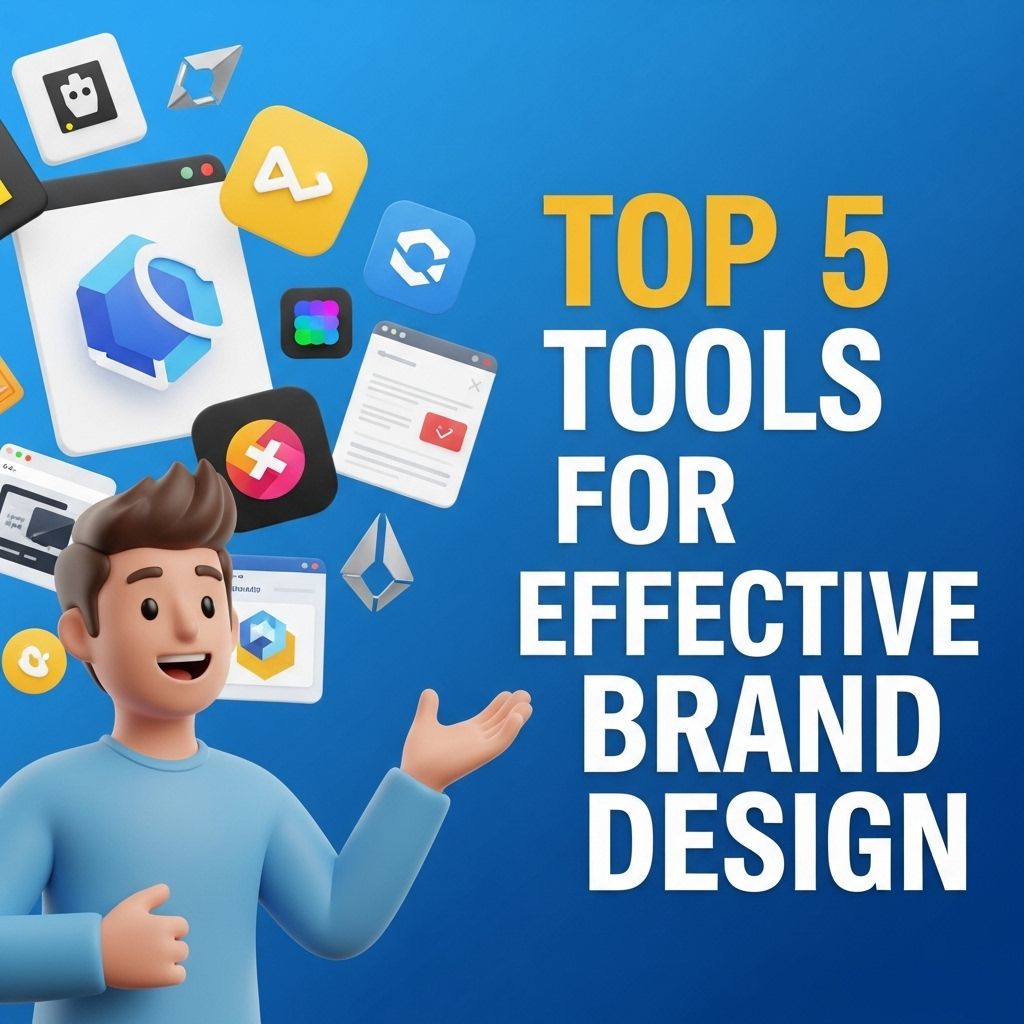
Creating a compelling brand identity is crucial in today’s competitive marketplace. The visual representation of a brand helps establish recognition, trust, and loyalty among customers. To achieve a professional and impactful brand design, utilizing the right tools can make all the difference. In this article, we will explore five essential tools that can elevate your brand design efforts, ensuring your brand stands out while effectively communicating its values and mission.
Table of Contents
1. Adobe Creative Suite
Adobe Creative Suite is the industry standard for graphic design. It encompasses a range of applications that allow designers to create, edit, and manage visual content efficiently. The suite includes:
- Adobe Photoshop: Perfect for photo editing and graphic design.
- Adobe Illustrator: Ideal for creating vector graphics and logos.
- Adobe InDesign: Great for layout design, especially for print materials.
- Adobe XD: Useful for designing and prototyping user interfaces.
Each application offers unique features that can help you create stunning visual content. The integration among these tools allows for seamless workflow and collaboration, making it easier to maintain consistency throughout your brand materials.
2. Canva
Canva is a user-friendly graphic design platform that caters to both professionals and beginners. With its drag-and-drop interface, users can create stunning visuals for various applications, from social media posts to marketing brochures. Some notable features include:
- A vast library of templates for various design categories.
- Customizable elements, including fonts, colors, and images.
- Collaboration options for team projects.
- Access to stock photos and illustrations.
Canva is particularly beneficial for those who may not have extensive design experience but still want to create professional-grade visuals. It also offers a free plan with ample features, making it accessible for startups and small businesses.
Canva Pro Features
For those looking to enhance their design capabilities, Canva Pro offers additional features such as:
- Brand Kits: Save your brand’s colors, fonts, and logos for consistent designs.
- Magic Resize: Instantly resize designs for different platforms.
- Background Remover: Easily remove backgrounds from images with one click.
3. Figma
Figma has gained popularity as a powerful design and prototyping tool, especially among UI/UX designers. Its cloud-based platform allows multiple users to collaborate in real-time, making it a perfect choice for teams working on brand design projects. Key features include:
- Vector Graphics Editor: Create scalable designs that can be used across various platforms.
- Prototyping: Link designs together to create interactive prototypes.
- Design Systems: Maintain consistency across different design projects with reusable components.
The ability to share designs easily and gather feedback directly within the platform streamlines the design process and enhances teamwork.
Advantages of Using Figma
Some advantages that make Figma a compelling choice for brand design include:
| Feature | Description |
|---|---|
| Cross-Platform Access | Access your designs from any device with internet access. |
| Version Control | Track changes and revert to previous versions of your designs. |
| Integration | Seamlessly integrate with other tools like Slack and JIRA. |
4. Sketch
Sketch is a vector-based design tool specifically geared towards UI and web design. While it is only available for macOS, its features cater well to designers creating digital product interfaces. Key elements of Sketch include:
- Artboards for designing multiple screens simultaneously.
- Symbols for reusable components across projects.
- An extensive library of plugins that extend its functionality.
Sketch’s focus on UI design enables designers to create pixel-perfect layouts, ensuring a cohesive brand identity across all digital platforms.
Benefits of Sketch
The following benefits make Sketch stand out:
- Efficient Workflow: The use of symbols and styles speeds up the design process.
- Design Collaboration: Feedback and comments can be added directly to designs.
- Prototyping: Create interactive prototypes effortlessly.
5. CorelDRAW
CorelDRAW is another powerful graphic design software that focuses on vector illustration and layout. Its feature-rich platform is suited for both professional graphic designers and hobbyists. Some key features include:
- Advanced vector editing tools.
- Support for various file formats, enhancing compatibility with other design software.
- Real-time collaboration features.
CorelDRAW is often favored for its user-friendly interface and extensive toolset, making it a solid choice for various design projects, including branding, marketing materials, and more.
Why Choose CorelDRAW?
Consider the following reasons to choose CorelDRAW:
| Feature | Benefit |
|---|---|
| Customizable Workspace | Tailor the interface to suit your workflow and preferences. |
| Cloud Integration | Work from anywhere and access your designs easily. |
| Customer Support | Access to extensive tutorials and support resources. |
Conclusion
In the world of brand design, utilizing the right tools can streamline the creative process and enhance the quality of your output. Whether you’re a seasoned designer or a novice, the tools listed above—Adobe Creative Suite, Canva, Figma, Sketch, and CorelDRAW—provide essential features that cater to various design needs. By leveraging these tools, you can create a strong visual identity that resonates with your target audience, fostering brand loyalty and recognition.
FAQ
What are the best tools for brand design?
The top tools for effective brand design include Adobe Creative Suite, Canva, Figma, Sketch, and Affinity Designer.
How can I create a brand identity using design tools?
You can create a brand identity by using design tools to develop a logo, color palette, typography, and visual guidelines that reflect your brand’s values.
Is Canva suitable for professional brand design?
Yes, Canva is suitable for professional brand design, offering user-friendly templates and tools that cater to both beginners and experienced designers.
What features should I look for in brand design software?
Look for features such as vector editing, collaboration tools, template libraries, and export options when choosing brand design software.
Can I use free tools for effective brand design?
Yes, there are many free tools like Canva and GIMP that provide sufficient features for effective brand design, especially for startups and small businesses.
How do I choose the right tool for my brand design needs?
Consider factors such as your design experience, the complexity of your project, collaborative needs, and budget when choosing the right tool for brand design.