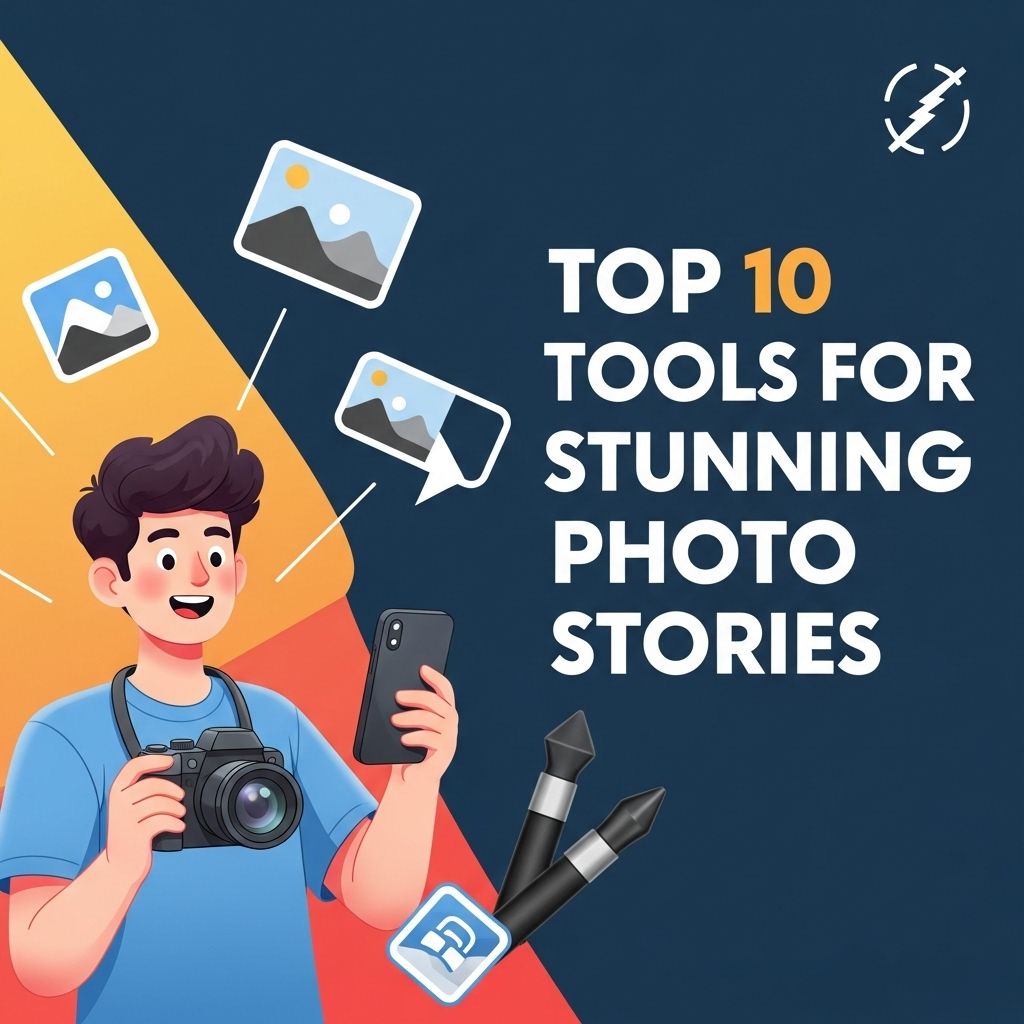
In an age dominated by visual content, storytelling through photos has become an essential skill for creatives and marketers alike. Whether you are a professional photographer, a social media manager, or simply a photo enthusiast, the right tools can make a significant impact on how your stories resonate with your audience. This article explores the best tools available for creating stunning photo stories, each with unique features that cater to various aspects of photo storytelling.
In the world of visual storytelling, having the right tools can elevate your photo narratives to new heights. From editing software to mockups, the tools you choose can significantly impact the way your audience perceives your story. For instance, utilizing resources like bag mockup visualization tips can help you showcase your designs effectively.
Table of Contents
1. Adobe Lightroom
Adobe Lightroom is a powerful photo editing tool that allows users to enhance images with precision. Its non-destructive editing capabilities mean you can push the limits of your creativity without losing the original image quality.
- Features:
- Advanced editing tools for exposure, color correction, and tonal adjustments.
- Presets for quick edits and style consistency.
- Organizational tools for sorting and tagging images.
Lightroom is available for both desktop and mobile, making it accessible anytime, anywhere.
2. Canva
Canva is a versatile design tool that enables users to create visually appealing graphics and layouts. With its intuitive drag-and-drop interface, Canva is perfect for those who may not have extensive design knowledge.
Why Use Canva?
- Templates for various formats, including social media posts, presentations, and print media.
- A vast library of stock images, icons, and fonts.
- Collaboration features that allow teams to work together seamlessly.
3. StoryMapJS
For those looking to create interactive photo stories that involve mapping, StoryMapJS is an excellent choice. This free tool is particularly useful for travel and adventure stories, allowing users to show where photos were taken on a map.
Key Benefits:
- Integrates with Google Maps to plot photo locations.
- Supports multimedia, including images, videos, and audio.
- User-friendly interface for easily adding content.
4. Adobe Spark
Adobe Spark is a suite of creative tools that allows users to create web pages, videos, and graphics. It’s perfect for telling visual stories in an engaging format.
Features of Adobe Spark:
- Easy-to-use templates and themes.
- Ability to animate text and images for dynamic storytelling.
- Direct sharing options to social media platforms.
5. Google Photos
Google Photos goes beyond simple photo storage; it offers an array of tools to organize and enhance your images. Its powerful search capabilities allow users to find images quickly by keywords.
Advantages of Google Photos:
- Unlimited storage for high-quality images.
- Automatic organization by faces, places, and things.
- Sharing options for collaboration on albums.
6. Pixlr
For those who want a robust yet simple photo editing tool, Pixlr is an excellent choice. It is web-based and offers a variety of editing features without requiring a software download.
Pixlr Features:
- Layer support for complex edits.
- Filters and effects to enhance images.
- Accessible on multiple devices.
7. Prezi
If you want to take your photo storytelling to a presentation format, Prezi can help you create dynamic, visually engaging presentations that flow like a story.
Benefits of Prezi:
- Zoom-in and zoom-out effects that create a narrative flow.
- Templates tailored for storytelling presentations.
- Easy integration of images and videos.
8. Snapseed
Snapseed is a mobile editing app by Google that provides professional-level editing tools in an easy-to-use interface. It’s perfect for editing photos on-the-go and is available on both iOS and Android.
Top Features:
- Selective adjust for targeted edits.
- Wide range of filters and effects.
- Non-destructive editing.
9. Flickr
Flickr is not just a photo storage platform; it also serves as a social network for photographers. It provides exposure to a larger audience while allowing users to curate their photo stories.
Why Use Flickr?
- Large community of photographers for sharing and feedback.
- Organizational tools such as albums and tags.
- Integration with other social media platforms.
10. InShot
InShot is a mobile app that allows users to create and edit videos and photos. With its user-friendly interface, it is a favorite among social media content creators.
InShot Features:
- Video editing capabilities with effects and transitions.
- Ability to combine photos and videos into a single story.
- Text and sticker options for enhanced storytelling.
Conclusion
Creating stunning photo stories requires the right combination of tools and creativity. The tools mentioned in this article cater to various aspects of photo storytelling, from editing and design to organization and sharing. Whether you’re a seasoned photographer or a novice looking to share your experiences, these tools can help you craft compelling narratives that captivate your audience.
FAQ
What are the best tools for creating photo stories?
Some of the top tools for creating stunning photo stories include Adobe Spark, Canva, StoryMapJS, Google Photos, and Instagram Stories.
How can I enhance my photo stories with design tools?
Using tools like Canva and Adobe Spark can help you enhance your photo stories with templates, graphics, and text overlays to make them visually appealing.
Is it important to use storytelling techniques in photo stories?
Yes, incorporating storytelling techniques such as a clear narrative, emotional connection, and engaging visuals can significantly enhance the impact of your photo stories.
Can I create photo stories on my mobile device?
Absolutely! Many tools like Adobe Spark Post and Canva offer mobile apps that allow you to create and edit photo stories directly from your smartphone.
What formats are best for sharing photo stories online?
The best formats for sharing photo stories online include social media posts, blog articles, and digital presentations, depending on your audience and platform.