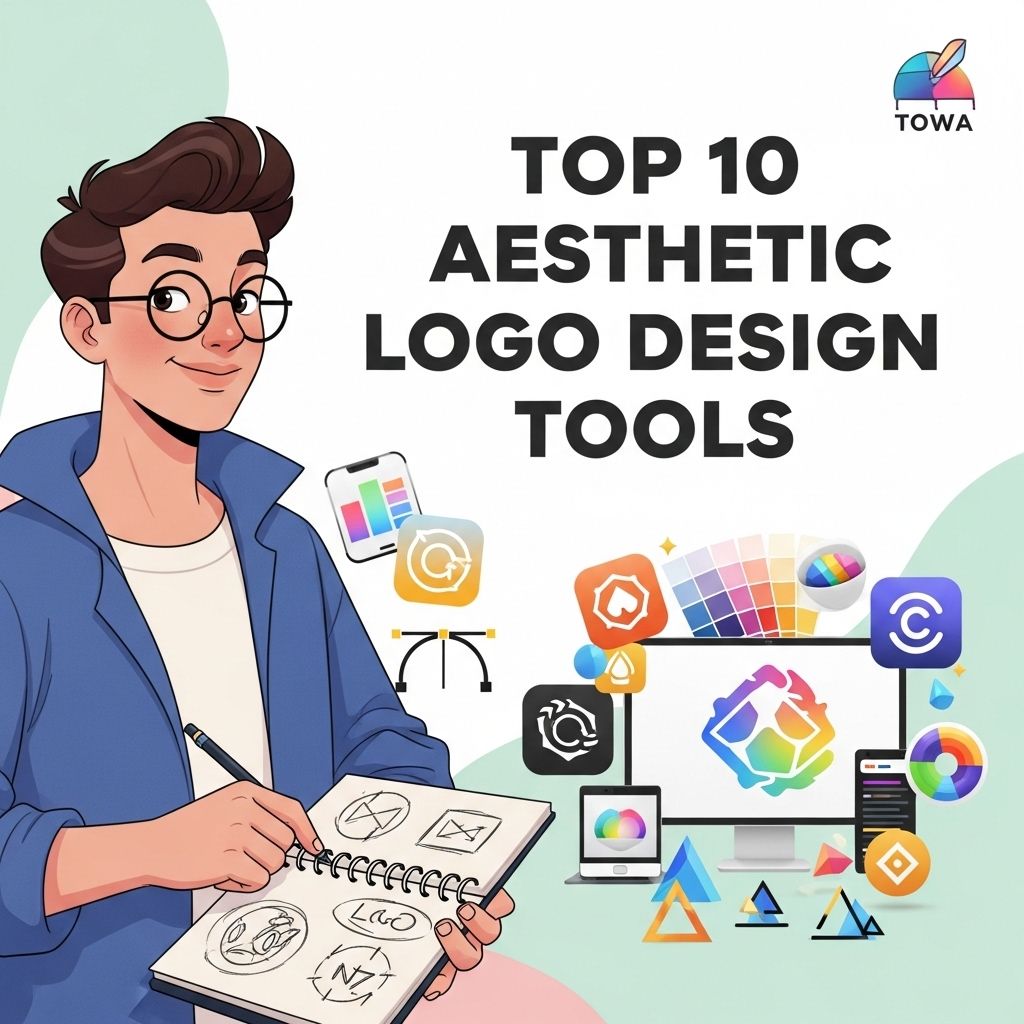
In today’s visually driven market, having an aesthetically pleasing logo is crucial for establishing a strong brand identity. A well-designed logo not only attracts customers but also communicates the essence of a business. The right logo design tools can make the process of creating a stunning logo both easier and more efficient. In this article, we will explore the top 10 logo design tools that cater to both novice designers and seasoned professionals alike.
Creating an aesthetically pleasing logo is crucial for brand identity, and having the right tools can make all the difference. In this guide, we’ll explore the top 10 logo design tools that cater to various skill levels and styles, helping you craft professional logo designs that stand out. For inspiration and resources, check out professional logo designs.
Table of Contents
1. Adobe Illustrator
Adobe Illustrator is a powerful vector graphics editor that has been a staple in the design community for decades. Its robust set of tools allows designers to create intricate logos with precision.
Features:
- Vector graphics support
- Extensive font library
- Powerful pen tool for custom designs
- Integration with other Adobe products
- Customizable artboards
Ideal for:
Experienced designers who want complete control over their logo creation process.
2. Canva
Canva is a user-friendly graphic design tool that has gained immense popularity for its simplicity and accessibility. It offers a variety of templates, making logo creation easy for those without extensive design skills.
Features:
- Drag-and-drop interface
- Pre-made templates
- Extensive library of graphics and fonts
- Collaboration options for teams
- Free and paid options available
Ideal for:
Small business owners and marketers looking for a quick and straightforward logo design solution.
3. LogoMaker
LogoMaker is an online tool that provides a straightforward process for creating logos quickly. It is perfect for those who need a logo but lack design experience.
Features:
- Over 10,000 logo templates
- Customizable elements
- Instant preview of logos
- Affordable pricing for high-resolution files
- Download options in various formats
Ideal for:
Startups and entrepreneurs needing a cost-effective and fast logo solution.
4. Hatchful by Shopify
Hatchful is a free logo generator created by Shopify. It offers a user-friendly experience that helps users generate professional logos in minutes.
Features:
- Industry-specific templates
- Easy customization options
- Free download in multiple formats
- Branding kit offered for consistent branding
Ideal for:
Entrepreneurs and small businesses focused on quick branding solutions.
5. DesignEvo
DesignEvo is a free online logo maker that offers countless templates and design options, making it a valuable tool for anyone looking to create a unique logo.
Features:
- Over 10,000 templates to choose from
- Icon library with 1 million+ graphics
- Customizable fonts and colors
- High-resolution download options
Ideal for:
Freelancers and small businesses searching for a versatile logo design tool.
6. Looka
Looka uses artificial intelligence to help create beautiful logos. By entering your company name and preferences, Looka generates multiple logo options, which you can customize.
Features:
- AI-generated logo designs
- Brand kits for consistent branding
- Easy editing options
- Multiple download file types
Ideal for:
Users looking for innovative AI technology to assist in logo design.
7. Logo Garden
Logo Garden offers an intuitive interface that allows users to design logos effortlessly. With a variety of tools and templates, users can craft unique designs.
Features:
- Simple logo creation process
- Free logo downloads available
- Wide variety of icons and graphics
- Branding tools for cohesive identity
Ideal for:
Small businesses and individuals looking for a simple yet effective logo design tool.
8. Snappa
Snappa is a graphic design tool that, while not exclusively a logo maker, provides excellent features for creating visually appealing logos.
Features:
- Template-driven design
- Integration with social media for easy sharing
- Access to high-res stock photos
- User-friendly drag-and-drop interface
Ideal for:
Marketers and social media managers seeking to create logos as part of broader marketing efforts.
9. Tailor Brands
Tailor Brands is another AI-driven platform that creates logos based on user input. It also offers branding solutions, including business cards and social media designs.
Features:
- AI-generated logo suggestions
- Brand identity tools
- Website building functionalities
- Customizable branding materials
Ideal for:
Businesses wanting an all-in-one branding solution.
10. Inkscape
Inkscape is a free, open-source vector graphics editor that is highly regarded among designers who prefer a desktop application. It offers extensive features comparable to Adobe Illustrator.
Features:
- Powerful vector editing capabilities
- Supports various file formats
- Extensive community and support resources
- Customizable user interface
Ideal for:
Designers looking for a free alternative to Adobe Illustrator.
Conclusion
Choosing the right logo design tool can significantly impact the final product. Each of the tools listed above has its unique strengths, making them suitable for different types of users. Whether you are an experienced designer or a novice, there is a logo design tool that can meet your needs and help you create a beautiful and impactful logo that represents your brand effectively. Investing time and resources in logo design is essential for any business aiming to establish a memorable brand identity.
FAQ
What are the best tools for creating aesthetic logo designs?
Some of the top tools for creating aesthetic logo designs include Canva, Adobe Illustrator, LogoMaker, Looka, Hatchful by Shopify, and DesignEvo.
Are there any free logo design tools available?
Yes, there are several free logo design tools available, such as Canva, Hatchful by Shopify, and LogoMakr, which offer user-friendly interfaces and templates.
How can I create a unique logo design using online tools?
To create a unique logo design, explore various customization options, combine different elements, and choose colors and fonts that reflect your brand identity using tools like Adobe Spark or Looka.
What features should I look for in a logo design tool?
Look for features such as customizable templates, user-friendly interfaces, a library of icons and fonts, and the ability to export in various formats when choosing a logo design tool.
Can I use logo design tools for professional branding?
Yes, many logo design tools are suitable for professional branding, especially those that offer advanced design features, high-resolution exports, and vector formats, like Adobe Illustrator and CorelDRAW.