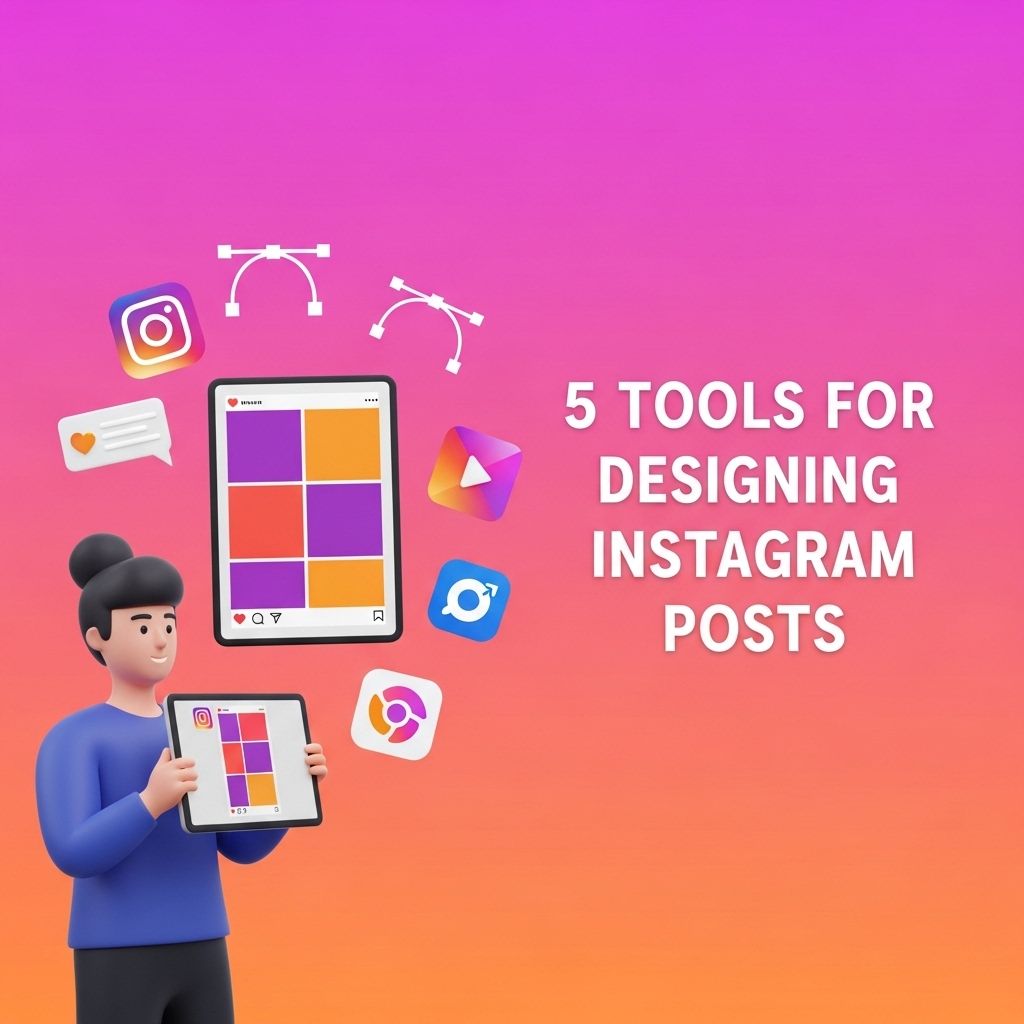
In the visually driven world of social media, creating stunning Instagram posts is essential for branding and engagement. Whether you’re a small business owner, a social media manager, or an individual looking to enhance your personal profile, knowing the right tools can make all the difference in your design process.
Table of Contents
Why Design Matters on Instagram
Instagram is a platform where aesthetics can significantly impact your audience’s perception of your brand. Well-designed posts not only grab attention but also help in establishing a cohesive brand identity. Here are a few reasons why investing time in design pays off:
- First Impressions: Your Instagram grid is often the first interaction potential customers will have with your brand.
- Brand Recognition: Consistent design elements can enhance brand recall.
- User Engagement: Visually appealing content is more likely to be liked and shared.
Essential Tools for Designing Instagram Posts
Below are five powerful tools that can assist you in creating beautiful Instagram posts, each catering to different design needs.
1. Canva
Canva is a versatile graphic design tool that is user-friendly and perfect for creating Instagram posts. With thousands of templates tailored for Instagram, it’s easy to customize posts with your branding.
Features:
- Drag-and-drop interface.
- A wide variety of free and premium templates.
- Extensive library of images, icons, and fonts.
How to Use Canva:
- Sign up for a free account.
- Select the Instagram post template.
- Customize with your images, text, and colors.
- Download or share directly to Instagram.
2. Adobe Spark
Adobe Spark is another intuitive design tool that allows you to create stunning graphics, web pages, and videos. It is particularly useful for those who are already familiar with Adobe products and want to utilize similar design principles.
Features:
- Integration with Adobe Creative Cloud.
- User-friendly interface with pre-made layouts.
- Access to Adobe’s high-quality stock photo library.
Getting Started with Adobe Spark:
- Create an Adobe account.
- Select “Create a Post” and choose the Instagram format.
- Personalize the design elements to align with your brand.
- Download or publish directly to Instagram.
3. Snappa
Snappa is a graphic design tool specifically aimed at non-designers, allowing users to create professional-looking graphics easily. Its simplicity and speed make it ideal for those who want to crank out content without a steep learning curve.
Features:
- Pre-sized templates for all major social media platforms.
- Access to a library of high-resolution stock photos.
- Tools to add effects and text with ease.
Steps to Use Snappa:
- Sign up for a free account.
- Choose the Instagram post format.
- Drag and drop images and text into your design.
- Export your design or share it directly.
4. Over
Over is a mobile graphic design app that allows you to create stunning visuals right from your smartphone. It’s perfect for those who are frequently on the go and want to create designs quickly.
Features:
- Professional templates designed for social media.
- Integration with stock photo services.
- Tools for adding text overlays and artwork.
Using Over:
- Download the Over app from the App Store or Google Play.
- Select a template or start from scratch.
- Add your images and customize text and colors.
- Save your design for Instagram.
5. Crello
Crello is a design tool that offers a plethora of templates, animations, and design elements. It’s perfect for creating eye-catching, animated posts that stand out on Instagram.
Features:
- Animation features for creating dynamic posts.
- Thousands of templates and design elements available.
- Easy-to-use interface suitable for beginners.
How to Get Started with Crello:
- Create an account on Crello.
- Choose the Instagram post format.
- Utilize the template library to find inspiration.
- Design your post and save it for sharing.
Tips for Effective Instagram Post Design
Once you have the right tools, applying effective design strategies is crucial. Here are some tips to consider:
- Maintain Consistency: Use a consistent color palette and font style to build your brand identity.
- Focus on Composition: Use the rule of thirds and avoid cluttering your images.
- Engage with Your Audience: Incorporate calls to action or questions in your posts to encourage interaction.
Conclusion
In a sea of content, standing out on Instagram requires creativity and the right tools at your disposal. By utilizing platforms like Canva, Adobe Spark, Snappa, Over, and Crello, you can easily create high-quality posts that resonate with your audience. Remember to apply good design principles and keep your branding consistent for the best results. Happy designing!
FAQ
What are the best tools for designing Instagram posts?
Some of the best tools for designing Instagram posts include Canva, Adobe Spark, Crello, Visme, and Snappa. These platforms offer user-friendly interfaces and templates specifically tailored for social media.
Can I use Canva for free to design Instagram posts?
Yes, Canva offers a free version that includes a variety of templates and design elements suitable for creating Instagram posts.
Are there any mobile apps for designing Instagram posts?
Yes, apps like Over, PicsArt, and Adobe Post are excellent for designing Instagram posts on mobile devices, providing flexibility and ease of use.
How can I create engaging Instagram posts using these tools?
To create engaging Instagram posts, use high-quality images, incorporate eye-catching fonts, and maintain a consistent color scheme that aligns with your brand.
Do these design tools provide Instagram post size templates?
Yes, most design tools like Canva and Adobe Spark offer Instagram post size templates to ensure your designs are perfectly optimized for the platform.
Is it possible to schedule Instagram posts created with these tools?
Yes, many design tools allow you to schedule your posts directly to Instagram or provide options for downloading and manually scheduling through social media management tools.