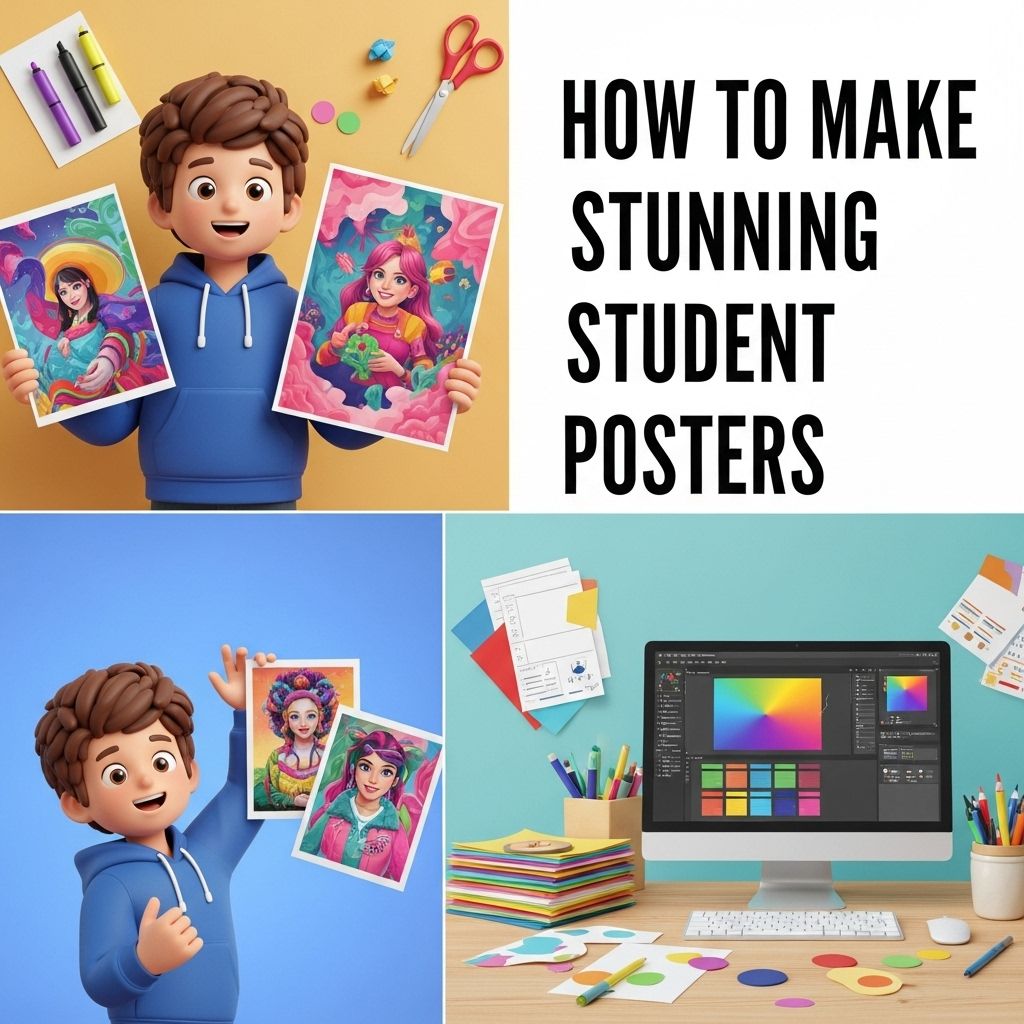
Creating stunning student posters is an essential skill for those in academic settings, as it allows students to effectively communicate their ideas visually. A well-designed poster can captivate the audience’s attention, convey information succinctly, and enhance the overall presentation experience. This article explores various strategies, tools, and tips for producing engaging posters that stand out in a crowd.
Creating stunning student posters has never been easier, thanks to a variety of resources available online. Whether you’re aiming for a vibrant design or a sleek, modern look, you can explore numerous options that cater to all themes and styles. Check out these non-commercial poster designs to get started on your creative journey.
Table of Contents
Understanding the Purpose of Your Poster
Before diving into design, it’s crucial to understand the poster’s purpose. Whether it’s for a class project, a science fair, or an academic conference, the poster must effectively transmit the intended message. Consider the following:
- Target Audience: Who will view your poster? Tailor your design and content to suit their interests and comprehension levels.
- Key Message: What is the primary takeaway you want your audience to have? Ensure this message is clear and prominent.
- Context: What event or setting will your poster be displayed in? This can influence design choices such as size and layout.
Choosing the Right Tools
Several tools are available for creating stunning posters, ranging from software to online platforms. Here’s a breakdown:
1. Graphic Design Software
For those comfortable with graphic design, software like Adobe Illustrator and Photoshop provides a wide range of features for customization. Key features include:
- Advanced image manipulation
- Extensive font choices
- Layer management for complex designs
2. Online Poster Makers
If you prefer a more straightforward approach, several user-friendly online platforms offer poster templates and design tools:
- Canva: Offers a myriad of templates and is ideal for beginners.
- Visme: Provides interactive elements suited for digital posters.
- Piktochart: Focuses on infographics, which can be useful for data-heavy presentations.
3. Presentation Software
Programs like Microsoft PowerPoint or Google Slides can also be used to create posters. Here’s how to utilize them:
- Set custom slide dimensions to match your poster size.
- Use grids and guides for layout consistency.
- Export as PDF or image file for printing.
Essential Design Principles
Good design is not just about aesthetics; it also involves functionality. Here are some principles to consider:
1. Color Scheme
Colors play a significant role in engaging viewers. Consider the following tips:
- Choose a limited palette (3-5 colors) to maintain harmony.
- Use contrasting colors for text and background to enhance readability.
- Emphasize important elements with bolder colors or shades.
2. Typography
Font choice can make or break a poster. Follow these guidelines:
- Limit the number of fonts to two or three.
- Choose legible fonts for both headings and body text.
- Ensure font sizes vary appropriately (e.g., titles larger than body text).
3. Layout and Structure
The organization of content is key to effective communication. Consider these layout strategies:
- Use sections to break down information logically.
- Incorporate white space to avoid clutter.
- Align elements for a professional look.
Incorporating Visuals
Visual elements enhance engagement and understanding. Here are ways to effectively incorporate visuals:
1. Images and Graphics
Images should support your message. Consider the following:
- Use high-resolution images for clarity.
- Ensure images are relevant to your topic.
- Include captions to explain visuals.
2. Charts and Graphs
When presenting data, clear visuals are crucial. Use charts and graphs to:
- Simplify complex data sets.
- Highlight key trends and comparisons.
- Make sure they are labeled and easy to read.
3. QR Codes and Links
Integrate technology by adding QR codes or links to:
- Direct viewers to additional resources.
- Provide supplementary information or multimedia elements.
Final Touches and Printing
Once your poster design is complete, consider the following before printing:
1. Proofreading
Ensure all text is free of spelling and grammatical errors. It’s advisable to have a peer review your content for clarity and coherence.
2. Print Quality
When printing, remember:
- Choose high-quality paper suitable for posters.
- Check the printer settings for optimal resolution.
- Consider professional printing services for large posters.
3. Presentation Techniques
When it comes time to present your poster, keep these tips in mind:
- Practice explaining your poster to ensure you can convey your message confidently.
- Engage with your audience by inviting questions and discussions.
- Be prepared to summarize your key points concisely.
Conclusion
Creating a stunning student poster requires a blend of creativity, design skills, and an understanding of effective communication. By following the guidelines outlined in this article, you can craft posters that not only capture attention but also effectively convey your message. Remember, a well-designed poster can be a powerful tool in your academic toolkit, enabling you to present your ideas with clarity and flair.
FAQ
What materials do I need to create stunning student posters?
To make stunning student posters, you’ll need high-quality paper or poster board, markers, colored pencils, glue, scissors, and any additional embellishments like stickers or glitter.
What design principles should I follow when creating a student poster?
Follow design principles such as contrast, alignment, repetition, and proximity. Use bold headings, consistent fonts, and a balanced layout to make your poster visually appealing.
How can I make my student poster stand out?
Incorporate eye-catching visuals, use a limited color palette, and include clear, concise text. Adding interactive elements like QR codes can also engage viewers.
What software can I use to design student posters digitally?
You can use graphic design software like Canva, Adobe Spark, or Microsoft PowerPoint to create digital posters with various templates and design tools.
What are some common themes for student posters?
Common themes for student posters include educational topics, school events, environmental awareness, and motivational messages. Choose a theme that resonates with your audience.
How do I ensure my poster is informative and engaging?
Use clear headings, bullet points, and visuals to convey information. Keep text minimal and relevant, and ensure that the layout guides the viewer’s eye through the content.