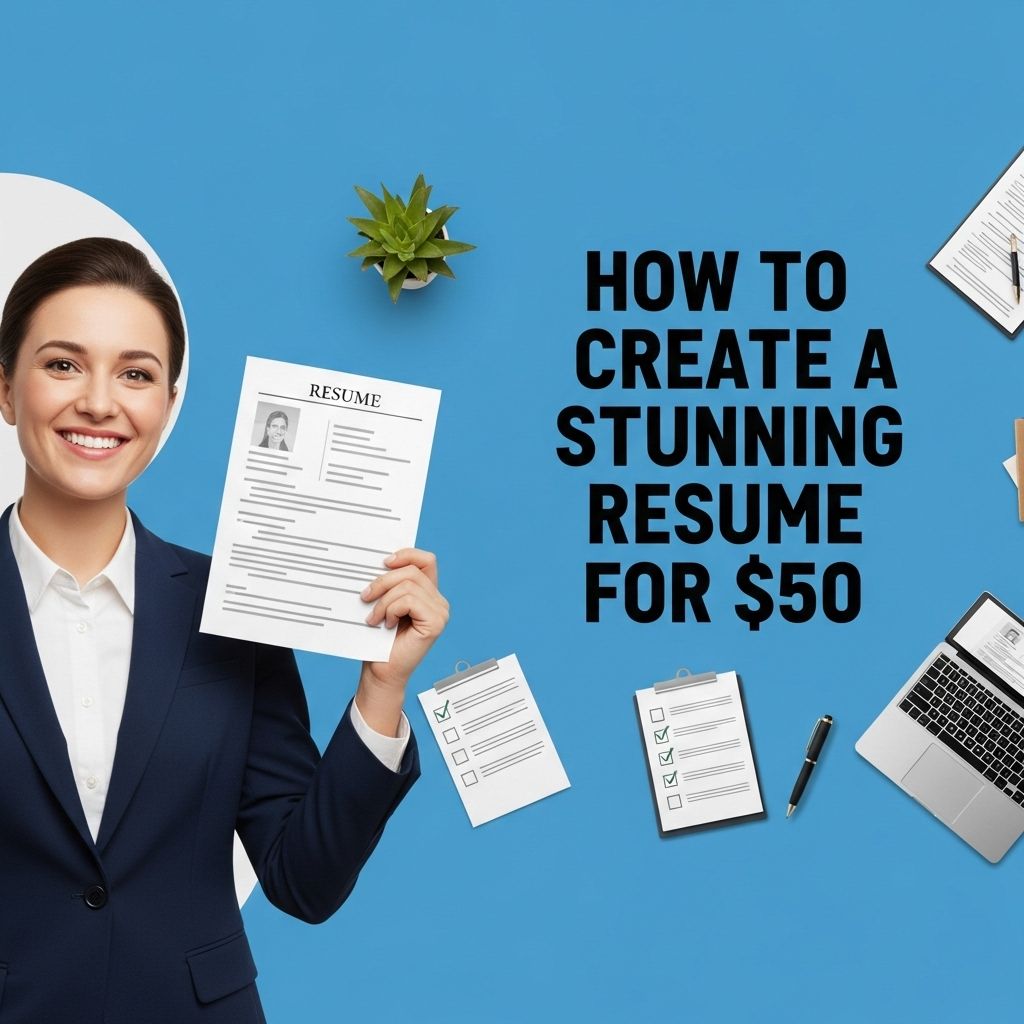
In today’s competitive job market, having a standout resume is crucial for making a lasting impression on potential employers. With numerous applicants vying for the same position, a resume that effectively showcases your skills, experiences, and personality can set you apart from the crowd. For just $50, you can create a stunning resume that not only looks professional but also highlights your unique qualifications. This guide will walk you through essential elements of a great resume, tools you can use, and tips for maximizing the impact of your application materials.
Creating a stunning resume doesn’t have to break the bank; for just $50, you can craft a standout document that captures employers’ attention. By utilizing design techniques and resources, such as the right templates and layout tips, you can elevate your job application. For those interested in enhancing their designs, you might also explore how to create bag mockups to add a professional touch to your portfolio.
Table of Contents
Understanding the Basics of a Resume
A resume is a brief document that outlines your professional qualifications. It serves as a marketing tool that highlights your skills and experience to potential employers. Here are the critical components of a resume:
- Contact Information: Your name, phone number, email, and LinkedIn profile.
- Objective Statement: A brief summary of your career goals and what you’re looking for in a position.
- Work Experience: A listing of your relevant job history, including your roles, responsibilities, and accomplishments.
- Education: Your academic qualifications, including degrees, certifications, and relevant coursework.
- Skills: A section dedicated to the abilities that make you a strong candidate for the job.
Choosing the Right Resume Template
With a budget of $50, investing in a professional template can significantly enhance your resume’s appearance. Here are some popular sources where you can purchase high-quality resume templates:
- Creative Market: Offers a wide range of creative resume templates for different industries.
- Envato Elements: Access thousands of professionally designed templates with a subscription.
- Canva: Provides customizable templates for free and premium options, allowing for easy editing.
- Microsoft Office Templates: A good option for traditional and professional templates.
Evaluating Template Options
When choosing a template, consider the following:
- Industry standards: Different fields may favor various designs.
- Readability: Ensure the template is easy to read and scan.
- Customization: Look for templates that allow you to modify colors, fonts, and layouts.
- Visual appeal: A modern, clean design can make a strong first impression.
Crafting Your Resume Content
Once you have your template, it’s time to fill it with compelling content. Here are some tips to help you write effective resume sections:
Contact Information
Keep your contact information clear and prominent:
- Name (bold and larger font)
- Phone number
- Email address (professional)
- LinkedIn profile or personal website
Objective Statement
Your objective statement should be specific and tailored to the job you’re applying for. Here’s a formula to follow:
“[Position Title] at [Company Name] where I can utilize my [specific skills] to achieve [company goals].”
Work Experience
List your work experience in reverse chronological order. Include:
- Job Title
- Company Name and Location
- Dates of Employment
- A bullet-point list of responsibilities and achievements
Use action verbs and quantify your accomplishments where possible. For example:
“Increased sales by 30% over six months by implementing a new customer engagement strategy.”
Education
Highlight your educational achievements, including:
- Degree(s) obtained
- Institution(s) attended
- Graduation dates
- Relevant coursework, honors, or extracurricular activities
Showcasing Skills Effectively
Include a skills section that lists both hard and soft skills relevant to the position. Consider organizing them into categories:
| Hard Skills | Soft Skills |
|---|---|
| Data Analysis | Team Collaboration |
| Programming Languages | Communication |
| Project Management | Problem Solving |
Polishing and Finalizing Your Resume
After drafting your resume, take the time to refine and proofread it. Here’s how:
- Check for spelling and grammatical errors.
- Ensure formatting consistency (fonts, sizes, bullet points).
- Keep it within one or two pages, depending on your experience level.
- Ask a friend or mentor to review it and provide feedback.
Leveraging Additional Resources
If you want to further enhance your resume, consider these resources:
- Online Courses: Websites like Coursera or LinkedIn Learning offer resume writing workshops.
- Professional Resume Services: While they might exceed your budget, investing a little more could yield high returns.
- Resume Builders: Tools like Zety or ResumeGenius offer guided assistance in creating resumes.
Conclusion
Creating a stunning resume for $50 is not only possible but also a smart investment in your career. By understanding the essential components, selecting the right template, crafting compelling content, and utilizing available resources, you can build a professional document that effectively markets your skills and experiences. Take the time to personalize your resume for each application and continually update it as your career progresses. With a polished resume in hand, you’re well on your way to landing your dream job.
FAQ
How can I create a stunning resume for $50?
You can create a stunning resume for $50 by using online resume builders, purchasing professional templates, or hiring freelance resume writers who offer services within that budget.
What features should a stunning resume include?
A stunning resume should include a clear layout, professional fonts, bullet points for easy reading, relevant experience, skills tailored to the job, and contact information.
Are there any online tools to create resumes for free?
Yes, there are several online tools like Canva, Resume.com, and Google Docs that allow you to create resumes for free with customizable templates.
What are the benefits of hiring a professional resume writer?
Hiring a professional resume writer can provide you with expert insights, tailored content, and a polished format, increasing your chances of catching an employer’s attention.
How important is the design of a resume?
The design of a resume is crucial as it impacts first impressions; a visually appealing and organized resume can make it easier for recruiters to read and retain information.
Can I update my resume design after I create it?
Yes, you can easily update your resume design by using the same template or by selecting a new one to reflect your latest skills and experiences.