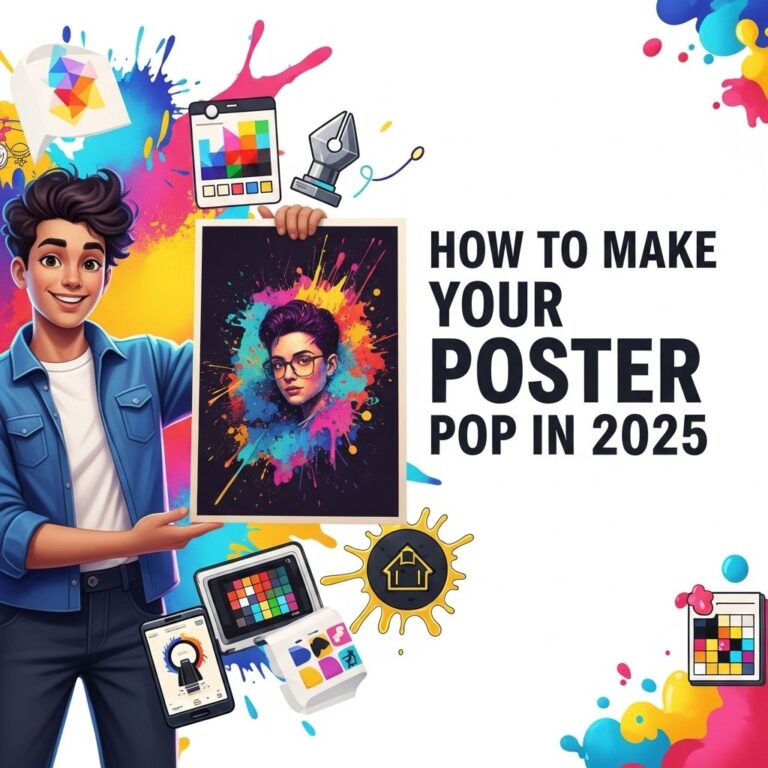
Creating stunning posters is an art that combines creativity, design principles, and modern technology. In today’s world, where visual communication is paramount, the ability to design eye-catching posters can greatly enhance your marketing efforts, convey messages effectively, and attract audiences in various contexts—from events and promotions to personal projects. This article will guide you through the essential steps and tools needed to craft visually appealing posters that stand out.
Creating stunning posters in minutes has never been easier. With a variety of downloadable resources available, you can elevate your design game quickly and efficiently. Explore a wide selection of downloadable poster designs to get started.
Table of Contents
Understanding the Basics of Poster Design
Before diving into the technical aspects of poster creation, it’s crucial to grasp the fundamental principles of design. A well-designed poster should grab attention, convey information quickly, and be aesthetically pleasing. Here are some key elements to consider:
1. Composition
Composition refers to the arrangement of visual elements within your poster. Consider the following:
- Balance: Distribute visual weight evenly to create harmony.
- Contrast: Utilize contrasting colors or shapes to highlight key information.
- Hierarchy: Organize information in a way that guides the viewer’s eye.
2. Color Theory
Colors evoke emotions and can significantly influence how your message is perceived. Here’s a basic color wheel reference:
| Color | Emotion |
|---|---|
| Red | Passion, Energy |
| Blue | Trust, Calmness |
| Green | Growth, Harmony |
| Yellow | Happiness, Optimism |
| Purple | Luxury, Creativity |
Choosing the Right Tools
With the basics in mind, selecting the right tools for poster design is essential. There are numerous software options available, catering to different skill levels and needs:
Graphic Design Software
Here are some popular choices:
- Adobe Photoshop: Industry-standard for photo editing and design.
- Adobe Illustrator: Perfect for vector graphics and scalable designs.
- Canva: User-friendly option with templates and drag-and-drop features.
- Inkscape: Free, open-source vector graphics editor.
- Affinity Designer: A cost-effective alternative to Adobe products.
Online Tools and Resources
In addition to software, various online platforms can enhance your design process:
- Unsplash: Free high-resolution images.
- Pexels: Stock photos and videos for creative use.
- Coolors: Color scheme generator to find the perfect palette.
- Font Squirrel: A resource for free, professionally designed fonts.
Steps to Create a Stunning Poster
Now that you have the foundational knowledge and tools, let’s walk through the step-by-step process of creating a stunning poster.
Step 1: Define Your Purpose and Audience
Before you start designing, clarify the purpose of your poster. Ask yourself:
- What message do I want to communicate?
- Who is my target audience?
- What action do I want the viewer to take?
Step 2: Choose a Layout
Decide on the layout that best suits your content. Common layouts include:
- Grid Layout: Organizes elements in rows and columns.
- Z-Layout: Guides the viewer’s eyes in a Z shape across the poster.
- Asymmetrical Layout: Creates dynamic tension and visual interest.
Step 3: Select Your Color Scheme
Pick a color palette that aligns with your message. Use tools like Coolors or Adobe Color to create or find inspiration for complementary colors.
Step 4: Choose Typography Wisely
Typography plays a crucial role in poster design. Keep these tips in mind:
- Limit yourself to two to three fonts.
- Ensure readability from a distance.
- Use font sizes to establish hierarchy (e.g., larger for headings, smaller for body text).
Step 5: Incorporate Imagery
Images can significantly enhance your poster’s appeal. Choose high-quality images that relate to your message. Remember to:
- Ensure proper licensing for any images used.
- Consider using illustrations for a unique touch.
- Maintain a balance between text and images to avoid clutter.
Step 6: Design for Print and Digital
If your poster will be printed, ensure you use the right resolution (300 DPI is standard). For digital posters, consider the dimensions required by the platform where it will be displayed.
Step 7: Review and Revise
Before finalizing your poster, review it multiple times. Check for:
- Spelling and grammatical errors.
- Alignment and spacing issues.
- Overall visual appeal and effectiveness.
Best Practices for Poster Distribution
Creating a stunning poster is just the beginning. To ensure it reaches your audience, consider these distribution strategies:
1. Leverage Social Media
Share your poster on various platforms, ensuring you tailor the format to each site’s best practices.
2. Collaborate with Influencers
Partner with influencers who resonate with your target audience to widen your reach.
3. Utilize Email Marketing
Include your poster in newsletters or promotional emails to engage subscribers.
4. Print Strategically
Choose high-traffic areas for physical distribution. Ensure you have the necessary permissions for public postings.
Conclusion
Designing stunning posters is a combination of creativity, technical skill, and clear objective setting. By understanding the basics of design, utilizing the right tools, and following a structured approach, anyone can create effective and eye-catching posters. Whether for a personal project or a professional campaign, these skills are invaluable in today’s visually driven world. Get started on your poster design journey and watch your vision come to life!
FAQ
What are the best tools for creating stunning posters?
Some of the best tools for creating stunning posters include Adobe Photoshop, Canva, and PosterMyWall, which offer user-friendly features and templates.
What design principles should I follow when making a poster?
When designing a poster, focus on balance, contrast, alignment, repetition, and hierarchy to create an effective visual impact.
How can I choose the right color scheme for my poster?
To choose the right color scheme, consider the emotions you want to evoke, the brand identity, and use tools like Adobe Color or Coolors to find complementary colors.
What size should my poster be for optimal printing?
The optimal size for printed posters typically ranges from 24×36 inches for large formats to 11×17 inches for smaller ones, depending on your needs.
How can I incorporate images effectively in my poster design?
Incorporate images by ensuring they are high resolution, relevant to your message, and properly placed to enhance readability and engagement.
What are common mistakes to avoid when creating a poster?
Common mistakes include overcrowding with text, using too many fonts, neglecting white space, and not considering the target audience’s preferences.