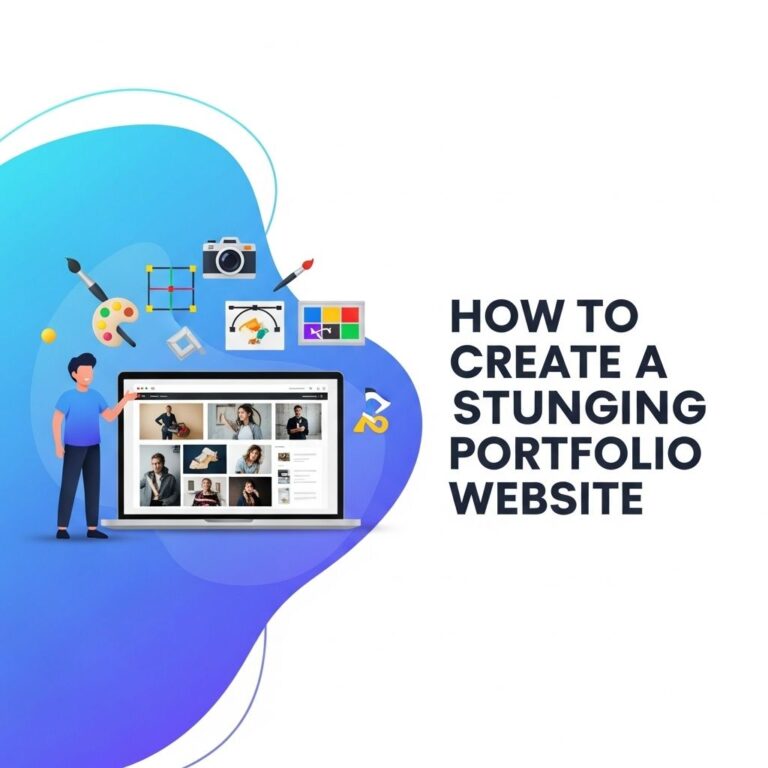
Creating a portfolio website is an essential step for any professional looking to showcase their skills, projects, and achievements. A well-designed portfolio can make a strong impression on potential employers or clients, setting you apart in a competitive marketplace. In this article, we will explore the key elements to consider when building a stunning portfolio website, as well as tips and tools to help you get started.
Table of Contents
Understanding Your Audience
Before diving into the design and content of your portfolio, it’s crucial to understand who your audience is. Knowing your audience helps you tailor the website to meet their expectations. Here are some considerations:
- Identify your target audience: Are they potential employers, clients, or collaborators?
- Research their preferences: What types of portfolios do they admire or find effective?
- Determine your unique value proposition: What sets you apart from others in your field?
Choosing the Right Platform
With numerous website builders and content management systems available, selecting the right platform for your portfolio is vital. Here are some popular options:
| Platform | Best For | Key Features |
|---|---|---|
| WordPress | Customizability | Plugins, themes, strong community support |
| Wix | Ease of use | Drag-and-drop interface, responsive templates |
| Squarespace | Visual appeal | Beautiful templates, built-in SEO tools |
| Webflow | Design flexibility | Customization, clean code export |
| Behance | Creative professionals | Networking, project showcasing |
Designing Your Portfolio
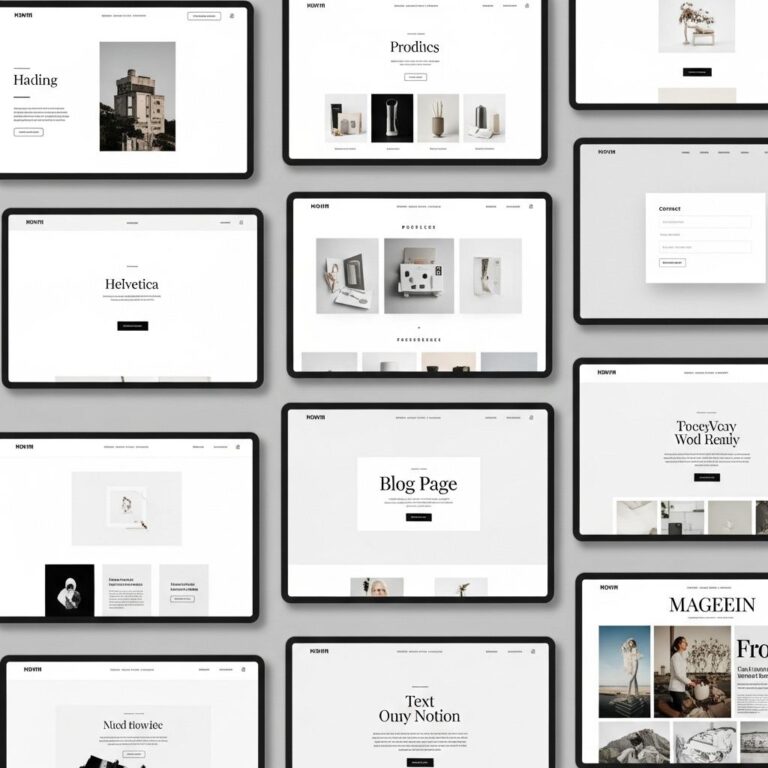
The design of your portfolio website should reflect your personal brand and make navigation easy for users. Follow these design principles:
1. Choose a Color Palette
Select a color scheme that aligns with your brand. Use color psychology to evoke the right emotions and ensure accessibility.
2. Typography
Pick fonts that are easy to read and professional. Limit your selection to two or three typefaces to maintain consistency.
3. Layout
Organize your content in a logical manner. Consider using a grid layout for project showcases:
- Header with your name and tagline
- Navigation menu
- Main content area
- Footer with contact information and social media links
4. Responsiveness
Ensure your portfolio is mobile-friendly. Test on various devices to guarantee a smooth experience.
Content to Include
Your portfolio content is crucial in showcasing your skills and projects. Here is a list of essential elements to include:
- About Me: Provide a brief introduction about yourself, your background, and your career objectives.
- Projects: Highlight your best work. Include images, project descriptions, and links to the live site or code repositories.
- Skills: List your technical skills, tools, and technologies that you are proficient in.
- Testimonials: Include quotes from past clients or employers that reflect your abilities and work ethic.
- Contact Information: Make it easy for visitors to reach you through a contact form or direct email link.
Enhancing User Experience
Improving the user experience on your portfolio is crucial for retaining visitors. Implement the following strategies:
1. Intuitive Navigation
Your site should be easy to navigate. Use a clear menu structure and include links to all main sections.
2. Fast Loading Times
Optimize images and use efficient coding practices to reduce loading times, enhancing user satisfaction.
3. Interactive Elements
Engage visitors with interactive components such as animations, hover effects, and sliders. However, ensure they do not distract from your content.
Search Engine Optimization (SEO)
Incorporating SEO best practices will help your portfolio rank higher in search engine results. Focus on:
- Keyword Research: Identify relevant keywords to include in your content.
- Meta Tags: Use descriptive title tags and meta descriptions for each page.
- Alt Text: Add alt text to images to improve accessibility and SEO.
Promoting Your Portfolio
Once your portfolio is live, promoting it is essential to attract visitors. Consider the following strategies:
- Social Media: Share your portfolio on platforms like LinkedIn, Twitter, and Instagram.
- Networking: Connect with industry professionals and share your work.
- Blogging: Start a blog related to your field to drive traffic to your portfolio.
Maintaining Your Portfolio
Lastly, keep your portfolio updated. Regularly add new projects, refine your content, and review your design as your skills and style evolve.
In conclusion, a stunning portfolio website is an invaluable asset in showcasing your talents and achievements effectively. By understanding your audience, selecting the right platform, designing with care, and promoting your work, you can create a portfolio that not only stands out but also opens doors to new opportunities.
FAQ
What is a portfolio website?
A portfolio website is an online platform that showcases an individual’s work, skills, and achievements, often used by artists, designers, and professionals to attract clients and employers.
How do I choose the right platform for my portfolio website?
Choosing the right platform depends on your technical skills and needs. Popular options include WordPress, Wix, and Squarespace, which offer user-friendly interfaces and customizable templates.
What essential elements should I include in my portfolio website?
Your portfolio should include a homepage, an about section, a gallery of your work, client testimonials, and a contact page to make it easy for visitors to reach you.
How can I make my portfolio website visually appealing?
Use high-quality images, a consistent color scheme, and clear typography. Additionally, ensure that your layout is clean and easy to navigate to enhance user experience.
Should I optimize my portfolio website for SEO?
Yes, optimizing your portfolio website for SEO is crucial. Use relevant keywords, write unique descriptions for your projects, and ensure your site is mobile-friendly to improve search visibility.
How often should I update my portfolio website?
Regularly updating your portfolio is important to showcase your latest work and skills. Aim to refresh your content every few months or whenever you complete significant projects.