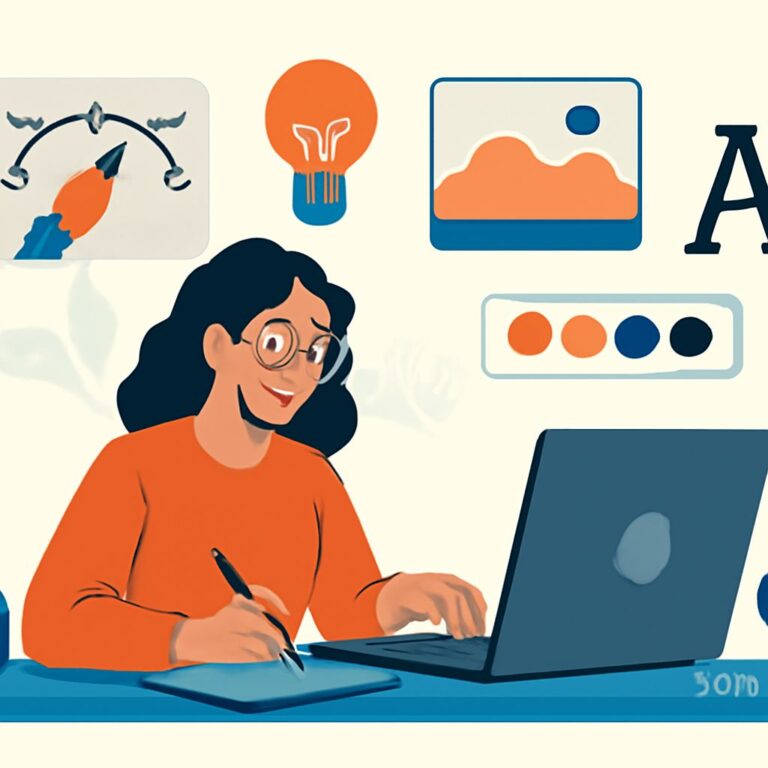
In an era where visual identity plays a crucial role in branding, minimalist logo design has emerged as a popular choice among businesses aiming to communicate their message clearly and effectively. A minimalist logo strips away unnecessary elements, focusing instead on simplicity, clarity, and impact. But, how do designers create these stunning logos? Luckily, several tools are available that not only assist in the design process but also enhance creativity and productivity. In this article, we delve into five essential tools that can help you craft a captivating minimalist logo.
When creating a stunning minimalist logo, having the right tools can make all the difference in achieving a clean and impactful design. Whether you’re a seasoned designer or just starting, exploring essential resources is key to refining your brand identity. Check out useful materials for crafting compelling visuals, such as brand identity designs that can elevate your logo projects.
Table of Contents
1. Adobe Illustrator
Adobe Illustrator is a powerful vector graphics editor and design program that is indispensable for professional designers. Its robust set of tools allows for precise control over shapes, typography, and colors, making it the go-to option for creating minimalist logos.
Key Features:
- Vector-Based Design: Ensures logos are scalable without loss of quality.
- Extensive Typography Options: Offers a variety of fonts and allows for custom typography.
- Artboards: Enables designers to work on multiple logo variations simultaneously.
Getting Started:
- Open a new document with appropriate dimensions for your logo.
- Use the Pen Tool to create vector shapes that embody your brand.
- Experiment with typography and color palettes.
- Save your final design in various formats for versatility.
2. Canva
If you lack advanced design skills but want to create a minimalist logo, Canva is an excellent option. This user-friendly graphic design tool offers a plethora of templates and assets that make logo creation accessible for everyone.
Key Features:
- Drag-and-Drop Interface: Simplifies the design process for beginners.
- Template Library: Access to a vast collection of customizable logo templates.
- Collaboration Tools: Share designs with teammates for feedback.
How to Use Canva for Logo Design:
- Create a free account on Canva.
- Search for logo templates or start from scratch.
- Customize the template with your brand colors and fonts.
- Download your design in various formats.
3. Figma
Figma is a cloud-based design tool that is gaining popularity among UX/UI designers and logo creators. Its real-time collaboration feature allows teams to work together seamlessly on logo designs.
Key Features:
- Real-Time Collaboration: Work with multiple team members simultaneously.
- Vector Editing: Create and modify vector graphics easily.
- Plugins: Extend functionality with various design plugins.
Steps to Design a Logo in Figma:
- Start a new design file and set your canvas size.
- Use vector shapes to construct your logo.
- Utilize the components feature for consistent branding.
- Export your design as SVG, PNG, or PDF.
4. LogoMakr
LogoMakr is an online logo design tool that caters to those who prefer a straightforward and quick approach to logo creation. It’s particularly beneficial for startups and small businesses looking for an efficient way to create logos without hefty design software.
Key Features:
- Simple Interface: No design experience is needed to create logos.
- Icon Library: Access to thousands of icons for inspiration.
- Direct Download: Easily download low-resolution logos for free.
Using LogoMakr Effectively:
- Go to the LogoMakr website and click on ‘Start Designing’.
- Search for icons relevant to your brand.
- Customize colors and text to align with your brand identity.
- Download your logo and save it for future use.
5. Sketch
For Mac users, Sketch is a robust design tool specifically tailored for digital design. It’s particularly popular among professionals designing minimalist logos due to its precision and efficiency.
Key Features:
- Artboard Management: Organize multiple logo designs effectively.
- Symbols: Create reusable design elements to maintain consistency.
- Export Options: Export designs in various formats and resolutions.
Steps to Create a Logo in Sketch:
- Create a new document and choose the appropriate artboard size.
- Use the vector tool to create shapes.
- Incorporate text and adjust typographic elements.
- Export your final logo in the desired format.
Conclusion
Creating a stunning minimalist logo is an art that combines creativity with the right tools. Whether you’re a seasoned designer or a beginner, the tools highlighted in this article—Adobe Illustrator, Canva, Figma, LogoMakr, and Sketch—offer various functionalities suited to different design needs. By leveraging these resources, you can produce a logo that not only represents your brand effectively but also resonates with your audience. Remember, simplicity is key in minimalist design, so focus on the essence of your brand while crafting your logo.
FAQ
What are the best tools for minimalist logo design?
Some of the best tools for minimalist logo design include Adobe Illustrator, Canva, Sketch, Figma, and LogoMakr.
Can I create a minimalist logo for free?
Yes, tools like Canva and LogoMakr offer free options to create stunning minimalist logos without any design experience.
What features should I look for in a minimalist logo design tool?
Look for features like vector editing, a variety of templates, user-friendly interfaces, and customization options to create a unique minimalist logo.
How do I ensure my minimalist logo is effective?
To ensure your minimalist logo is effective, focus on simplicity, balance, and relevance to your brand while using limited colors and shapes.
Are there any tips for designing a minimalist logo?
Yes, some tips include using negative space creatively, choosing a limited color palette, and ensuring the logo is scalable and recognizable at any size.