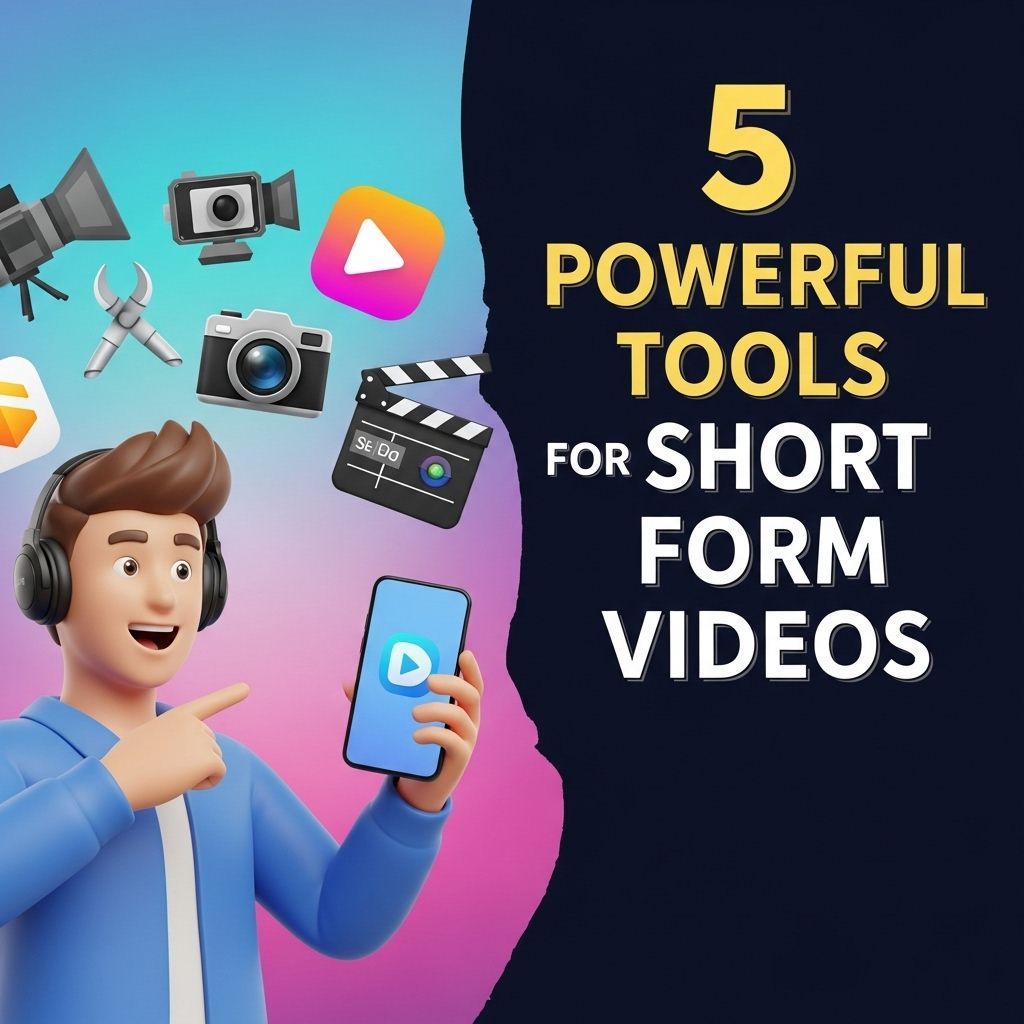
In the fast-paced digital landscape, short-form videos have emerged as a key player in content consumption, influencing everything from marketing strategies to social media engagement. With platforms like TikTok, Instagram Reels, and YouTube Shorts gaining immense popularity, content creators are constantly seeking effective tools to enhance their video production quality. This article highlights five powerful tools that can significantly streamline the process of creating captivating short-form videos.
Table of Contents
1. InShot
InShot is a robust video editing app that caters specifically to mobile users who want to create engaging short videos. With its intuitive interface, even novice users can begin crafting professional-looking content in no time.
Key Features:
- Multi-Track Editing: Users can layer audio, video, and images for dynamic compositions.
- Text and Sticker Addition: Customize videos with a variety of fonts, colors, and stickers.
- Filters and Effects: Enhance visuals with numerous filters and transition effects.
InShot’s ease of use and rich feature set make it an excellent choice for influencers looking to create quick, engaging videos on-the-go.
2. Canva
Canva is widely recognized for its design capabilities, but its video editing features are equally impressive, offering a seamless way to produce visually striking short videos.
Why Choose Canva for Video Editing?
- Drag-and-Drop Interface: Effortlessly move elements around the canvas.
- Templates: Access hundreds of customizable templates specifically designed for social media video formats.
- Collaboration Tools: Inviting team members for joint projects in real-time enhances productivity.
Canva’s extensive library of graphics and design elements empowers users to create standout videos that capture attention.
3. Adobe Premiere Rush
For those who seek a more advanced tool without the complexity of traditional video editing software, Adobe Premiere Rush is an ideal solution. This app offers a simplified version of Adobe Premiere Pro, designed for quick edits and social media sharing.
Benefits of Using Adobe Premiere Rush:
- Cross-Platform Compatibility: Edit on desktop or mobile devices with seamless synchronization.
- Built-In Audio Tools: Adjust audio levels and add music tracks directly within the app.
- Customizable Motion Graphics: Create animations that enhance storytelling.
Adobe Premiere Rush is perfect for creators who want to elevate their content without sacrificing ease of use.
4. Kapwing
Kapwing is an online video editing platform that allows users to create and edit videos directly in their browser. This tool is particularly useful for collaborative projects and offers a variety of features that cater to short-form video needs.
Noteworthy Features:
- Instant Video Resizing: Adapt your videos for various platforms with one click.
- Subtitles Generator: Automatically generate subtitles to increase accessibility.
- Smart Cut: Remove filler words and pauses to create concise videos.
Kapwing’s collaborative features and accessibility make it a worthwhile consideration for teams working on social media campaigns.
5. Descript
Descript takes video editing to a whole new level by allowing users to edit video content by editing text. This innovative approach simplifies the editing process and can save hours during production.
Why Descript Stands Out:
- Text-Based Editing: Edit your video just like a document; cutting words removes the corresponding footage.
- Overdub: Create voiceovers with AI-generated voices that sound natural.
- Screen Recording: Capture your screen for tutorials or presentations.
Descript is an excellent choice for educators, marketers, and anyone who produces tutorial or instructional content, simplifying the production process while maintaining creativity.
Conclusion
The rise of short-form video content continues to reshape how we communicate and engage in the digital realm. Utilizing the right tools is essential in standing out amidst the crowded visual landscape. Each of the tools discussed offers unique features tailored to different needs and skill levels, ensuring that anyone can create high-quality content efficiently. Whether you are a seasoned professional or just dipping your toes into video creation, these five powerful tools will empower you to tell your story and connect with your audience effectively.
FAQ
What are some of the best tools for creating short form videos?
Some of the best tools for creating short form videos include Adobe Premiere Rush, InShot, TikTok, CapCut, and Canva.
How can I edit short form videos effectively?
You can edit short form videos effectively by using user-friendly editing tools like InShot or CapCut, which offer features such as trimming, filters, and text overlays.
Are there any free tools for making short form videos?
Yes, tools like Canva, TikTok, and CapCut offer free versions that are great for making engaging short form videos.
What features should I look for in a short form video tool?
Look for features such as ease of use, a variety of templates, text and music options, and the ability to share directly to social media.
Can I create short form videos for Instagram using these tools?
Absolutely! Tools like Canva and InShot are perfect for creating short form videos optimized for Instagram.
What is the ideal length for short form videos?
The ideal length for short form videos is typically between 15 to 60 seconds, depending on the platform.