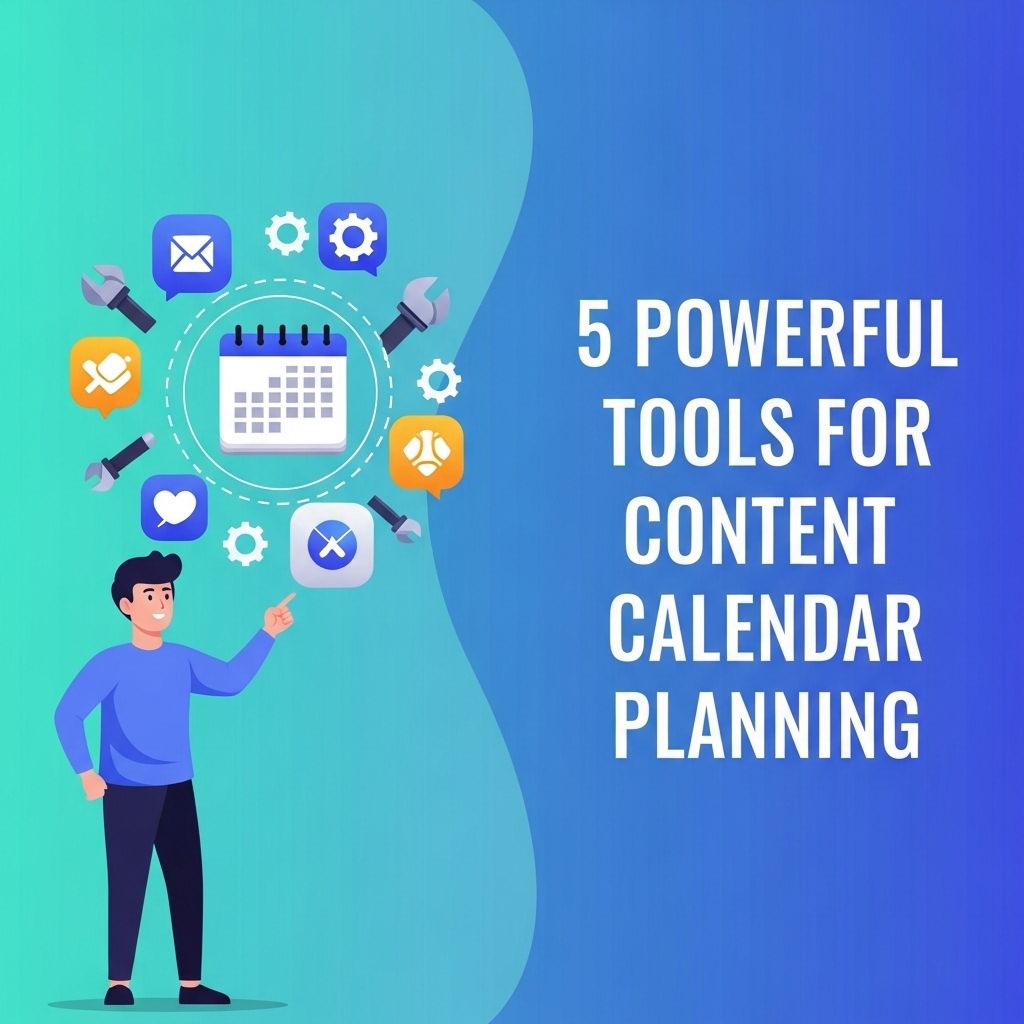
In the fast-paced world of digital marketing, a well-organized content calendar is essential for success. It helps streamline your content creation process, ensures consistency across platforms, and enables effective planning for campaigns and promotions. With a plethora of tools available, choosing the right one can significantly enhance your workflow. Here, we explore five powerful tools that can transform your content calendar planning.
Table of Contents
1. Trello: Visual Collaboration Made Easy
Trello is a versatile project management tool that uses boards, lists, and cards for organizing tasks. It’s particularly beneficial for content calendar planning due to its visual nature.
Features of Trello for Content Planning
- Customizable Boards: Create boards for different projects or content types.
- Drag-and-Drop Interface: Easily move tasks around to adjust your content schedule.
- Collaborative Features: Invite team members for real-time collaboration and feedback.
- Integrations: Connect with other tools like Google Drive, Slack, and more for seamless workflow.
Getting Started with Trello
- Create a free account and set up your first board.
- Add lists representing different stages of content creation (e.g., Ideas, In Progress, Published).
- Create cards for each piece of content and fill in details such as deadlines, responsibilities, and links to assets.
- Use labels and due dates to keep track of priorities.
2. Asana: Task Management with a Twist
Asana is another project management tool that excels in task assignment and tracking. With its robust features, it can serve as a powerful content calendar.
Key Features of Asana
- Timeline View: Visualize your content calendar with a Gantt chart-style timeline.
- Task Assignments: Clearly assign tasks to team members with deadlines for accountability.
- Custom Fields: Tailor your workflow with custom fields for specific needs.
- Activity Tracking: Monitor progress on tasks and get notified of updates.
How to Use Asana for Content Planning
- Sign up and create a new project for your content calendar.
- Add tasks for each content piece, including due dates and assignees.
- Switch to the Timeline view to visualize your content schedule.
- Use sections to categorize content types, such as blog posts, social media, and videos.
3. CoSchedule: All-in-One Marketing Calendar
CoSchedule offers a comprehensive marketing calendar solution that integrates with various platforms. It is designed specifically for marketers looking to streamline their content marketing efforts.
Benefits of CoSchedule
- Content Optimization: Built-in tools to help optimize headlines and analyze performance.
- Social Media Automation: Schedule social media posts in conjunction with your content.
- Analytics: Gain insights into content performance to inform future planning.
- Drag-and-Drop Calendar: Easily adjust your schedule with a simple drag-and-drop interface.
Steps to Implement CoSchedule
- Sign up for CoSchedule and create your marketing calendar.
- Add content and schedule social media promotions for each piece.
- Use the optimization tools to refine your content before publishing.
- Monitor analytics to track engagement and adjust future content accordingly.
4. Google Calendar: The Simple Solution
For those looking for a straightforward approach, Google Calendar is an excellent tool to organize a content calendar. It’s free, widely used, and integrates well with other Google services.
Advantages of Using Google Calendar
- Accessibility: Available on any device with internet access.
- Sharing Capabilities: Share your calendar with team members for transparency.
- Reminders: Set up reminders for deadlines and publishing dates.
- Integration: Sync with Google Docs, Sheets, and other tools.
How to Set Up a Content Calendar in Google Calendar
- Create a new calendar specifically for your content planning.
- Add events for each piece of content, including publishing dates and deadlines.
- Color code different types of content for easy identification.
- Share the calendar with your team to keep everyone on the same page.
5. Airtable: The Hybrid Solution
Airtable combines the simplicity of a spreadsheet with the power of a database, making it an ideal tool for content planning. Its flexibility allows for tailored workflows that suit any team.
Airtable Features for Content Calendar
- Custom Views: Switch between grid view, calendar view, and Kanban board to see your content in various formats.
- Field Types: Use different field types such as attachments, checkboxes, and drop-down menus to manage content details.
- Collaboration: Invite team members to collaborate in real-time.
- Automations: Set up automations to streamline repetitive tasks.
Getting Started with Airtable
- Create an Airtable account and start a new base for your content calendar.
- Add fields for title, content type, due date, status, and team member assignment.
- Use the calendar view to visualize your content schedule.
- Implement automations to send reminders or notifications about upcoming deadlines.
Conclusion
Choosing the right tool for content calendar planning can significantly impact your content strategy’s effectiveness. Whether you prefer the visual layout of Trello, the robust features of Asana, the all-in-one approach of CoSchedule, the simplicity of Google Calendar, or the hybrid capabilities of Airtable, each tool offers unique benefits. By leveraging these powerful tools, you can enhance collaboration, improve organization, and ultimately drive better results in your content marketing efforts.
FAQ
What are the best tools for content calendar planning?
Some of the best tools for content calendar planning include Trello, Asana, CoSchedule, Airtable, and Google Sheets.
How do I choose the right content calendar tool for my team?
To choose the right content calendar tool, consider factors like team size, required features, integration capabilities, and your budget.
Can I use free tools for content calendar planning?
Yes, many free tools like Google Sheets and Trello offer great functionalities for content calendar planning without any costs.
What features should I look for in a content calendar tool?
Look for features like collaboration options, scheduling capabilities, analytics, and integration with other marketing tools.
How often should I update my content calendar?
You should update your content calendar regularly, ideally on a weekly or monthly basis, to keep your content strategy aligned with goals.
What are the benefits of using a content calendar?
Using a content calendar helps streamline your content planning, ensures consistency, improves collaboration, and enhances overall content strategy.