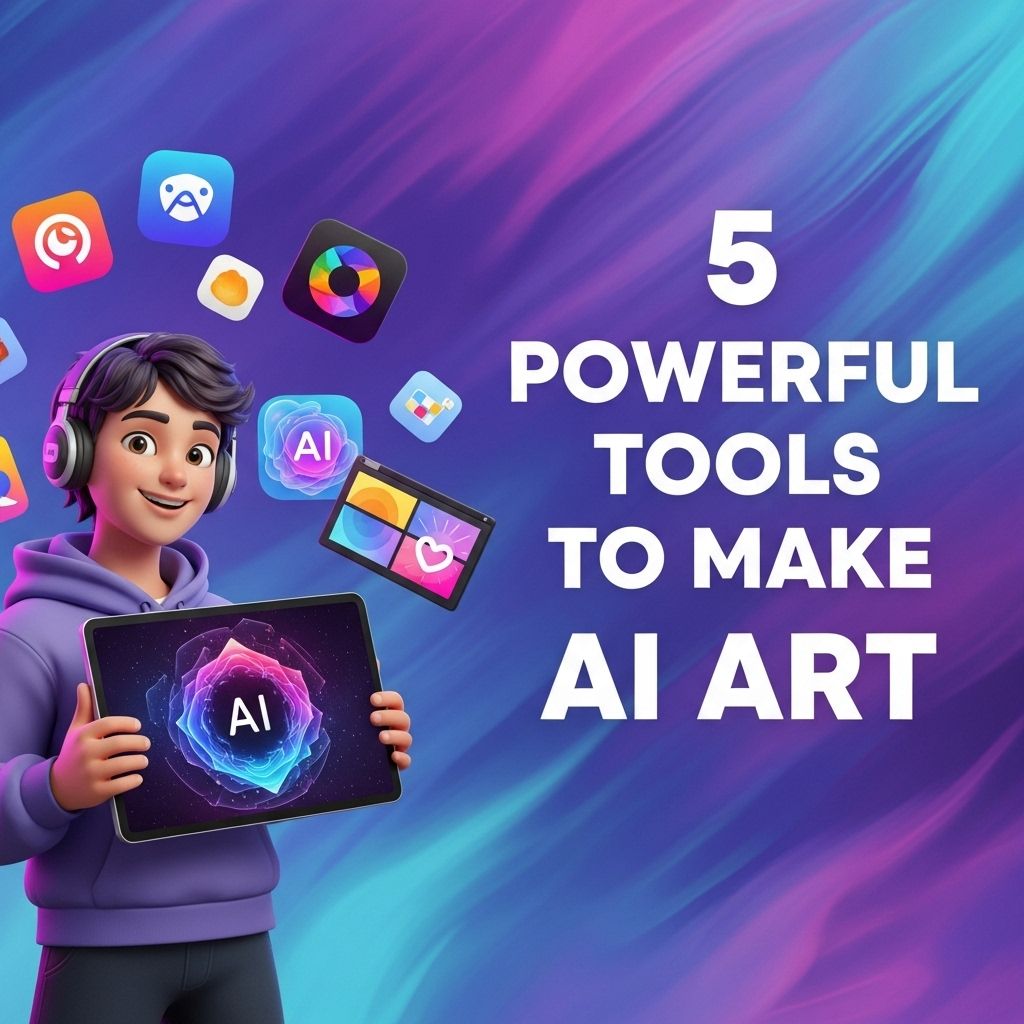
The rise of artificial intelligence has transformed numerous industries, and the realm of art is no exception. Artists, designers, and creative enthusiasts are harnessing the power of AI to create stunning, innovative pieces that were once unimaginable. AI art tools are now more accessible than ever, allowing anyone with a vision to bring their ideas to life. In this article, we will explore five powerful tools that are leading the charge in the AI art revolution, each offering unique features and capabilities.
Table of Contents
1. DeepArt
DeepArt is an AI-powered platform that allows users to turn their photos into artworks by utilizing neural networks and deep learning. This tool is particularly known for its ability to mimic the styles of famous artists. Users simply upload an image and select a style, and the AI transforms the original photo into a stunning piece of art.
Features of DeepArt:
- Style Transfer: Apply artistic styles from renowned painters to your images.
- High-Resolution Outputs: The tool generates high-quality, print-ready images.
- Intuitive Interface: User-friendly design makes it easy for anyone to create art.
How to Use DeepArt:
- Go to the DeepArt website.
- Upload an image from your device.
- Select an art style from the gallery.
- Click on the ‘Create’ button and wait for the AI to process your image.
- Download the final artwork.
2. Artbreeder
Artbreeder is an innovative platform that allows users to create and evolve images through collaborative creativity. Unlike traditional art tools, Artbreeder enables users to combine existing images and adjust parameters to produce unique artworks. This tool is particularly popular among character designers and concept artists.
Key Features of Artbreeder:
- Image Blending: Seamlessly mix multiple images to create new designs.
- Parameter Controls: Tweak sliders for various attributes such as color, shape, and style.
- Community Sharing: Collaborate and share creations with other users.
Getting Started with Artbreeder:
- Create a user account on the Artbreeder website.
- Choose existing images to blend or start with a random image.
- Adjust the settings to refine your artwork.
- Save your creations and explore the community for inspiration.
3. Runway ML
Runway ML is a powerful suite of creative tools that leverages machine learning to assist artists and creators. This platform is tailored for more advanced users, offering capabilities in video editing and real-time image generation. With Runway ML, users can explore various machine learning models and blend them for innovative results.
Runway ML Features:
- Real-Time Collaboration: Work alongside team members on projects in real-time.
- Customizable Workflows: Build tailored workflows for specific creative needs.
- Integration with Other Tools: Easily integrates with popular software like Photoshop and After Effects.
Using Runway ML:
- Sign up for an account on the Runway ML website.
- Explore the library of machine learning models available.
- Create a new project and select the models you want to use.
- Export your final output to various formats.
4. DALL-E 2
DALL-E 2, developed by OpenAI, is one of the most advanced AI systems for generating images from textual descriptions. This tool allows users to create original artworks simply by describing what they envision. DALL-E 2 is a significant leap forward in AI creativity, enabling artists to experiment with their ideas without needing extensive technical skills.
Highlights of DALL-E 2:
- Text-to-Image Generation: Create images directly from descriptive text prompts.
- Variety of Styles: Generate images in multiple artistic styles and compositions.
- Interactive Edits: Make changes to generated images by rephrasing your prompts.
How to Get Started with DALL-E 2:
- Visit the DALL-E 2 website.
- Create an account or log in.
- Type a descriptive prompt for the image you want to generate.
- Review the generated images and select your favorites for download.
5. NightCafe Studio
NightCafe Studio is a versatile platform that offers various tools for creating AI-generated art. It utilizes different algorithms, including neural style transfer and text-to-image generation, to help users produce unique artworks. NightCafe is known for its vibrant community, where users can share their creations and gain inspiration from others.
Features of NightCafe Studio:
- Diverse Art Styles: Choose from a wide range of artistic styles for your creations.
- Community Engagement: Join an active community of artists and share your work.
- Art Challenges: Participate in regular challenges to hone your skills and creativity.
Steps to Use NightCafe Studio:
- Create an account on the NightCafe website.
- Select the type of art generation you want to pursue.
- Upload an image or input a text prompt.
- Adjust the settings and generate your artwork.
- Share your creation with the community for feedback.
Conclusion
The integration of AI into the world of art has opened new horizons for creativity and expression. Tools like DeepArt, Artbreeder, Runway ML, DALL-E 2, and NightCafe Studio empower users to explore their artistic potential in unprecedented ways. Whether you’re a seasoned artist or a curious novice, these platforms offer the resources you need to create eye-catching, original works of art. Embrace the AI art movement, and start experimenting with these powerful tools today!
FAQ
What are the best tools for creating AI art?
Some of the best tools for creating AI art include DALL-E, Midjourney, Artbreeder, DeepArt, and Runway ML.
Is it necessary to have artistic skills to use AI art tools?
No, you don’t need artistic skills to use AI art tools. These tools are designed to help users generate art with ease, regardless of their artistic background.
Can I use AI-generated art for commercial purposes?
It depends on the specific tool and its licensing agreements. Always check the terms of service to understand the usage rights for commercial purposes.
How does AI art generation work?
AI art generation typically involves algorithms that analyze existing artworks and learn patterns, allowing them to create new images based on user inputs or prompts.
Are there free AI art tools available?
Yes, several AI art tools offer free versions or trials, such as DeepArt and Artbreeder, allowing users to experiment without financial commitment.
What types of art can I create with AI tools?
AI tools can generate a wide variety of art styles, including abstract, realistic, cartoonish, and even unique combinations based on user preferences.