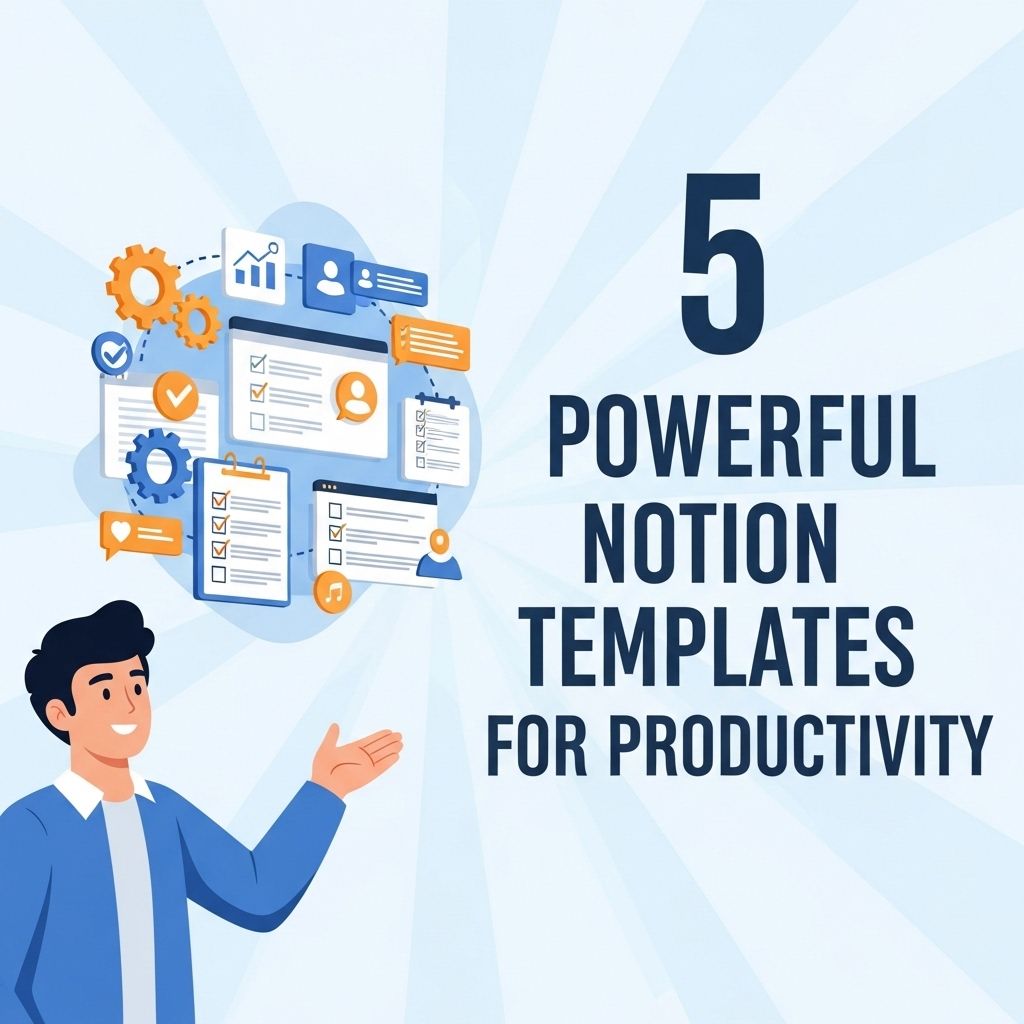
In the fast-paced world of productivity tools, finding the right template that caters to your unique workflow can dictate your success. Notion has emerged as a frontrunner in providing customizable productivity solutions that can be adapted to individual or team needs. With its flexibility and intuitive design, Notion empowers users to streamline their tasks, notes, and projects in one cohesive platform. This article delves into five powerful Notion templates that can help enhance productivity and transform how you organize your life and work.
Table of Contents
1. The Ultimate Task Manager
Managing tasks efficiently is crucial for achieving goals, whether personal or professional. The Ultimate Task Manager template in Notion allows users to:
- Create a comprehensive task list.
- Prioritize tasks based on deadlines.
- Organize tasks by project or category.
- Track progress and completion.
Key Features:
| Feature | Description |
|---|---|
| Custom Tags | Add tags to categorize tasks for easy filtering. |
| Due Dates | Set due dates and reminders to stay on track. |
| Progress Tracker | Visual progress bars to monitor task completion. |
This template is highly beneficial for project managers and busy professionals needing to juggle multiple priorities.
2. The Personal Journal
Maintaining a personal journal can significantly enhance self-reflection and mental clarity. The Personal Journal template is designed for individuals looking to document their thoughts and experiences daily.
Benefits of Journaling:
- Improves mental well-being.
- Enhances creativity and self-expression.
- Helps track personal growth over time.
This template includes sections for:
- Daily entries with mood tracking.
- A gratitude section to reflect on positive experiences.
- Weekly summaries to assess emotional and mental health.
3. The Knowledge Base
Knowledge management is essential for professionals who want to retain information efficiently. The Knowledge Base template serves as a centralized repository for ideas, resources, and insights.
Organizing Your Knowledge:
This template offers:
- Tagging system for easy navigation.
- A database view to categorize information.
- Search functionality to find entries quickly.
By using this template, teams can ensure that important information is readily available, promoting collaboration and continuous learning.
4. The Meeting Notes Template
Effective meetings are integral to project success, and taking organized notes can dramatically improve outcomes. The Meeting Notes template is tailored for professionals who need to keep track of discussions and action items.
Features of the Meeting Notes Template:
- Predefined sections for agenda, attendees, and notes.
- Action item tracking to ensure accountability.
- Integration with calendar events for seamless scheduling.
This structured approach ensures that participants stay on the same page, follow up on decisions made, and manage projects effectively.
5. The Goal Tracker
Setting and achieving goals is a fundamental element of personal and professional development. The Goal Tracker template helps users clarify their objectives and monitor their progress systematically.
Tracking Your Goals:
Key components of the Goal Tracker template include:
- SMART goal setting framework to create specific, measurable, achievable, relevant, and time-bound goals.
- Quarterly reviews to assess progress and make adjustments.
- Visual dashboards to track milestones and achievements.
This template encourages users to stay motivated and focused on their long-term aspirations, making it a valuable asset for anyone looking to improve their productivity.
Integrating Notion Templates into Your Workflow
While each of these templates serves a unique purpose, the real power lies in integrating them into a cohesive workflow. Here are some tips for maximizing the effectiveness of your Notion templates:
- Customize Each Template: Modify templates to suit your needs, ensuring they align with your personal or team goals.
- Link Templates: Create links between different templates (e.g., linking tasks to meeting notes) for streamlined navigation and information flow.
- Regularly Review: Set aside time each week to review and update your templates, ensuring they remain relevant and useful.
Conclusion
Notion templates are powerful tools that can significantly enhance productivity when utilized effectively. By leveraging the Ultimate Task Manager, Personal Journal, Knowledge Base, Meeting Notes, and Goal Tracker templates, users can streamline their processes and maintain a clear overview of their responsibilities and aspirations. These templates not only foster organization but also encourage reflection, collaboration, and continuous improvement. Start exploring these templates today and transform how you manage your personal and professional life!
FAQ
What are Notion templates and how can they improve productivity?
Notion templates are pre-designed layouts that help users organize their notes, tasks, and projects efficiently. They can streamline workflows and enhance productivity by providing structured frameworks for various activities.
What are the benefits of using productivity templates in Notion?
Productivity templates in Notion offer numerous benefits, including time-saving setups, customizable layouts, and the ability to track goals and tasks seamlessly. They can also promote better organization and focus.
Can I customize Notion templates for my specific needs?
Yes, Notion templates are highly customizable. Users can modify them to fit personal or team requirements, allowing for a tailored productivity experience.
Which Notion templates are best for project management?
Some of the best Notion templates for project management include Kanban boards, Gantt charts, and task trackers. These templates help teams visualize progress and manage timelines efficiently.
Are there free Notion templates available for productivity?
Yes, there are many free Notion templates available online that can enhance productivity. These templates range from simple to complex setups, catering to various needs.
How can I find the right Notion template for my workflow?
To find the right Notion template for your workflow, consider your specific tasks and goals. Explore template galleries, user reviews, and community forums to discover options that align with your needs.