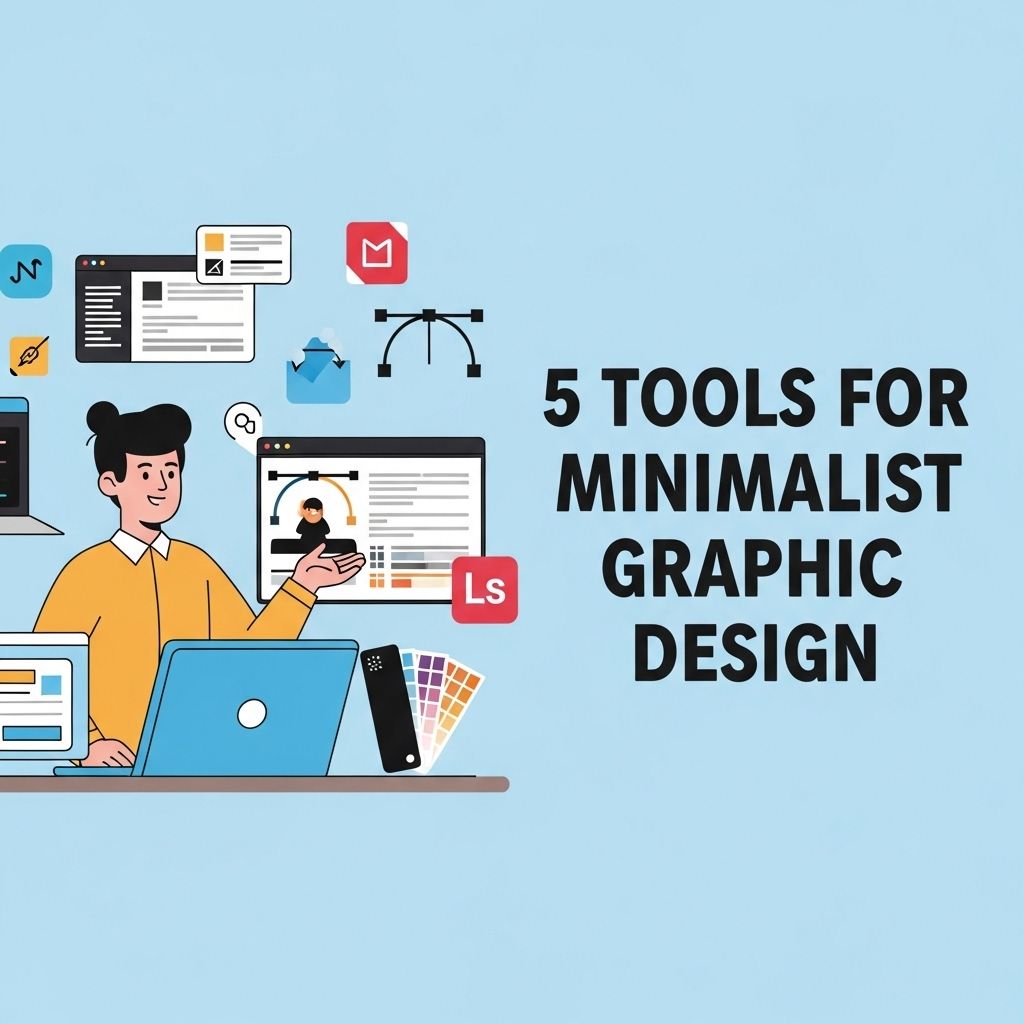
In a world where visual communication plays a crucial role in brand identity and user engagement, the demand for effective graphic design tools has never been higher. However, with countless options available, many designers are shifting towards minimalism—not just in their designs, but in the tools they use. Minimalist graphic design focuses on simplicity and clarity, stripping away unnecessary elements to convey messages effectively. Here, we explore five essential tools that embody this minimalist philosophy, making them indispensable for modern graphic designers.
Table of Contents
1. Canva
Canva is a user-friendly platform perfect for both beginners and experienced designers. Its drag-and-drop interface allows users to create stunning visuals without extensive graphic design knowledge. The minimalist approach of Canva is evident in its clean design and intuitive navigation.
Key Features:
- Extensive library of templates for various needs
- Easy-to-use tools for customization
- Collaboration features for team projects
- Access to millions of stock photos and illustrations
Use Cases:
- Social media graphics
- Presentations
- Marketing materials
- Infographics
2. Figma
Figma is a web-based design tool that excels in collaborative design projects. It provides a minimalist interface that promotes focus and efficiency. With Figma, designers can create wireframes, prototypes, and high-fidelity designs seamlessly.
Key Features:
- Real-time collaboration with team members
- Vector graphic editing capabilities
- Plugins to enhance functionality
- Cross-platform availability
Benefits of Figma:
Figma’s minimalist design philosophy allows for a distraction-free workspace, which enhances productivity. Additionally, its cloud-based nature ensures that designers can access their projects from anywhere, making it perfect for remote teams.
3. Sketch
Sketch is a vector graphics editor specifically designed for digital design. With a minimalist approach, it provides a streamlined interface that allows designers to focus solely on their creative processes. While it’s primarily used for UI/UX design, its versatility extends to creating presentations and graphics.
Key Features:
- Symbols and reusable components for consistency
- Intuitive artboard management
- Wide range of plugins to extend functionality
- Integration with collaboration tools
Why Choose Sketch?
Sketch’s focus on simplicity and usability makes it a favorite among designers. Its capabilities in handling vector graphics while maintaining a minimalist design ethos makes it an excellent choice for creating clean, modern interfaces.
4. Adobe XD
Adobe XD is a powerful tool for designing user interfaces and experiences, offering a minimalist workspace that fosters creativity. As part of the Adobe Creative Cloud, it integrates seamlessly with other Adobe products, making it a valuable asset for designers already in the Adobe ecosystem.
Key Features:
- Responsive resize feature for adaptive design
- Interactive prototypes with auto-animate capabilities
- Design systems for creating consistent UI components
- Real-time collaboration and feedback tools
Integrating Adobe XD:
Adobe XD allows designers to create prototypes that showcase their minimalist designs effectively. The integration with Creative Cloud also means that assets and designs can be easily shared, further simplifying the design process.
5. Affinity Designer
Affinity Designer is a robust graphic design tool that offers a minimalist interface suited for vector and raster graphics. It is known for its performance and precision, making it a great choice for designers looking for an alternative to Adobe Illustrator.
Key Features:
- Non-destructive editing capabilities
- Advanced grid systems for precise alignment
- Real-time performance with complex artwork
- One-time purchase, without subscription fees
Affinity Designer in Action:
Due to its minimalist interface and powerful tools, Affinity Designer is ideal for creating everything from icons to complex illustrations. The lack of subscription fees also makes it accessible for freelancers and small businesses.
Conclusion
In today’s fast-paced digital landscape, the tools designers choose can significantly impact their workflow and output quality. The five tools highlighted here—Canva, Figma, Sketch, Adobe XD, and Affinity Designer—each embody the principles of minimalist design while offering powerful features that cater to the needs of modern graphic designers. By embracing these tools, designers can streamline their processes, enhance collaboration, and focus on crafting impactful visuals that resonate with their audience.
Final Thoughts
As the graphic design world continues to evolve, so too will the tools we use. Embracing minimalism not only in design but in our choice of tools can lead to greater creativity, efficiency, and satisfaction in the design process. Whether you are a seasoned professional or just starting your design journey, these tools provide the foundation for creating beautiful, functional works of art.
FAQ
What are the best tools for minimalist graphic design?
Some of the best tools for minimalist graphic design include Adobe Illustrator, Canva, Sketch, Figma, and Affinity Designer.
Why should I use minimalist graphic design tools?
Minimalist graphic design tools help streamline the design process, allowing for cleaner aesthetics and more focus on essential elements, which can enhance user experience.
Can beginners use minimalist graphic design tools effectively?
Yes, many minimalist graphic design tools like Canva and Figma are user-friendly and offer templates that make it easy for beginners to create stunning designs.
What features should I look for in minimalist graphic design tools?
Look for features such as vector editing, easy collaboration options, a variety of templates, and an intuitive user interface.
Are there any free tools for minimalist graphic design?
Yes, tools like Canva and Figma offer free versions that provide a range of features suitable for minimalist graphic design.
How can minimalist graphic design tools improve my branding?
By using minimalist graphic design tools, you can create cohesive and visually appealing branding that focuses on your message, making it more memorable and effective.