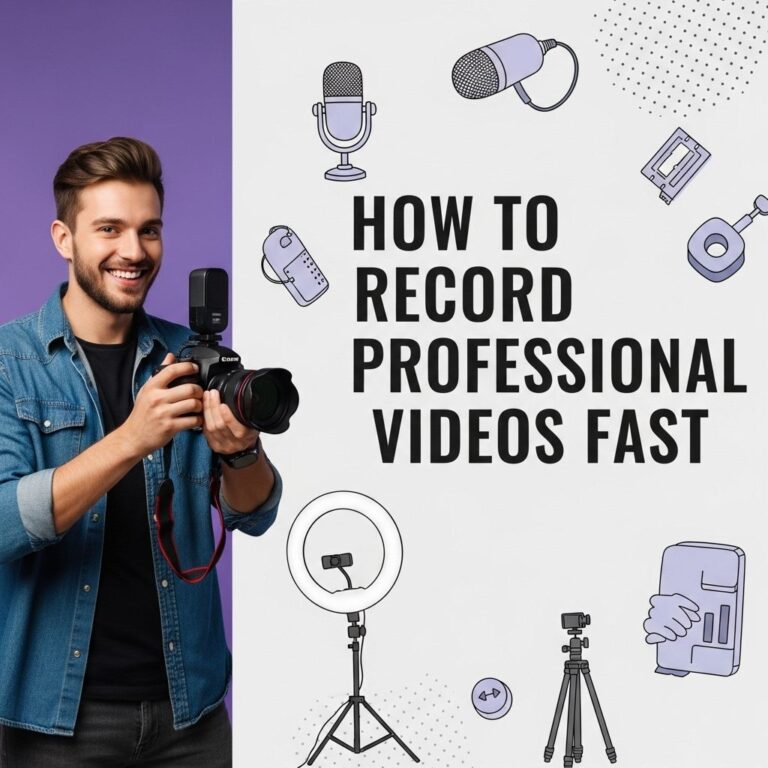
Creating high-quality video content doesn’t always require expensive equipment or extravagant sets. With a little creativity and resourcefulness, you can produce professional-looking videos on a shoestring budget. This article explores ten innovative low-budget video setup ideas that can elevate your content without breaking the bank.
For creators looking to produce high-quality videos without breaking the bank, exploring low budget setups can be a game changer. From innovative lighting solutions to clever sound design, there are numerous cost-effective ideas that can elevate your content. To inspire your creativity, check out these mockup tube examples as a starting point.
Table of Contents
1. Utilize Natural Light
Lighting can make or break your video quality. Natural light is a fantastic resource for creating well-lit scenes. Here are some tips to maximize your use of natural light:
- Position your filming setup near windows during the day.
- Avoid filming in direct sunlight to prevent harsh shadows.
- Use sheer curtains to diffuse light and create a soft effect.
2. DIY Backdrops
A clean and visually appealing backdrop can enhance your video’s aesthetics significantly. Instead of investing in professional backdrops, consider these DIY alternatives:
- Use an empty wall painted in a solid color.
- Hang fabric or a large paper roll in a color that complements your theme.
- Use posters or artwork to create an engaging background.
3. Smartphone Filming
Your smartphone can be a powerful filming tool. Many recent models offer high-resolution cameras and advanced settings. Here’s how to make the most of your smartphone:
Filming Tips:
- Use a tripod to stabilize your shots.
- Experiment with different angles to find the best composition.
- Use the rear camera for higher quality footage.
4. Affordable Microphones
Audio quality is crucial for viewer engagement. While professional microphones can be costly, there are budget-friendly options available:
- Consider lavalier mics that clip onto clothing.
- Use shotgun mics that can be attached to your camera.
- Look for USB microphones for direct computer recording.
5. Editing Software on a Budget
Post-production is where the magic happens. Fortunately, there are numerous free or low-cost editing software options that can help you create polished videos:
| Software | Cost | Key Features |
|---|---|---|
| DaVinci Resolve | Free | Advanced color correction, multi-user collaboration |
| HitFilm Express | Free | VFX capabilities, 3D compositing |
| Lightworks | Free/Paid | Multi-format support, Real-time video editing |
| iMovie | Free | Easy to use, good for Mac users |
6. Use Props Wisely
Props can enhance your video’s storytelling and engagement. Here are simple ways to incorporate props without spending much:
- Use everyday items around your home to illustrate key points.
- Borrow props from friends or family.
- Visit thrift stores for unique and low-cost items.
7. Create a Simple Studio
Setting up a designated filming space can help streamline your workflow. Follow these pointers to create a budget-friendly studio:
- Choose a quiet room with minimal distractions.
- Invest in a foldable table to serve as your workspace.
- Decorate with items that reflect your brand or purpose.
8. Use Screen Recording Software
For those who create tutorials or online courses, screen recording software is essential. Options abound that won’t strain your budget:
- OBS Studio: Free and powerful, perfect for live streaming and screen recording.
- Screencast-O-Matic: Affordable with an intuitive interface.
- ShareX: Free and feature-rich for capturing screenshots and videos.
9. Collaborate with Others
Consider partnering with fellow creators to share resources and skills. Here’s how collaboration can benefit you:
- Combine equipment to access better gear without personal investment.
- Learn from each other’s strengths in video production.
- Cross-promote each other’s content for mutual growth.
10. Learn and Adapt
Finally, continuous learning and adapting are key to improving your video quality. Explore free online resources:
- Watch YouTube tutorials on filming and editing.
- Join online communities for feedback and support.
- Experiment with different styles and techniques to discover what works best for you.
In conclusion, producing high-quality videos doesn’t have to come with a hefty price tag. By leveraging existing resources, being creative with setups, and continuously learning, you can create engaging content that resonates with your audience. Remember, the key to success in video production is not just in the equipment you have but in the skills you develop and the stories you choose to tell.
FAQ
What are some low-budget video setup ideas for beginners?
Some great low-budget video setup ideas include using natural lighting, a smartphone camera, a tripod made from household items, a DIY backdrop, and free editing software.
Can I create high-quality videos on a tight budget?
Yes, you can create high-quality videos on a budget by utilizing available resources, like using your smartphone, inexpensive lighting solutions, and free or low-cost editing tools.
What equipment do I need for a low-budget video setup?
Essential equipment for a low-budget video setup includes a good smartphone or basic camera, a tripod, external lighting sources like lamps, and a microphone for better audio quality.
How can I improve my video quality without spending a lot?
To improve video quality without spending much, focus on good lighting, clear audio, stable shots, and use simple editing techniques to enhance your footage.
Are there any free resources for learning video production?
Yes, there are many free resources available for learning video production, including online tutorials on platforms like YouTube, free courses on sites like Coursera, and community forums for tips and feedback.
What lighting options are best for low-budget video production?
The best lighting options for low-budget video production include using natural light, affordable LED lights, and DIY solutions like softboxes made from household items.