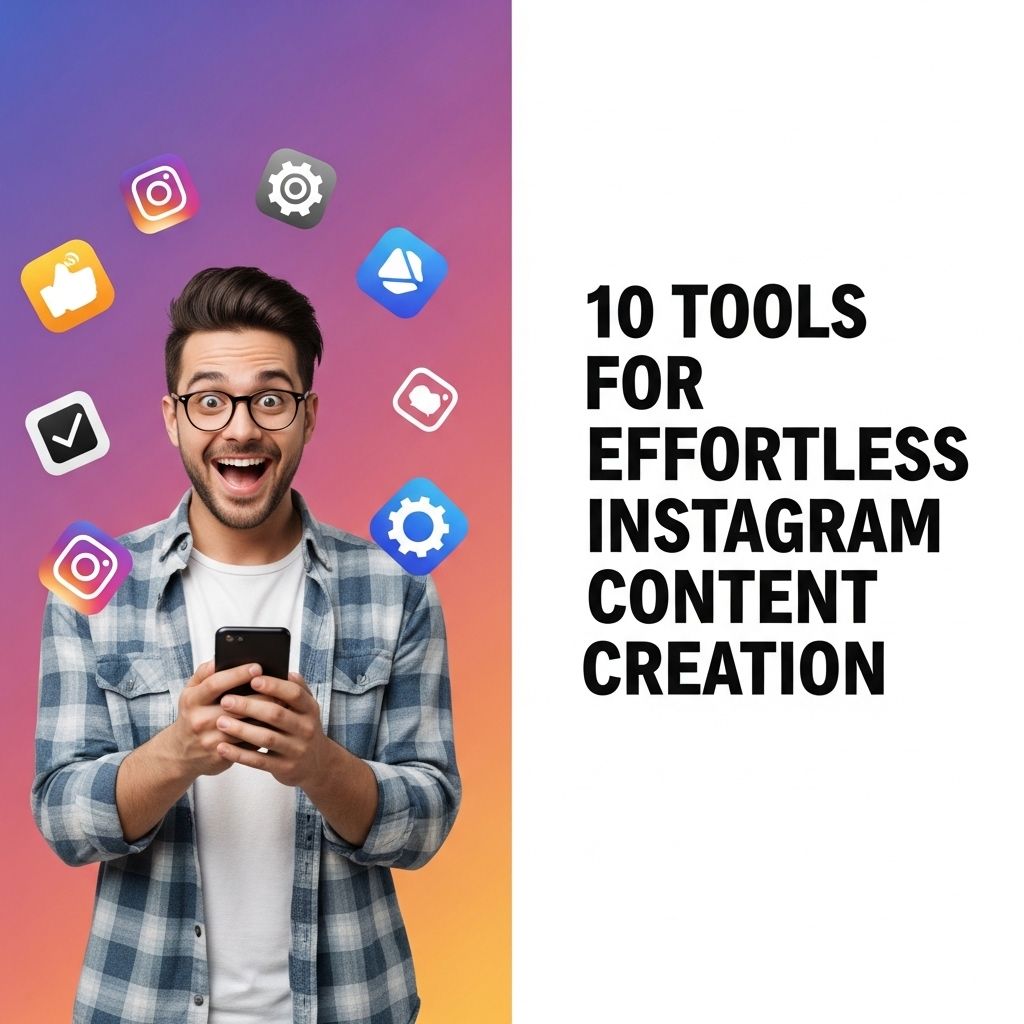
In the fast-paced world of social media, creating engaging content for platforms like Instagram can be both exciting and daunting. With millions of users vying for attention, how can one ensure their posts stand out? Luckily, a plethora of tools are available to streamline the content creation process, making it not just easier but also more enjoyable. This article explores ten essential tools that can help you produce high-quality Instagram content effortlessly.
Creating engaging content on Instagram can feel overwhelming, but with the right tools, the process can become effortless. From design aids to content planners, these 10 essential tools streamline your Instagram content creation, allowing you to focus on what really matters—your creativity. For example, if you’re in need of eye-catching visuals, check out how to create bag mockups to elevate your posts.
Table of Contents
1. Canva
Canva is a graphic design platform that allows users to create stunning visuals without needing advanced design skills. With its user-friendly interface and vast library of templates, Canva is perfect for Instagram content creators.
Key Features:
- Drag-and-drop functionality
- Extensive library of templates and stock photos
- Collaboration features for teams
Use Cases:
- Creating Instagram posts and stories
- Designing promotional materials
- Making infographics for educational content
2. Adobe Spark
Adobe Spark offers a suite of tools that help users create graphics, web pages, and videos. It’s particularly useful for Instagram because of its emphasis on visually appealing content.
Key Features:
- Professional-grade design capabilities
- Video editing tools
- Branding options for consistency
Use Cases:
- Crafting brand stories through video
- Creating eye-catching social media posts
- Designing event announcements
3. Later
Later is a marketing platform designed specifically for social media scheduling, particularly Instagram. It allows users to plan and schedule their posts in advance.
Key Features:
- Visual content calendar
- Hashtag suggestions
- Analytics to track performance
Use Cases:
- Planning a month’s worth of Instagram posts
- Finding optimal posting times
- Tracking engagement statistics
4. InShot
If you’re looking to create engaging video content for Instagram, InShot is a must-have app. This mobile video editor is perfect for producing high-quality videos right from your phone.
Key Features:
- Video trimming, merging, and speed adjustments
- Music and sound effects integration
- Text and emoji overlays
Use Cases:
- Editing videos for Instagram Reels
- Creating video collages
- Adding music to content for more engagement
5. Unfold
Unfold is an app that helps users create beautiful stories for Instagram with its unique templates. It’s especially popular among influencers and brands looking to enhance their story content.
Key Features:
- Stylish templates for stories
- Text and photo editing tools
- Easy exporting options
Use Cases:
- Creating cohesive stories for events
- Highlighting products or services
- Sharing behind-the-scenes content
6. Hootsuite
Hootsuite is a comprehensive social media management tool that allows users to manage multiple accounts from one dashboard. It’s ideal for brands that want to maintain a consistent presence on Instagram and other social platforms.
Key Features:
- Post scheduling and automation
- Social listening features
- Multichannel analytics
Use Cases:
- Coordinating Instagram campaigns
- Engaging with followers through comments
- Running paid advertising campaigns
7. VSCO
For those who value aesthetics, VSCO offers advanced photo editing capabilities. Its filters and presets can transform ordinary photos into stunning visuals perfect for Instagram.
Key Features:
- Professional-quality filters and presets
- Advanced editing tools (crop, exposure, contrast)
- Community features for inspiration
Use Cases:
- Editing photos for a consistent feed
- Creating visually appealing stories
- Experimenting with unique photo styles
8. Buffer
Buffer is another popular social media scheduling tool that excels in planning content for Instagram. Its simplicity makes it a favorite among small businesses and individuals.
Key Features:
- Post scheduling and queuing
- Analytics for performance tracking
- Browser extension for easy content sharing
Use Cases:
- Scheduling posts for optimal engagement
- Analyzing what content performs best
- Sharing articles and links directly to Instagram
9. Piktochart
Piktochart is a tool for creating infographics but can also be used for Instagram content. Its ability to transform data into visual formats is invaluable for educational or informational posts.
Key Features:
- User-friendly drag-and-drop interface
- Customizable templates for presentations and infographics
- Export options for various formats
Use Cases:
- Creating educational infographics for posts
- Visualizing data for storytelling
- Designing promotional graphics
10. Snapseed
Snapseed is a powerful mobile photo editing app owned by Google. It offers a wide range of tools and filters to help users enhance their images for Instagram.
Key Features:
- Advanced editing tools (brush, heal, perspective)
- Wide array of filters
- Non-destructive editing capabilities
Use Cases:
- Enhancing images before posting
- Correcting photo imperfections
- Creating artistic effects
Conclusion
Creating compelling Instagram content doesn’t have to be a chore. With the right tools at your disposal, you can streamline your workflow, enhance your creativity, and engage your audience more effectively. Whether you’re a business owner, influencer, or casual user, these ten tools can help elevate your Instagram game and ensure your content shines in the crowded social media landscape.
FAQ
What are the best tools for creating Instagram content?
Some of the best tools include Canva, Adobe Spark, Later, InShot, and Hootsuite for scheduling.
How can I enhance my Instagram posts with design tools?
You can use tools like Canva and Adobe Spark to create visually appealing graphics and templates for your posts.
Are there any free tools for Instagram content creation?
Yes, tools like Canva, Pixlr, and GIMP offer free versions that are great for Instagram content creation.
How can I schedule my Instagram posts automatically?
Using tools like Later or Hootsuite, you can schedule your Instagram posts in advance for seamless content management.
What is the importance of video content on Instagram?
Video content on Instagram tends to engage users more effectively, leading to higher interactions and shares.
Can I use mobile apps for Instagram content creation?
Absolutely! Apps like InShot and Adobe Rush are great for editing videos and images on your mobile for Instagram.