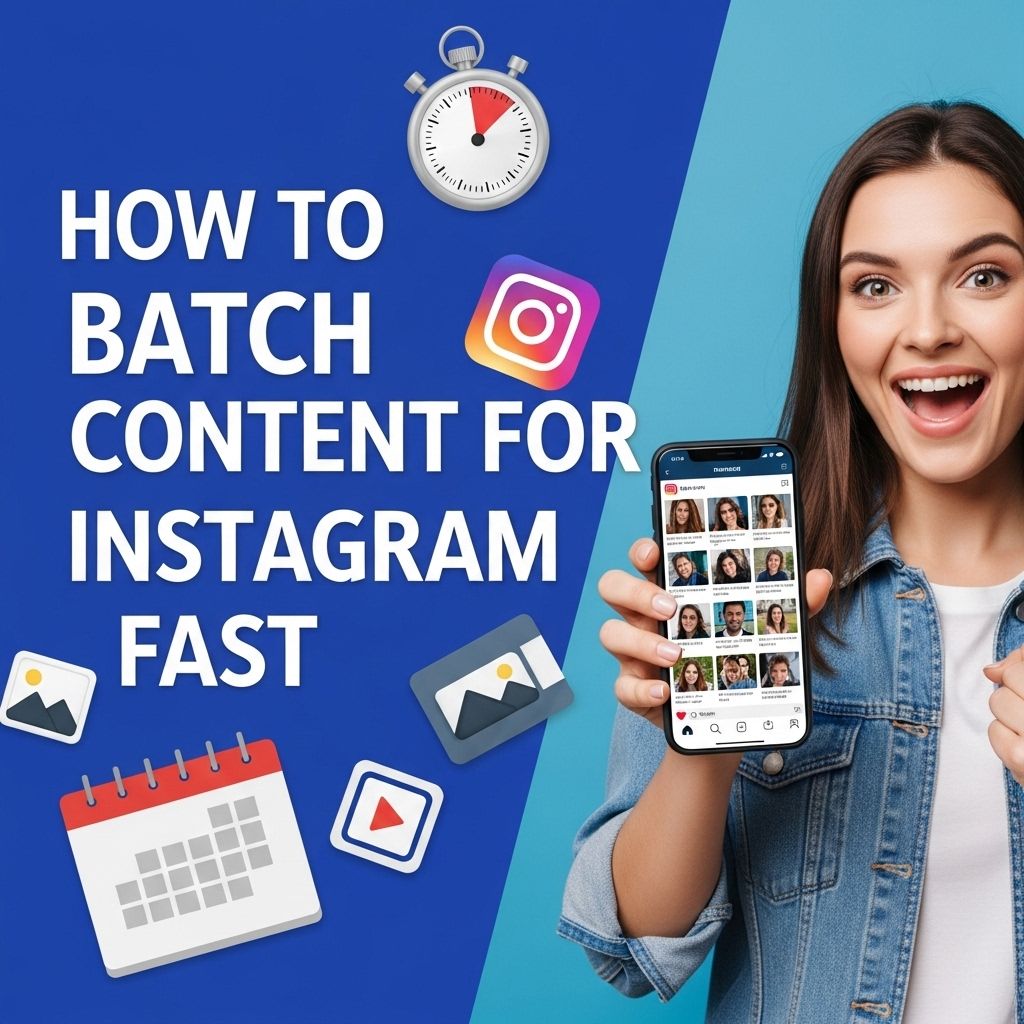
In the fast-paced world of social media, staying relevant and consistently engaging your audience is crucial, especially on platforms like Instagram. Batch content creation has emerged as a powerful strategy for marketers, influencers, and businesses alike. This method not only saves time but also ensures that you always have fresh, high-quality content ready to go. In this article, we will explore effective ways to batch content for Instagram, helping you streamline your process and improve your overall social media strategy.
Mastering fast Instagram content batching can significantly enhance your efficiency and creativity. By strategically planning and organizing your posts ahead of time, you can maintain consistency and quality without the last-minute stress. For those looking to elevate their visuals, consider these realistic bag mockup examples to showcase your products in an appealing way.
Table of Contents
Understanding the Importance of Batch Content Creation
Batch content creation involves producing multiple pieces of content in one sitting rather than creating it piecemeal. This approach offers several advantages:
- Increased Productivity: By focusing on content creation without distractions, you can produce more in less time.
- Consistency: A consistent posting schedule keeps your audience engaged and can improve algorithm performance.
- Reduced Stress: Planning and batching alleviate the pressure of last-minute content creation.
- Enhanced Quality: Focusing on multiple pieces at once allows for a cohesive theme, better visuals, and overall improved quality.
Steps to Efficiently Batch Content for Instagram
1. Planning Your Content Calendar
The first step in batch content creation is to plan your content calendar. This involves determining what type of content you want to post and when. Here’s how to get started:
- Identify Your Goals: Are you looking to increase followers, boost engagement, or promote products? Defining your goals will shape your content.
- Content Themes: Decide on themes or topics for your posts. This could be product highlights, behind-the-scenes content, tutorials, or user-generated content.
- Frequency: Determine how often you want to post. A common strategy is to post 3-5 times a week, but adjust based on your audience and capabilities.
2. Generating Content Ideas
Once you have your calendar structured, it’s time to brainstorm content ideas:
- Analyze Your Audience: What content resonates most with your followers? Look at past posts to identify trends.
- Competitor Research: See what similar accounts are posting and find inspiration from their successful content.
- Use Content Pillars: Establish a few content pillars that align with your brand. For example, if you’re a fitness influencer, your pillars might include workouts, nutrition tips, and lifestyle.
- Leverage Tools: Use tools like BuzzSumo or AnswerThePublic to find trending topics and questions in your niche.
3. Creating Content in Batches
With a content plan in place, you can start the actual content creation process. Here are some tips:
- Set Aside Time: Dedicate specific blocks of time for content creation. This helps you stay focused and productive.
- Utilize Templates: Create templates for your posts, stories, and reels to maintain a consistent aesthetic and save time.
- Photography and Videography: Take multiple photos or videos during one session. Consider different angles, lighting, and settings for variety.
- Editing: Edit your content in batches. Use tools like Adobe Lightroom for photos and Canva or InShot for videos to streamline the editing process.
4. Scheduling Your Content
Once your content is created, it’s time to schedule it for posting. This is where tools such as Buffer, Later, or Hootsuite come in handy:
- Scheduling Tools: These allow you to queue your posts at optimal times for audience engagement.
- Hashtag Management: Use a tool to save and manage sets of hashtags for your posts to improve reach.
- Engagement Strategy: Plan a time to engage with your audience after posts go live. Responding to comments quickly can boost engagement rates.
Best Practices for Instagram Content
Visual Consistency
Maintaining a visually appealing profile is crucial for attracting followers. Here are some tips:
- Color Palette: Stick to a specific color palette that represents your brand.
- Filters: Use the same filters for photos and videos to keep a cohesive look.
- Grid Layout: Consider how your posts will appear together in your feed. Tools like Preview can help you visualize your grid layout.
Engaging Captions
Captions play a significant role in driving engagement. Here are some strategies:
- Storytelling: Share personal stories or anecdotes related to your content.
- Call to Action: Encourage followers to like, comment, or share your posts.
- Emojis: Use emojis to make your captions visually appealing and relatable.
Utilizing Instagram Features
Instagram offers various features that can help enhance your content:
- Stories: Use Instagram Stories to share behind-the-scenes content, polls, and quick updates.
- Reels: Capitalize on the popularity of Reels to showcase creative snippets of your brand or products.
- IGTV: For longer-form video content, IGTV can be a great platform to engage your audience with tutorials or interviews.
Measuring Success
Finally, to improve your batch content creation process, it’s important to measure the success of your content. Use Instagram Insights to track:
- Engagement rates: likes, comments, shares
- Reach and impressions
- Follower growth
Analyzing this data will help you refine your content strategy and improve future batches.
Conclusion
Batch content creation for Instagram can significantly enhance your efficiency and effectiveness as a content creator. By planning, generating ideas, creating in batches, and scheduling your posts, you can create a dynamic and engaging Instagram presence. Remember to stay flexible and adapt your strategy based on what resonates with your audience. With these techniques, you’ll be on your way to mastering the art of Instagram content creation.
FAQ
What is batch content creation for Instagram?
Batch content creation for Instagram involves planning and producing multiple posts in one session, allowing for a consistent and efficient content schedule.
How can I plan my Instagram content in advance?
You can use content calendars, scheduling tools, and brainstorming sessions to outline your Instagram posts weeks or months ahead.
What tools can help me batch content for Instagram?
Tools like Canva for design, Later or Buffer for scheduling, and Google Sheets for organization can streamline your batch content creation process.
How can I ensure variety in my batch content?
Incorporate different content types such as images, videos, carousels, and stories, as well as varying themes and messages to keep your audience engaged.
What are the benefits of batching content for Instagram?
Batching content saves time, reduces stress, ensures consistency, and can improve the overall quality of your posts by allowing for focused creativity.
How often should I batch my Instagram content?
Depending on your posting frequency and goals, you can batch content weekly, bi-weekly, or monthly to maintain a steady flow of posts.