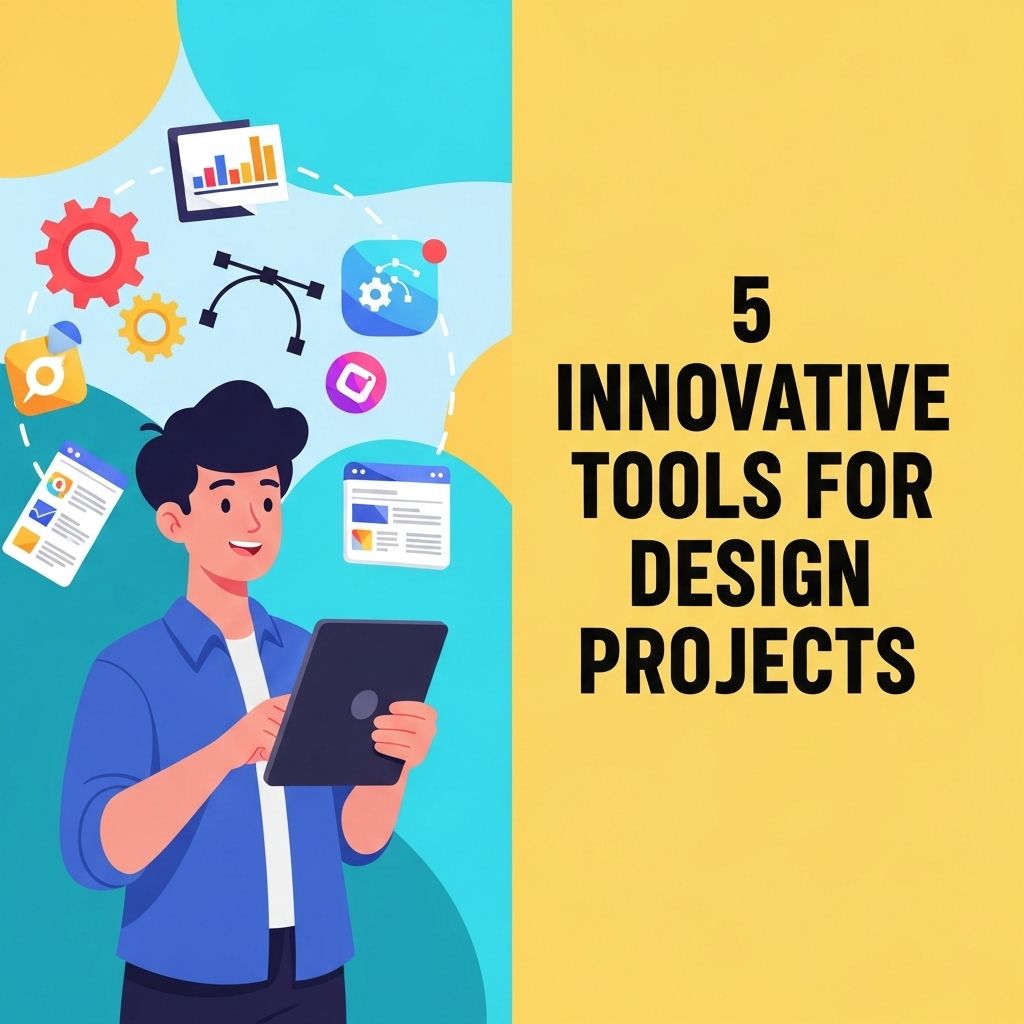
Design has evolved significantly over the years, with technology playing a pivotal role in enhancing creativity and productivity. Today, designers are equipped with numerous tools that not only streamline their workflow but also inspire innovative solutions. In this article, we will explore five innovative tools that are transforming the design landscape, enabling professionals to push boundaries and achieve remarkable results.
When embarking on your next design project, leveraging innovative tools can elevate your creativity and efficiency. From collaborative platforms to advanced design software, the right resources can make a significant difference. To get started, find inspiration in design that can spark new ideas and enhance your workflow.
Table of Contents
1. Figma: Collaborative Design Made Easy
Figma is a cloud-based design tool that allows multiple users to work on projects simultaneously. Its real-time collaboration feature has made it a favorite among teams working remotely or in different geographical locations. Here are some key features:
- Real-Time Collaboration: Multiple designers can work on the same file at once, making feedback and adjustments instantaneous.
- Component System: Create reusable design components that can be easily updated across your project.
- Prototyping: Build interactive prototypes to demonstrate functionality without needing to write code.
Benefits of Using Figma
Figma simplifies the design process in various ways:
- Accessibility: Being web-based, it eliminates the need for installations and allows access from any device.
- Version Control: Figma automatically saves changes, allowing designers to revert to previous versions easily.
- Integration: It integrates seamlessly with tools like Slack, JIRA, and GitHub, enhancing productivity.
2. Adobe XD: A Comprehensive Design Suite
Adobe XD is part of the Adobe Creative Cloud and focuses on user experience (UX) and user interface (UI) design. Its powerful tools enable designers to create everything from wireframes to fully interactive prototypes.
Key Features of Adobe XD
| Feature | Description |
|---|---|
| Auto-Animate | Allows designers to create animations with minimal effort, enhancing the presentation of designs. |
| Design Systems | Facilitates the creation and management of design systems to maintain consistency across projects. |
| Voice Prototyping | Supports voice commands in prototypes, providing a more holistic user experience. |
Why Choose Adobe XD?
Adobe XD is ideal for teams invested in the Adobe ecosystem, offering:
- Familiarity for existing Adobe users, reducing the learning curve.
- Integration with other Adobe tools like Photoshop and Illustrator.
- A comprehensive set of UX tools that streamline the design process.
3. Sketch: The Pioneer of UI Design Tools
Sketch revolutionized UI design when it was released, focusing on vector graphics and user interface elements. Though it primarily serves macOS users, its impact on design is undeniable.
Noteworthy Features
- Symbols: Create design elements that can be reused and updated across multiple artboards.
- Plugins: Extensive library of plugins to enhance functionality and integrate with other applications.
- Artboard Management: Easily manage multiple artboards to visualize the entire design process.
Why Sketch Remains Popular
Sketch remains a top choice for many designers due to:
- User-Friendly Interface: Intuitive design allows newcomers to adapt quickly.
- Strong Community Support: A large community producing tutorials, plugins, and resources to enhance the design experience.
- Focus on UI Design: Specifically tailored for UI/UX, making it a preferred choice for web and app designers.
4. Canva: Democratizing Design
Canva has made design accessible to everyone, from seasoned professionals to amateur creators. This web-based graphic design tool offers a plethora of templates and design elements, making it easy to create stunning visuals.
Features that Stand Out
- Template Library: A vast collection of templates for social media graphics, presentations, flyers, and more.
- Drag-and-Drop Interface: User-friendly interface that allows anyone to create designs without prior experience.
- Collaboration Tools: Team features allow multiple users to comment and edit designs in real-time.
Advantages of Using Canva
Canva provides numerous advantages:
- Cost-Effective: Offers a free version with a wide range of features; premium options are affordable.
- Easy Learning Curve: Ideal for non-designers looking to create professional-looking visuals.
- Versatility: Suitable for various design projects, from marketing materials to personal projects.
5. InVision: Prototyping and Collaboration
InVision stands out for its prototyping tools that allow designers to turn static designs into interactive, clickable prototypes. It fosters collaboration through feedback and revision capabilities.
Essential Features
- Interactive Prototypes: Create realistic prototypes that simulate the user experience.
- Design Handoff: Allows developers to access design specifications and assets directly.
- Feedback and Comments: Stakeholders can leave comments directly on the design, streamlining the feedback process.
Benefits of InVision
InVision is particularly useful for design teams doing the following:
- Enhancing User Testing: Conduct user testing with interactive prototypes to gather actionable insights.
- Centralizing Feedback: Keeps all feedback in one place, making it easier to track revisions and updates.
- Streamlining Handoff: Simplifies the transition from design to development with clear specifications.
Conclusion
As the design world continues to evolve, utilizing innovative tools is essential for staying competitive and creating outstanding work. From collaborative platforms like Figma to accessible design solutions like Canva, each tool offers unique features tailored to meet the needs of modern designers. Explore these tools, experiment with their capabilities, and discover which ones best enhance your design projects.
FAQ
What are some innovative tools for design projects?
Some innovative tools for design projects include Figma for collaborative design, Canva for easy graphic creation, Adobe XD for user experience design, Sketch for interface design, and InVision for prototyping.
How can Figma improve my design workflow?
Figma allows for real-time collaboration, enabling multiple team members to work on a design simultaneously, which can significantly enhance workflow efficiency.
Is Canva suitable for professional design work?
Yes, Canva offers a vast library of templates and design elements, making it suitable for both professional and personal design projects.
What makes Adobe XD a preferred choice for UX designers?
Adobe XD is favored for its powerful prototyping features, intuitive interface, and seamless integration with other Adobe Creative Cloud applications.
Can Sketch be used for web and mobile design?
Absolutely, Sketch is particularly popular among web and mobile designers for its vector editing capabilities and robust plugin ecosystem.
Why should I consider using InVision for my design projects?
InVision is excellent for creating interactive prototypes and gathering feedback, which helps in refining designs before development.