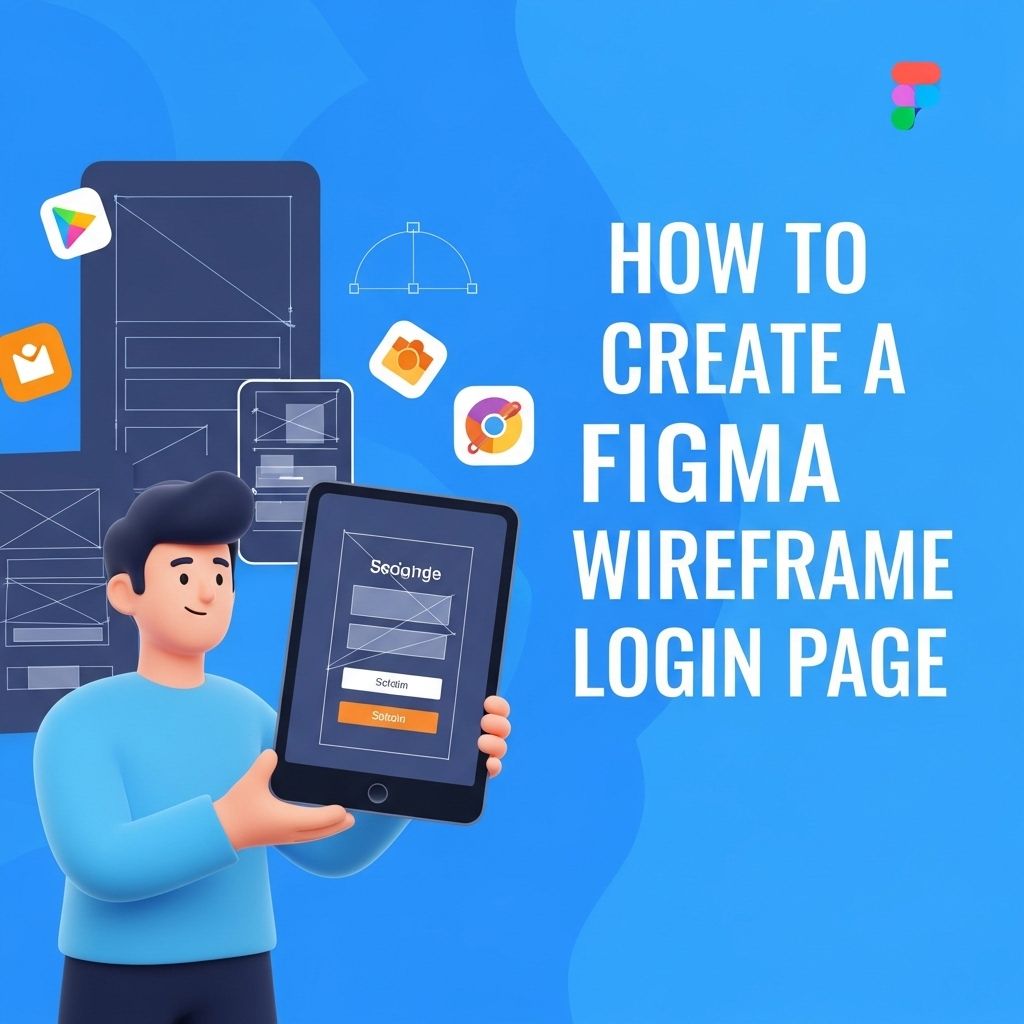
Creating an effective login page is one of the essential tasks in designing user interfaces. A well-crafted login page not only facilitates user access but also sets the tone for the entire user experience. In this guide, we will explore how to create a Figma wireframe for a login page that is user-friendly, visually appealing, and functional.
Creating a stunning Figma wireframe for a login page is an essential first step in designing an intuitive user experience. By focusing on layout, functionality, and aesthetics, you can ensure that your login page not only looks appealing but also meets user needs efficiently. For those working on design projects, exploring a range of resources, such as varieties of bag mockups, can further enhance your creative process.
Table of Contents
Understanding the Basics of Wireframing
Wireframing is a crucial step in the design process that involves creating a simplified, visual representation of a webpage or application. It allows designers to focus on layout, functionality, and user flow without getting distracted by colors, fonts, and images.
Why Wireframe?
- Clarity: It helps clarify ideas and concepts before moving on to high-fidelity designs.
- Feedback: Wireframes can be easily shared with stakeholders for feedback.
- Efficiency: They speed up the design process by identifying potential issues early on.
Setting Up Your Figma Workspace
Before diving into the design, it’s important to set up your Figma workspace efficiently.
Creating a New File
- Open Figma and create a new design file.
- Name your file appropriately, such as “Login Page Wireframe”.
- Select the frame tool (F) and choose a mobile or desktop frame size based on your target platform.
Familiarize Yourself with Figma Tools
Knowing Figma’s tools will help you utilize the platform more effectively. Some essential tools include:
- Shape Tools: Use rectangles, circles, and lines to create layout components.
- Text Tool: Add text for labels, headings, and descriptions.
- Pen Tool: Create custom shapes and paths for unique design elements.
Designing the Login Page Wireframe
Now that your workspace is ready, let’s start designing.
1. Layout Structure
The layout of your login page is crucial for usability. Here’s a recommended structure:
- Header Area
- Login Form
- Footer Links
2. Adding the Header
In the header, include your brand logo and a call to action for users who might not have an account.
- Add a rectangle for the header background.
- Place the logo on the left side.
- Add a text link for “Sign Up” on the right side.
3. Creating the Login Form
The login form is the core of the login page. Incorporate the following elements:
- Username/Email Input Field
- Password Input Field
- Remember Me Checkbox
- Login Button
- Forgot Password Link
Input Fields
Use rectangles to represent each input field:
- Draw a rectangle for the username/email input.
- Add a text label above the input for clarity.
- Repeat for the password field.
Checkbox and Button
For the checkbox:
- Draw a small square next to a label for “Remember Me”.
For the login button:
- Create a rectangle and add the text “Login” in the center.
- Consider adding a slight shadow effect for a 3D appearance.
4. Footer Links
The footer can contain additional links, such as:
- Terms of Service
- Privacy Policy
- Contact Us
Each link can be represented with simple text elements.
Optimizing for User Experience
Great design goes beyond aesthetics. To optimize user experience, consider the following:
Visual Hierarchy
- Make the login button prominent.
- Use font sizes and weights to differentiate elements (e.g., larger for headings, smaller for footnotes).
Accessibility
- Label all input fields clearly.
- Ensure sufficient color contrast for readability.
- Use alt text for any images included.
Finalizing and Prototyping
Once you have laid out all the elements, it’s time to finalize your design and create a prototype.
Adding Interactions
Figma allows you to create interactive prototypes:
- Select the login button and go to the prototype tab.
- Drag the node to the next frame (e.g., a home page).
- Set the interaction to “On Click”.
Sharing Your Wireframe
Once your wireframe and prototype are ready, you can easily share them with stakeholders:
- Click on the “Share” button in the upper right corner.
- Set the permissions for viewing or editing.
- Copy the link and share it with your team.
Conclusion
Creating a wireframe for a login page in Figma is a straightforward yet impactful process. By focusing on layout, usability, and accessibility, you can design an effective login experience that meets user needs. Wireframing allows for rapid iteration and feedback, ensuring that the final design is polished and user-friendly. Embrace the wireframing process, and watch your designs evolve into functional user interfaces!
FAQ
What is a wireframe in Figma?
A wireframe is a low-fidelity visual representation of a user interface that outlines the structure and functionality of a web page or app, which can be created using Figma.
How do I start creating a wireframe for a login page in Figma?
To start creating a wireframe for a login page in Figma, open a new frame, use basic shapes to outline fields for username and password, and include buttons for ‘Login’ and ‘Sign Up’.
What elements should be included in a login page wireframe?
A login page wireframe should include input fields for username and password, a ‘Login’ button, a ‘Forgot Password?’ link, and options for social media login if applicable.
Can I use Figma templates for login page wireframes?
Yes, Figma offers a variety of templates and community resources that can help you start your login page wireframe more efficiently.
How do I share my Figma wireframe with others?
To share your Figma wireframe, click on the ‘Share’ button in the top-right corner of the interface, adjust the sharing settings, and copy the link to send to collaborators.
What are the advantages of using Figma for wireframing?
Figma allows for real-time collaboration, easy sharing, and access to a wide range of design tools, making it an ideal platform for creating wireframes.