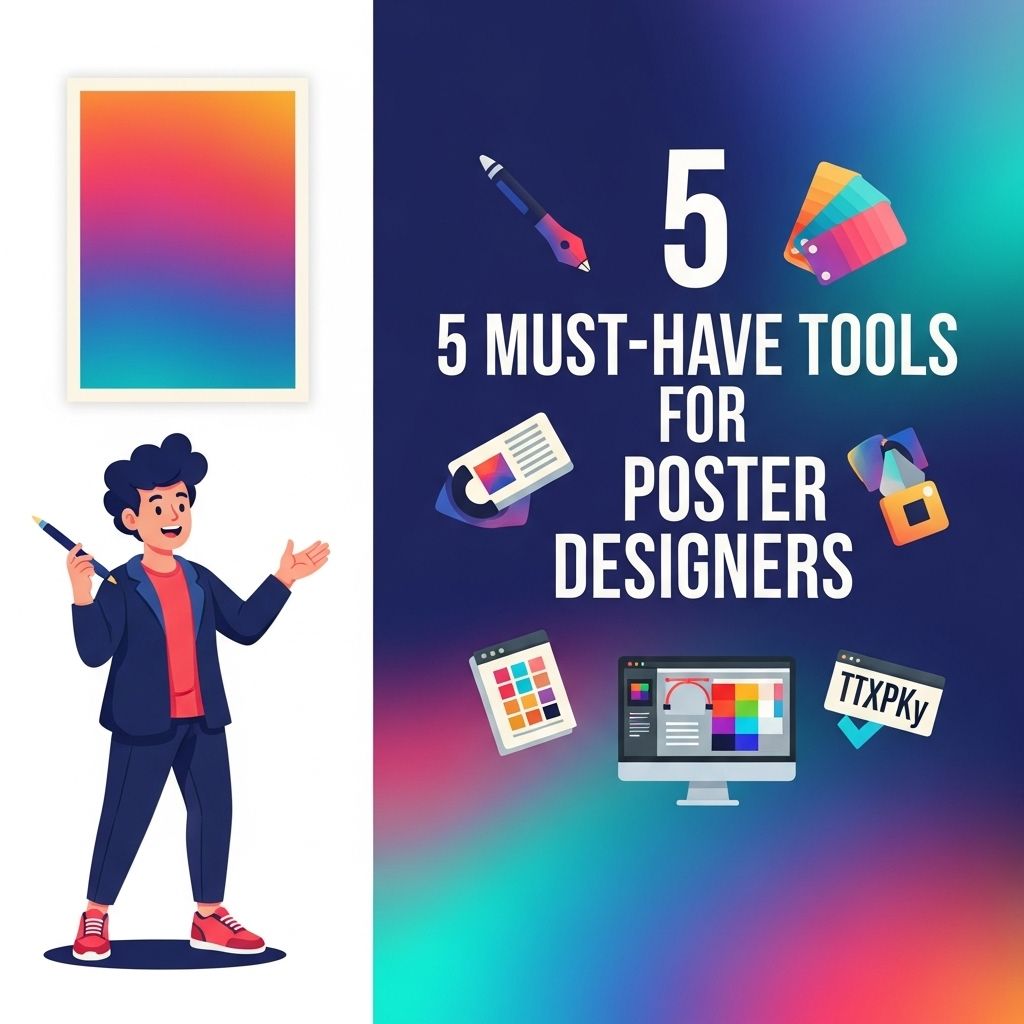
In today’s visually-driven world, poster design has become an essential skill for marketers, event organizers, and artists alike. The right tools can make the difference between a mediocre design and a stunning poster that captures attention. This article delves into the five must-have tools for poster designers that can enhance creativity, streamline the design process, and result in captivating visuals.
Table of Contents
1. Adobe Creative Cloud
Adobe Creative Cloud is often considered the gold standard for graphic design. With a range of applications including Photoshop, Illustrator, and InDesign, this suite provides poster designers with versatile tools to create stunning visuals.
Photoshop
Photoshop is widely used for editing images and creating intricate designs. Its features allow for:
- Image manipulation and retouching
- Layer management for multi-component designs
- Extensive brush and texture options
Illustrator
Illustrator is ideal for vector graphics. It is perfect for creating scalable poster designs without losing quality. Key features include:
- Advanced typography tools
- Pen tool for precise shapes
- Custom brushes for unique styles
InDesign
While primarily used for layouts, InDesign can be beneficial for designing posters with text-heavy elements. Features include:
- Grid and guide systems for alignment
- Text styles for consistent typography
- Integration with other Adobe apps for streamlined workflows
2. Canva
Canva is an excellent tool for both beginners and advanced designers. Its intuitive online platform provides a variety of templates and design elements that can save time without sacrificing creativity.
Key Features
Canva offers:
- Pre-designed templates for quick start
- A vast library of icons, images, and illustrations
- Collaboration features for team projects
With Canva’s user-friendly interface, even those without a graphic design background can create appealing posters in minutes.
3. CorelDRAW
CorelDRAW is another powerful vector graphic design software that caters to poster designers looking for an alternative to Adobe. It is known for its robust feature set and flexibility.
Advantages of CorelDRAW
Some advantages of using CorelDRAW include:
- Intuitive user interface for ease of use
- Comprehensive color management tools
- Support for various file formats
Key Features
CorelDRAW provides:
- Powerful vector illustration tools
- Advanced text handling capabilities
- LiveSketch tool for natural drawing experience
4. Procreate
For designers who prefer working on tablets, Procreate is a highly acclaimed digital painting app for the iPad. Its focus on illustration makes it a fantastic choice for creating detailed posters.
Features of Procreate
Procreate offers an array of features such as:
- High-resolution canvases
- A vast selection of brushes and tools
- Animation options for dynamic designs
Why Use Procreate?
Procreate’s responsiveness and organic feel make it ideal for artists who want to create hand-drawn elements within their posters. It allows for:
- Smooth blending and layering
- Quick export options for various formats
5. Affinity Designer
Affinity Designer has quickly gained popularity as a cost-effective alternative to Adobe Illustrator. It is perfect for creating everything from icons to complex posters.
Why Choose Affinity Designer?
Affinity Designer is known for:
- One-time purchase with no subscription fees
- Fast performance without lag
- A range of vector and raster tools
Key Features
Some notable features of Affinity Designer include:
- Artboards for different design variations
- Pixel preview mode for precise adjustments
- Seamless switching between vector and raster
Conclusion
In conclusion, the choice of design tools can significantly impact the quality and efficiency of poster creation. Whether you prefer the comprehensive capabilities of Adobe Creative Cloud, the simplicity of Canva, or the artistic freedom of Procreate, each tool offers unique features tailored to different design needs. By equipping yourself with these essential tools, you’ll be well on your way to creating eye-catching posters that stand out in any setting.
FAQ
What are the essential tools for poster design?
The essential tools for poster design include graphic design software like Adobe Illustrator or Photoshop, a high-quality graphics tablet for precision, stock photo websites for high-resolution images, typography resources for unique fonts, and project management tools to streamline collaboration.
Is Adobe Illustrator the best software for poster design?
Yes, Adobe Illustrator is widely regarded as one of the best software tools for poster design due to its vector-based capabilities, which allow for scalable and high-quality graphics.
Can I design posters without expensive software?
Absolutely! There are several free or low-cost alternatives like Canva, GIMP, and Inkscape that offer powerful features for poster design without the hefty price tag.
What role does typography play in poster design?
Typography is crucial in poster design as it sets the tone, enhances readability, and helps convey the message effectively. Choosing the right font can significantly impact the overall aesthetic of the poster.
How important is color selection in poster design?
Color selection is extremely important in poster design as it influences mood, attracts attention, and communicates the theme. A well-thought-out color palette can make your poster stand out and be more memorable.
What are some tips for creating visually appealing posters?
To create visually appealing posters, focus on a strong focal point, maintain a balanced layout, use high-quality images, limit your color palette, and ensure your text is legible and engaging.