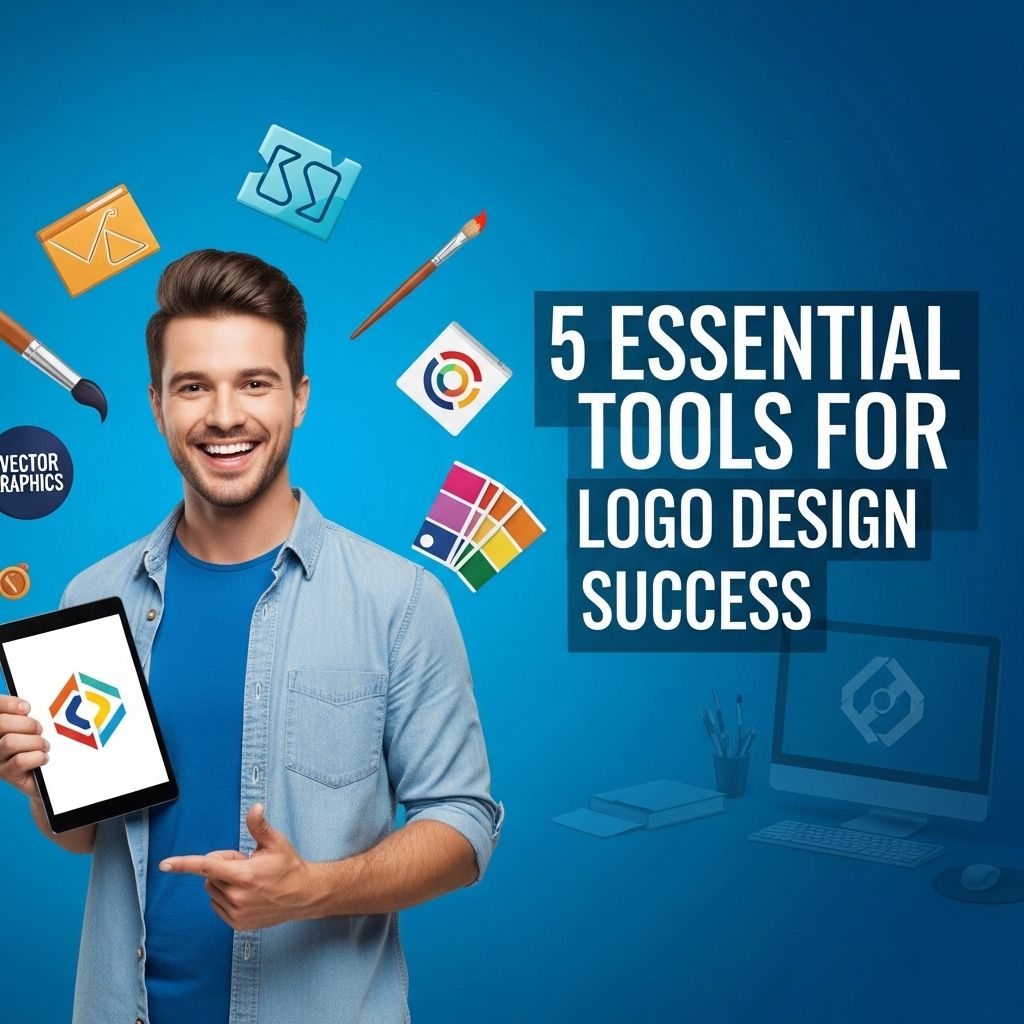
Creating a stunning logo is essential for establishing a brand’s identity. In a world where visual appeal can have a significant impact on customer perception, being equipped with the right tools for logo design is crucial. Whether you’re a seasoned designer or just starting out in the graphic design space, having the right software can make a world of difference. Below, we will dive into five indispensable tools that can elevate your logo design game to new heights.
Creating a striking logo demands the right set of tools to translate your vision into a visual identity. In this guide, we will explore 5 essential tools that can elevate your logo design process, ensuring a unique and professional outcome. For added inspiration, check out this resource for logo design inspiration.
Table of Contents
1. Adobe Illustrator
Adobe Illustrator is widely regarded as the gold standard in vector graphic design. With its extensive range of features, it is the go-to application for professional designers. Here are some key aspects that make it a must-have tool:
- Vector Graphics: Illustrator allows you to create scalable vector graphics that don’t lose quality when resized.
- Customizable Brushes: The tool provides a variety of brushes and effects to add unique styles.
- Text Tools: Advanced typography features enable you to manipulate text creatively.
- Integration: Seamless integration with other Adobe Creative Cloud applications enhances workflow efficiency.
Pricing
Adobe Illustrator operates on a subscription model, typically costing around $20.99 per month, depending on the plan you choose.
2. CorelDRAW
CorelDRAW is another powerful vector graphic design software that has a loyal following among logo designers. It offers a user-friendly interface and a robust set of features:
- Intuitive Design: Easier learning curve for beginners with its straightforward tools and layout.
- Flexible Layout: Offers multiple page layouts for complex projects.
- Collaboration Features: Built-in features for feedback and collaboration streamline the design process.
Ideal Use Cases
CorelDRAW is particularly popular in industries that require detailed designs, such as print media and apparel branding.
3. Canva
If you’re looking for an easy-to-use option that doesn’t require extensive design experience, Canva is an excellent choice. It’s particularly beneficial for small business owners and startups:
- Templates Galore: Access to a vast library of logo design templates that can be customized.
- Drag-and-Drop Interface: User-friendly interface that makes designing intuitive.
- Collaboration Tools: Share designs easily with team members or clients for instant feedback.
Pricing
The basic version of Canva is free, with a Pro version available at approximately $12.99 per month, unlocking more features and templates.
4. Sketch
Sketch is primarily used for web and mobile app design but has gained popularity for logo creation due to its vector capabilities:
- Symbols and Reusable Components: Easily create reusable components for consistent branding.
- Plugins: A rich ecosystem of plugins allows for enhanced functionality and customization.
- Artboard Features: Ability to create multiple artboards for different design iterations.
System Requirement
Sketch is available only on macOS, making it less versatile for cross-platform use.
5. Inkscape
An excellent free alternative to premium tools, Inkscape is an open-source vector graphics editor that offers substantial capabilities:
- Free and Open Source: No cost involved, making it accessible for everyone.
- Extensive File Format Support: Works with various file formats, including SVG, PNG, and PDF.
- Advanced Features: Includes a variety of drawing tools, shapes, and text support.
Community Support
Inkscape has an active community that offers forums, tutorials, and resources, making it easier for new users to get started.
Comparison Table
| Tool | Price | Platform | Best For |
|---|---|---|---|
| Adobe Illustrator | $20.99/month | Windows, macOS | Professional designers |
| CorelDRAW | Variable | Windows, macOS | Print media |
| Canva | Free or $12.99/month | Web, iOS, Android | Beginners, small businesses |
| Sketch | $99/year | macOS | Web and app design |
| Inkscape | Free | Windows, macOS, Linux | Budget-conscious users |
Conclusion
Selecting the right tool for logo design can significantly impact your efficiency and creativity. Each of the tools mentioned above offers unique strengths, catering to various needs, preferences, and skill levels. Whether you are a professional designer looking for advanced features or a novice seeking simplicity, there is a tool that fits your requirements. Experiment with these tools to find the perfect fit for your logo design journey, and watch your creative visions come to life.
FAQ
What are the best tools for logo design?
Some of the best tools for logo design include Adobe Illustrator, CorelDRAW, Canva, Affinity Designer, and Inkscape.
Can I design a logo without professional software?
Yes, you can use online tools like Canva or LogoMaker, which offer user-friendly interfaces for non-designers.
What features should I look for in logo design software?
Look for features like vector graphics support, a variety of templates, typography options, and the ability to export in multiple formats.
Is it necessary to hire a professional for logo design?
While not necessary, hiring a professional can ensure a unique and polished logo that aligns with your brand identity.
How can I create a logo that stands out?
To create a standout logo, focus on simplicity, relevance to your brand, unique color schemes, and a memorable design.
What is the importance of scalability in logo design?
Scalability is important because your logo needs to look good at any size, whether on a business card or a billboard.