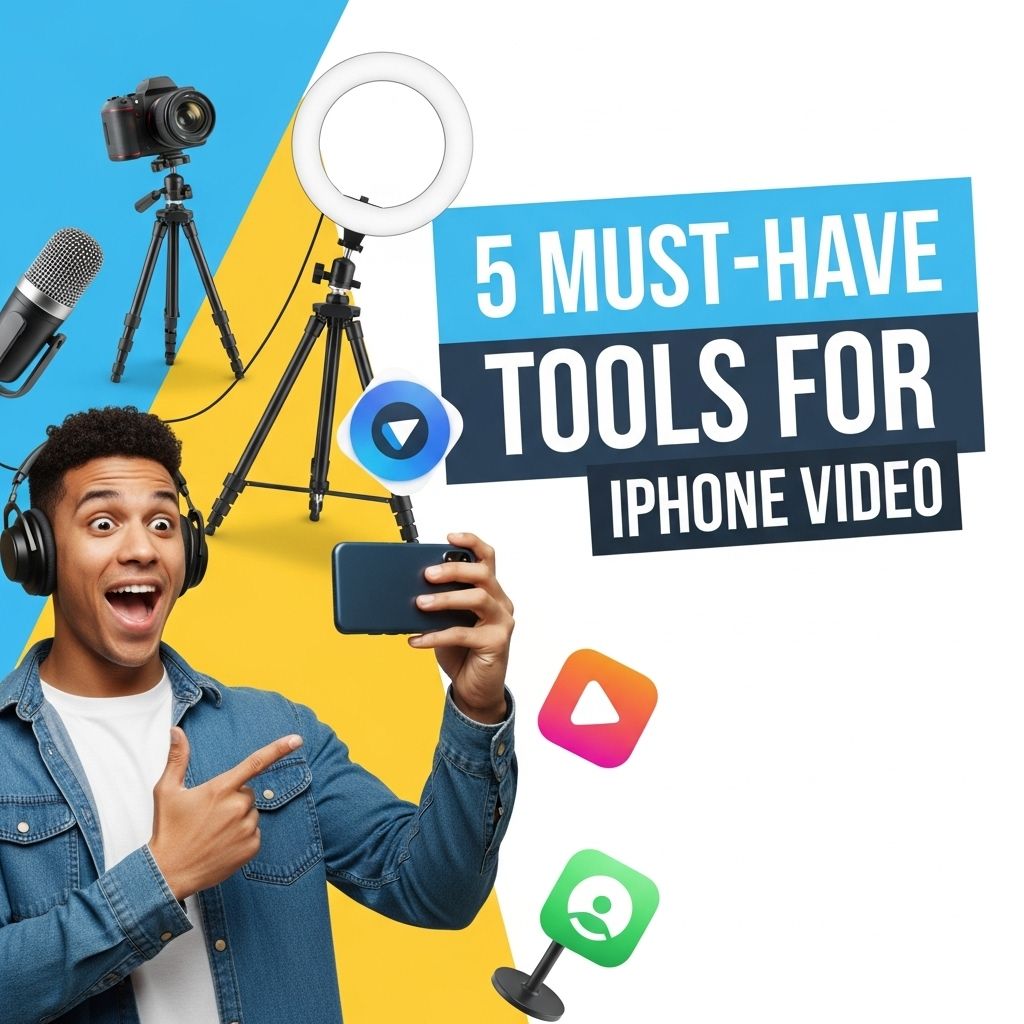
In today’s fast-paced digital world, creating high-quality videos on the go has never been easier, especially with the advanced capabilities of the iPhone. Whether you’re a professional videographer or an enthusiastic amateur, having the right tools can elevate your video production and help you achieve stunning results. From stabilizers to editing apps, we’ve compiled a comprehensive list of five must-have tools that will enhance your iPhone video experience.
Creating high-quality videos on your iPhone can be streamlined with the right tools. From stabilization equipment to editing apps, having the essential resources at your fingertips can transform your content. For instance, consider using bag mockups for branding to enhance your promotional materials.
Table of Contents
1. Gimbal Stabilizer
A gimbal stabilizer is an essential tool for any iPhone videographer looking to achieve smooth and professional-looking footage. These devices use motors and sensors to keep the camera steady, eliminating shaky shots caused by hand movements.
Recommended Gimbals
- DJI Osmo Mobile 3: Known for its portability and advanced features, the Osmo Mobile 3 offers gesture control and an easy-to-use interface.
- Zhiyun Smooth 4: This gimbal provides extensive controls for zoom and focus, making it perfect for those who want more creative control over their shots.
2. External Microphone
Good audio quality is just as important as crisp visuals when it comes to video production. The built-in microphone on the iPhone can capture decent audio, but for professional results, consider investing in an external microphone.
Types of Microphones
- Lavalier Microphone: Ideal for interviews and dialogue, lavalier mics can be clipped to clothing and provide clear, direct audio.
- Shotgun Microphone: These are great for capturing focused sound from a specific direction, minimizing background noise.
3. Video Editing Apps
Once you’ve captured your footage, the next step is editing. With numerous video editing apps available for the iPhone, you can easily enhance your videos on the go.
Top Editing Apps
| App Name | Key Features | Price |
|---|---|---|
| iMovie | User-friendly interface, templates, transitions | Free |
| Adobe Premiere Rush | Multi-platform support, advanced editing tools | $9.99/month |
| Filmmaker Pro | Professional-grade features, audio editing | $4.99 |
4. Tripod or Flexible Mount
A stable shot can make a significant difference in the quality of your video. A tripod or a flexible mount allows you to set up your iPhone securely, enabling you to frame your shots perfectly without worrying about holding the phone.
Choosing the Right Tripod
- Lightweight Tripods: Great for travel and on-the-go shoots.
- Flexible Mounts: These can wrap around trees, poles, or other surfaces to secure your iPhone in unconventional locations.
5. Lighting Equipment
Good lighting is crucial for achieving high-quality videos. Natural light is fantastic, but it’s not always available, especially indoors or at night. Investing in portable lighting options will help you control the brightness and mood of your shots.
Recommended Lighting Solutions
- LED Ring Lights: These provide even lighting for interviews and tutorials, reducing harsh shadows.
- Portable Softboxes: Ideal for creating soft light, these are great for product shots and cinematic videos.
Conclusion
With the right tools at your disposal, creating stunning videos with your iPhone becomes a much more attainable goal. Whether you’re using a gimbal for stability, an external microphone for clear audio, or editing your footage on a capable app, each piece of equipment plays a vital role in achieving professional results. As technology continues to evolve, so does the potential for iPhone videography, making it an exciting time for content creators everywhere. So gear up, explore these tools, and start crafting your cinematic stories today!
FAQ
What are the best tools for editing iPhone videos?
Some of the best tools for editing iPhone videos include iMovie, LumaFusion, and Adobe Premiere Rush. These apps offer user-friendly interfaces and powerful editing features.
Do I need additional equipment for shooting videos on my iPhone?
Yes, to enhance your iPhone video quality, consider using a tripod, external microphones, and additional lighting equipment. These tools can significantly improve stability, sound, and overall production quality.
Can I use my iPhone for professional video production?
Absolutely! Many professionals use iPhones for video production. With the right apps and accessories, you can achieve high-quality results suitable for various platforms.
What are some recommended lighting tools for iPhone videos?
LED ring lights and portable softboxes are great options for lighting your iPhone videos. They help to create even lighting and minimize shadows.
How can I improve audio quality in my iPhone videos?
Using an external microphone, such as a shotgun or lapel mic, can greatly enhance audio quality in your iPhone videos. Additionally, recording in a quiet environment helps to reduce background noise.
What apps can help with video stabilization on my iPhone?
Apps like Filmic Pro and Hyperlapse are excellent for video stabilization. They offer advanced features to help you capture smooth, professional-looking footage.