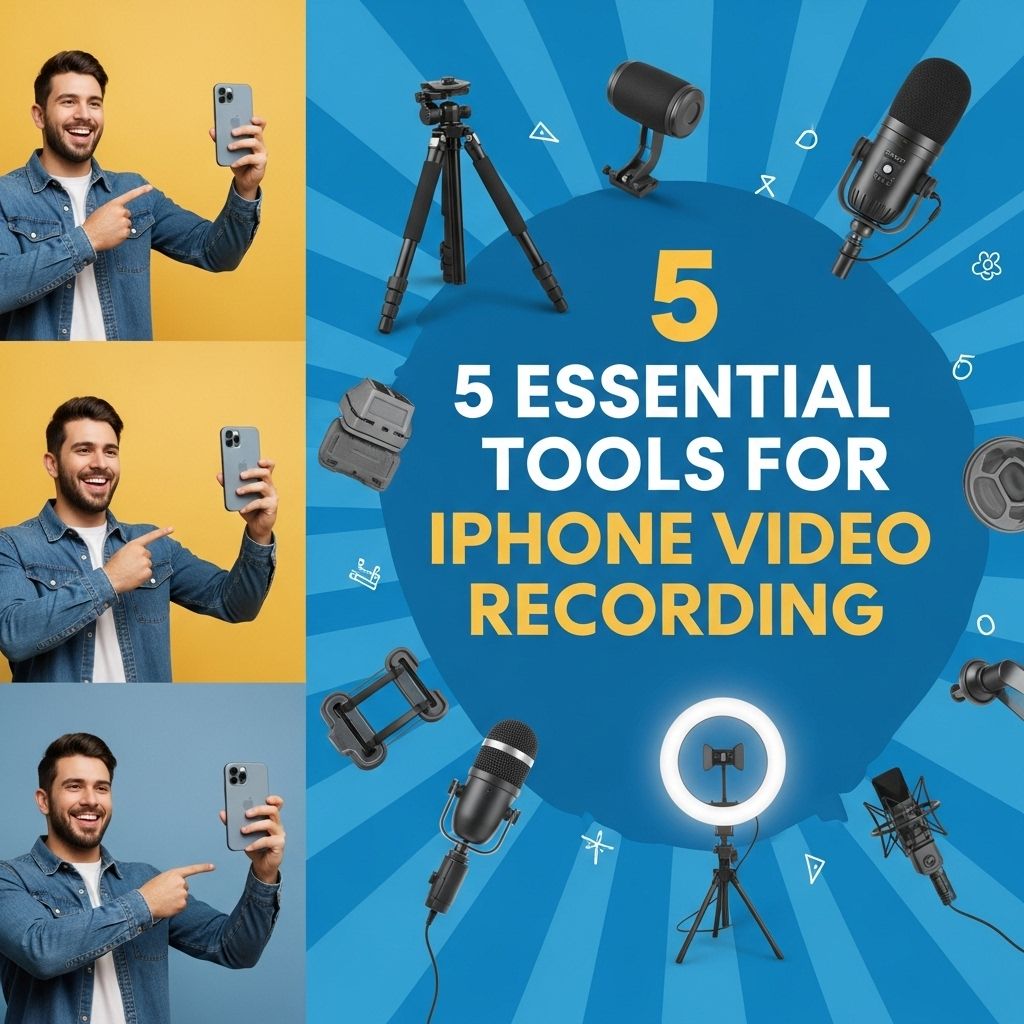
With the surge in mobile video content creation, iPhone users are increasingly exploring the potential of their devices for professional-grade video recording. The convenience and quality offered by iPhones make them an ideal tool for both amateurs and seasoned videographers. However, to truly harness the power of these devices, it’s essential to equip yourself with the right tools. In this article, we’ll delve into five essential tools that will elevate your iPhone video recording experience to the next level.
When it comes to capturing high-quality videos on your iPhone, having the right tools can make all the difference. From stabilizers to external microphones, these five essential tools will elevate your video recording experience and help you produce polished content. Take a moment to explore options like versatile jar illustrations to enhance your visual storytelling, such as these versatile jar illustrations.
Table of Contents
1. Stabilizers and Gimbals
One of the primary concerns for videographers is shaky footage. Even the slightest hand movement can result in jarring video quality. This is where stabilizers and gimbals come into play. They allow for smooth, cinematic motion, making your videos look professional.
Recommended Gimbals
- DJI Osmo Mobile 3 – Compact and foldable, it features ActiveTrack for subject tracking.
- Zhiyun Smooth 4 – Offers advanced features like zoom control and focus pulling.
- Hohem iSteady Mobile Plus – An affordable option with a good battery life and multiple shooting modes.
2. External Microphones
Sound quality is just as important as video quality. iPhone’s built-in microphone can pick up background noise and lack clarity. An external microphone can significantly improve your audio capture.
Types of External Microphones
- Lavalier Microphones: Ideal for interviews and presentations, they clip onto clothing for hands-free operation.
- Shotgun Microphones: These are excellent for directional sound capture, minimizing ambient noise.
- Handheld Microphones: Great for on-the-go interviews or vlogging.
Recommended Models
- Rode VideoMic Me-L – Compact and connects directly to the iPhone lightning port.
- Shure MV88 – A high-quality stereo microphone that plugs into the lightning connector.
- Zoom H1n Handy Recorder – A versatile option that can be used as a standalone device or connected to your iPhone.
3. Lighting Equipment
Good lighting can make or break your video. Natural light is great, but it’s not always available or sufficient. Investing in portable lighting equipment can drastically enhance your video quality.
Types of Lighting
| Type | Description |
|---|---|
| Softbox Lights | Provide diffused light, reducing harsh shadows. |
| Ring Lights | Perfect for influencers and beauty videos, creating even lighting on the subject. |
| LED Panels | Portable and adjustable, offering a range of color temperatures. |
Recommended Options
- Neewer Ring Light Kit – Comes with adjustable brightness and color temperature.
- GVM LED Video Light – A portable panel with high color accuracy.
- Godox SL-60W – A powerful option for more controlled studio lighting.
4. Lenses and Filters
While the iPhone camera is already impressive, adding external lenses can extend its capabilities. Different lenses allow you to achieve various effects that would otherwise be impossible.
Types of External Lenses
- Wide-Angle Lenses: Capture more of the scene, perfect for landscape shots.
- Macro Lenses: Ideal for close-up shots of small objects.
- Telephoto Lenses: Allow for zooming into distant subjects without losing quality.
Recommended Lenses
- Moment Wide Lens – High quality and easy to attach.
- Olloclip 3-in-1 Lens – Versatile option that includes a fisheye and macro lens.
- Sandmarc Anamorphic Lens – Creates a cinematic look with unique lens flares.
5. Video Editing Apps
Once you have recorded your video, the next step is editing. While there are many apps available, finding one that suits your needs is crucial for achieving that professional look.
Top Video Editing Apps
| App Name | Key Features |
|---|---|
| iMovie | User-friendly interface with basic editing tools. |
| Adobe Premiere Rush | Multitrack editing with cloud storage integration. |
| LumaFusion | Professional-grade features for advanced users. |
Editing Tips
- Always start with a clear plan or storyboard.
- Maintain consistency in color grading and framing.
- Use transitions sparingly to keep the focus on the content.
Conclusion
In conclusion, these five essential tools can significantly enhance your iPhone video recording experience. By investing in stabilizers, external microphones, lighting equipment, lenses, and editing apps, you will be well-equipped to produce high-quality video content. Embrace the power of your iPhone and let your creativity shine!
FAQ
What are the best tools for iPhone video recording?
The best tools for iPhone video recording include a tripod, external microphone, stabilizer or gimbal, lighting kit, and video editing software.
How can a tripod improve my iPhone video recording?
A tripod keeps your iPhone steady, reducing shaky footage and allowing for smoother, more professional-looking videos.
Why should I use an external microphone for iPhone video recording?
An external microphone improves audio quality by capturing clearer sound, reducing background noise, and enhancing overall production value.
What is the benefit of using a gimbal for iPhone video recording?
A gimbal stabilizer helps eliminate camera shake while moving, resulting in smooth and cinematic video footage even when you’re on the go.
How can lighting affect my iPhone video quality?
Proper lighting enhances the clarity and visual appeal of your videos, making colors pop and reducing shadows, which is crucial for high-quality recordings.
What video editing software works well with iPhone footage?
Popular video editing software options that work well with iPhone footage include iMovie, Adobe Premiere Rush, and LumaFusion, all offering user-friendly interfaces and powerful editing tools.