In an increasingly digital world, the importance of cybersecurity cannot be overstated. With more personal and business data being stored online than ever before, safeguarding this information is crucial to avoid potential breaches and loss of sensitive data. As cyber threats evolve daily, equipping yourself with essential cybersecurity knowledge is vital. This article aims to provide you with essential tips that can help you fortify your digital defenses.
Table of Contents
Understanding Cyber Threats
Before diving into the tips, it’s important to grasp the variety of cyber threats that exist today. These can range from malware and ransomware to phishing scams and insider threats. Understanding these threats is the first step in protecting yourself.
Types of Cyber Threats
- Malware: Malicious software designed to disrupt, damage, or gain unauthorized access to computer systems.
- Phishing: Fraudulent attempts to obtain sensitive information by disguising as a trustworthy entity.
- Ransomware: A type of malware that encrypts files and demands payment for their release.
- Insider Threats: Security risks that originate from within the organization, often from employees or contractors.
Essential Cybersecurity Tips
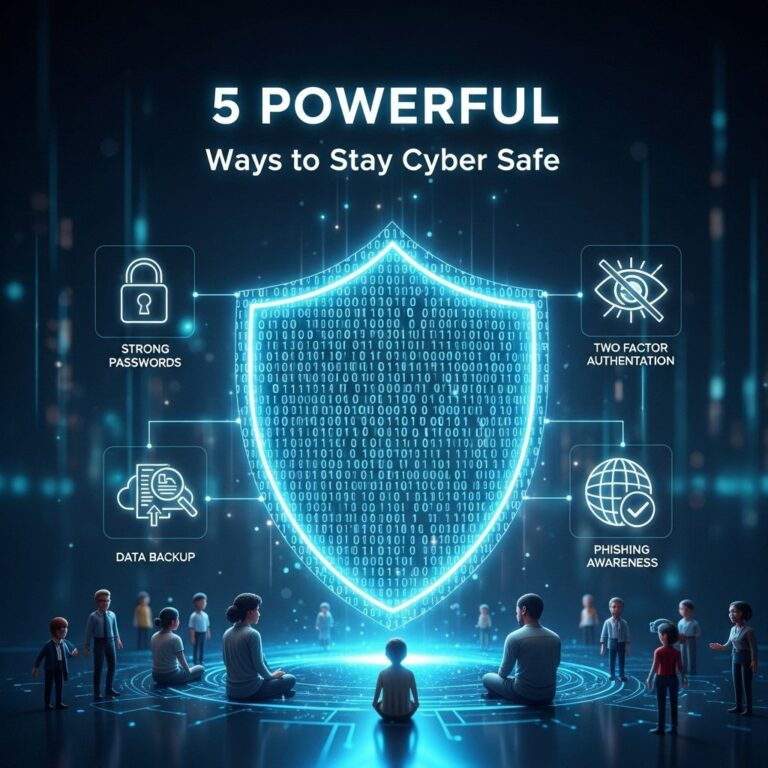
Now that we understand the landscape of potential threats, here are ten essential cybersecurity tips that you can implement to protect your data and privacy.
1. Use Strong, Unique Passwords
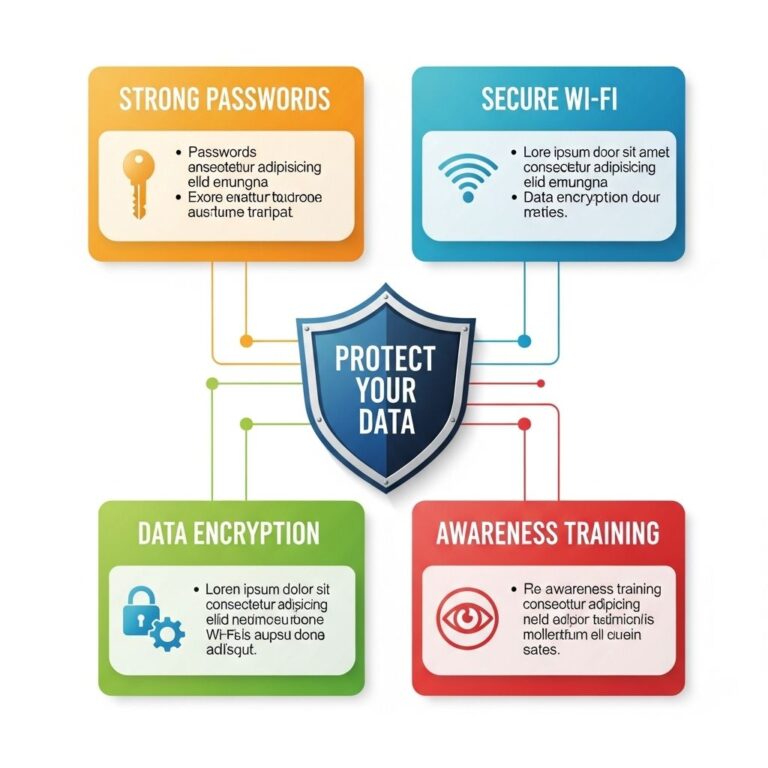
One of the simplest yet most effective ways to secure your accounts is to use strong and unique passwords for each of them. A strong password typically consists of:
- A minimum of 12-16 characters
- A mix of uppercase and lowercase letters
- Numbers and special symbols
Consider using a password manager to generate and store your passwords securely.
2. Enable Two-Factor Authentication (2FA)
Two-factor authentication adds an additional layer of security by requiring a second form of verification in addition to your password, such as a text message code or an authentication app. This greatly reduces the risk of unauthorized access.
3. Regularly Update Software
Keeping your operating system, applications, and antivirus software up to date is vital for cybersecurity. Updates often include patches for security vulnerabilities that hackers could exploit. Set your software to automatically update whenever possible.
4. Be Cautious with Public Wi-Fi
Public Wi-Fi networks can be a hotbed for cybercriminals looking to intercept data. If you must use public Wi-Fi, avoid accessing sensitive information, and consider using a Virtual Private Network (VPN) to encrypt your internet connection.
5. Backup Your Data
Regularly back up your data to ensure that you can recover it in the event of a cyber attack or hardware failure. Use external hard drives or cloud storage solutions, and verify that your backups are functional.
6. Educate Yourself and Employees
Cybersecurity awareness training is essential for individuals and businesses alike. Teach yourself and your employees about recognizing phishing attempts, social engineering tactics, and other common scams.
7. Use Firewalls
Firewalls act as a barrier between your network and potential threats from the internet. Ensure that your device’s firewall is enabled, and consider investing in additional hardware firewalls for your home or business network.
8. Monitor Your Accounts
Regularly check your bank and credit card statements for unauthorized transactions. Set up alerts for unusual account activity to catch potential fraud early.
9. Limit Data Sharing
Be mindful of the information you share online, particularly on social media. Adjust your privacy settings to restrict who can see your information, and avoid sharing personal details that could be used to answer security questions.
10. Use Antivirus Software
Antivirus programs can help detect and eliminate malware before it can harm your system. Choose reputable software, keep it updated, and run regular scans to ensure your devices are clean.
Creating a Cybersecurity Policy
For businesses, having a comprehensive cybersecurity policy is crucial. This policy should outline the procedures and responsibilities of employees regarding cybersecurity practices. A well-structured policy typically includes:
- Acceptable use of technology
- Data protection procedures
- Incident response protocols
- Regular training requirements
Sample Cybersecurity Policy Outline
| Section | Description |
|---|---|
| 1. Purpose | State the objectives of the cybersecurity policy. |
| 2. Scope | Define who the policy applies to—employees, contractors, etc. |
| 3. Responsibilities | Outline the responsibilities of employees and IT staff. |
| 4. Security Measures | Detail the security practices that must be followed. |
| 5. Incident Response | Describe the steps to take in the event of a breach. |
Conclusion
As cyber threats continue to become more sophisticated, adopting a proactive approach to cybersecurity is essential. By implementing these ten tips, you can significantly enhance your defenses against potential attacks. Stay informed and vigilant, and remember that cybersecurity is an ongoing process, not a one-time task. Regularly review and update your practices to keep pace with the ever-changing landscape of digital security.
FAQ
What are the most important cybersecurity tips for individuals?
Use strong, unique passwords for each account and enable two-factor authentication whenever possible.
How can I protect my personal information online?
Be cautious about sharing personal information on social media and ensure your privacy settings are configured correctly.
What steps should I take to secure my home network?
Change the default password on your router, enable WPA3 encryption, and regularly update your router’s firmware.
How can I recognize phishing attempts?
Be wary of unsolicited emails or messages that ask for personal information or contain suspicious links or attachments.
Why is regular software updating important for cybersecurity?
Regular updates patch known vulnerabilities, reducing the risk of cyber attacks and ensuring your software runs smoothly.
What should I do if I think my online accounts have been compromised?
Change your passwords immediately, enable two-factor authentication, and monitor your accounts for any suspicious activity.