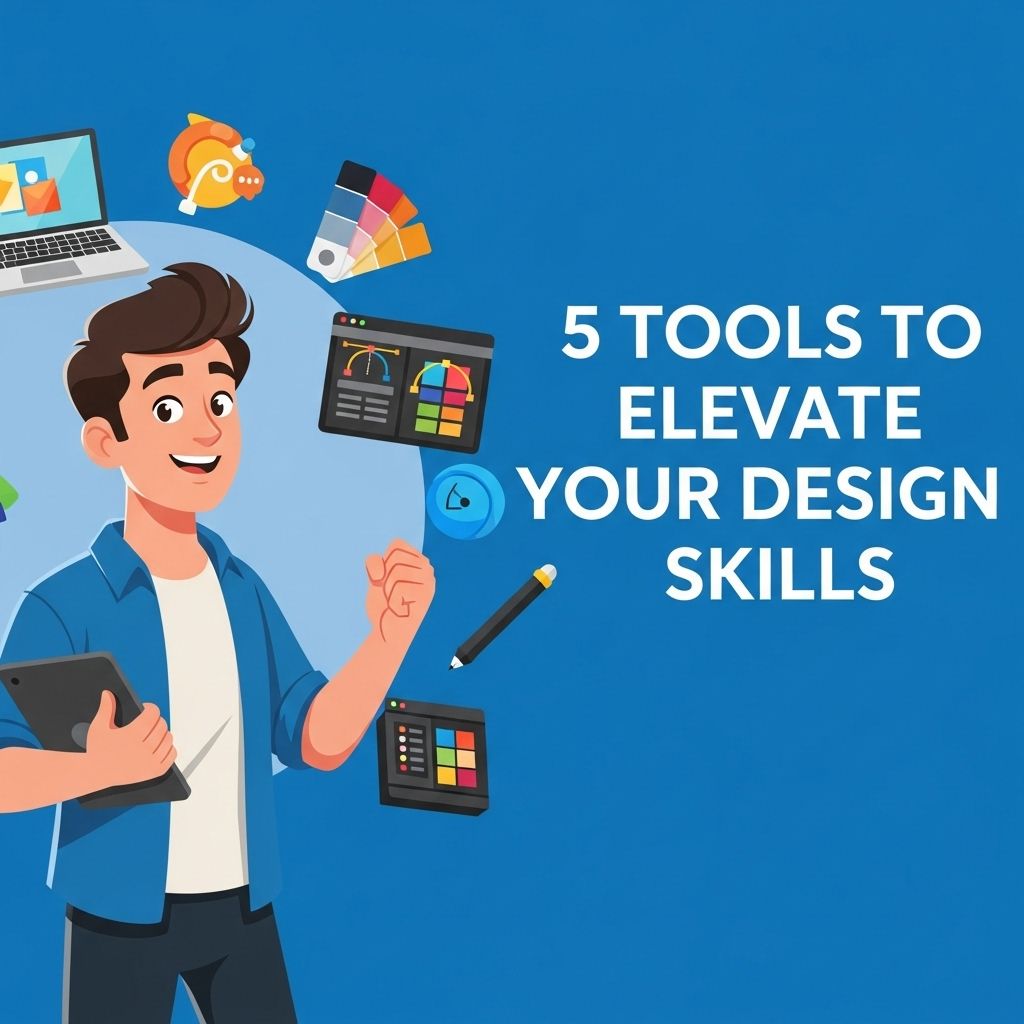
In today’s fast-paced digital world, staying ahead in design requires not only creativity but also the right set of tools. Whether you’re a budding designer or a seasoned professional, the tools you choose can significantly enhance your workflow, efficiency, and overall output. In this article, we will explore five essential tools that can elevate your design skills, making your projects more impactful and polished.
As designers, continually honing our skills is crucial for staying competitive and innovative. In this guide, we will explore five essential tools that can significantly elevate your design proficiency, including resources like customizable tube templates that allow for creative flexibility.
Table of Contents
1. Adobe Creative Cloud
Adobe Creative Cloud is an industry-standard suite of applications that includes Photoshop, Illustrator, InDesign, and many more. These tools are vital for graphic design, photo editing, and layout creation. Here’s why it’s a must-have:
- Versatility: Each application serves a different purpose, allowing for a wide range of creative possibilities.
- Integration: Seamless integration between apps enhances productivity and reduces time spent switching contexts.
- Community & Resources: A vast community of users and numerous online tutorials ensure you can continuously learn and improve.
Key Features
| Tool | Main Function | Best For |
|---|---|---|
| Photoshop | Image editing | Photographers and digital artists |
| Illustrator | Vector graphics | Logo and branding specialists |
| InDesign | Page layout | Print and digital publishing |
2. Figma
Figma is a powerful cloud-based design tool that facilitates collaborative interface design. Its real-time collaboration features make it perfect for team projects. Here’s what sets Figma apart:
- Collaboration: Multiple users can work on the same design simultaneously, with updates reflecting in real-time.
- Prototyping: Create interactive prototypes to visualize how the design will function in practice.
- Accessibility: Being cloud-based means you can access your work from anywhere, which is ideal for remote teams.
Best Practices for Using Figma
- Utilize components to maintain design consistency.
- Leverage the design systems feature for better organization.
- Regularly share prototypes for feedback to enhance your design iterations.
3. Sketch
Sketch is another popular design tool, especially among web and mobile interface designers. With its focus on vector graphics, it offers an intuitive experience for user interface design. Key advantages include:
- User-friendly Interface: Its straightforward, minimalistic interface reduces the learning curve for new users.
- Plugins and Integrations: A robust ecosystem of plugins enhances functionality, from accessibility tools to design handoff solutions.
- Symbols and Styles: Reusable design elements streamline the process and help maintain design consistency.
When to Use Sketch
Sketch is ideal for:
- Creating wireframes for web pages and applications.
- Designing icons and simple graphics.
- Collaborating with developers through easy export options.
4. InVision
InVision is a prototyping tool that enables designers to create interactive mockups. It’s widely used for testing user flows and gathering feedback before final development. Here’s why you should consider it:
- User Testing: Share prototypes with users for real-time feedback and testing.
- Collaboration Tools: Built-in commenting features allow stakeholders to provide feedback directly on the design.
- Integration: Connect with other tools like Slack, Trello, and JIRA for streamlined project management.
Effective Use of InVision
To make the most out of InVision:
- Create high-fidelity prototypes for a better user experience simulation.
- Encourage collaborative sessions to derive insights from team discussions.
- Utilize the version control feature to track design evolution.
5. Canva
For those who may not be professional designers but still want to create stunning visuals, Canva is a game-changer. This online design tool offers an easy-to-use interface with plenty of templates. Key features include:
- Templates: Access thousands of templates for social media posts, presentations, and more.
- Drag-and-Drop Interface: Easily customize designs without needing extensive design skills.
- Free and Paid Options: Offers a variety of features at no cost, with premium options for advanced capabilities.
Canva Use Cases
Canva is perfect for:
- Small business owners looking to create marketing materials.
- Social media managers needing quick visuals.
- Anyone wanting to design beautiful graphics without the steep learning curve.
Conclusion
In the realm of design, the right tools can dramatically enhance your capabilities and streamline your workflow. By leveraging platforms like Adobe Creative Cloud, Figma, Sketch, InVision, and Canva, you can elevate your design skills, creating impactful and engaging visuals. Each tool offers unique features that cater to different aspects of design, allowing you to choose what best fits your project needs. Invest time in mastering these tools, and you’ll find your design process not only becomes more efficient but also more enjoyable.
FAQ
What are the best tools to improve design skills?
Some of the best tools to elevate your design skills include Adobe Creative Suite, Sketch, Figma, Canva, and Procreate.
How can I use Adobe Creative Suite to enhance my design abilities?
Adobe Creative Suite offers powerful software like Photoshop and Illustrator that can help you learn advanced design techniques and improve your creative workflow.
Is Figma suitable for beginners in design?
Yes, Figma is user-friendly and provides collaborative features, making it a great tool for beginners to learn design while working with others.
Can Canva help me develop my design skills?
Absolutely! Canva offers intuitive design templates and tools that allow you to explore graphic design concepts without needing extensive experience.
What is the benefit of using Procreate for design practice?
Procreate is an excellent tool for digital illustration, allowing you to practice drawing and design skills on an iPad with a wide range of brushes and effects.
Are there online resources to learn how to use these design tools?
Yes, platforms like Skillshare, Udemy, and YouTube offer numerous courses and tutorials on how to effectively use these design tools.