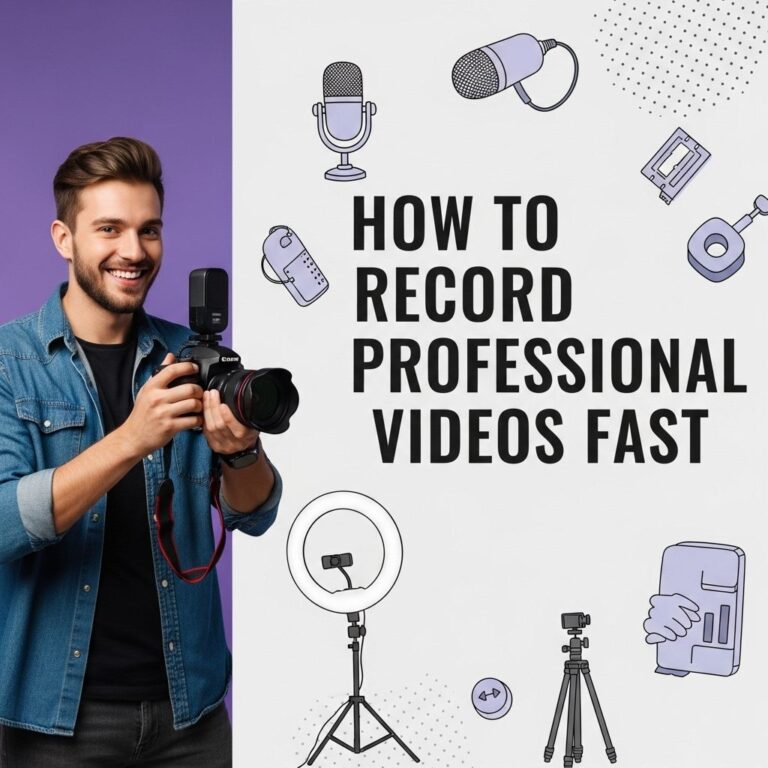
In the age of social media and online content creation, video quality can make or break your digital presence. Whether you’re a budding YouTuber, a live streamer, or a brand looking to produce polished marketing videos, understanding how to enhance your video quality is crucial. Below are five straightforward tips that will help elevate your video productions.
If you’re looking to improve the quality of your videos, small adjustments can make a significant difference. Here are five easy tips that will help enhance your video production, from lighting and sound to editing techniques. For inspiration, check out these mockup tube examples.
Table of Contents
1. Invest in Quality Equipment
The foundation of good video quality begins with the equipment you use. While smartphones today come with impressive cameras, investing in dedicated video equipment can make a significant difference.
Essential Equipment Checklist:
- Camera: Consider DSLRs, mirrorless cameras, or even high-end camcorders.
- Microphone: Audio quality is just as important as video. Look into shotgun mics or lavalier mics for better sound capture.
- Lighting: Natural light is great, but softbox or LED lights can help ensure consistent and flattering illumination.
- Tripod: Stabilization is key. A solid tripod will reduce shaky footage.
2. Optimize Your Lighting
Lighting can drastically affect the quality of your video. Poor lighting can lead to grainy and unappealing visuals, while proper lighting can enhance colors and depth.
Lighting Techniques:
- Three-Point Lighting: Utilize key light, fill light, and backlight to achieve a well-balanced scene.
- Soft Lighting: Diffuse your lights to reduce harsh shadows.
- Natural Light: Take advantage of natural light sources; shoot during the golden hour for softer tones.
3. Use Manual Settings
Many cameras offer automatic modes, but relying on them can limit your creative control. Learning to use manual settings can vastly improve your video quality.
Key Manual Settings to Adjust:
| Setting | Description |
|---|---|
| ISO | Lower ISO settings (100-400) reduce graininess in bright conditions. |
| Aperture | A smaller aperture (higher f-stop number) increases depth of field, making the background less distracting. |
| Shutter Speed | Keep your shutter speed at least double your frame rate (e.g., 1/60 for 30fps) for natural motion blur. |
4. Edit with Purpose
Post-production is where you can refine your video and further enhance quality. Editing allows you to correct mistakes, add effects, and create a cohesive narrative.
Editing Tips:
- Color Correction: Adjust colors to match your desired aesthetic. Use tools to correct color balance and saturation.
- Stabilization: Use software stabilization tools to reduce shaky footage.
- Audio Mixing: Ensure audio levels are balanced and enhance sound quality by using noise reduction tools.
5. Consider Your Background
The background of your video can distract viewers if not chosen wisely. An uncluttered, visually appealing background keeps attention on the subject of your video.
Background Tips:
- Simple and Clean: A plain wall or a well-arranged room can enhance focus on the subject.
- Thematic Decor: Use background elements that reflect your brand or theme without being overpowering.
- Green Screens: If you want full control, consider using a green screen for limitless background options.
Conclusion
Improving your video quality doesn’t have to be daunting. By investing in the right equipment, optimizing lighting, using manual settings, editing thoughtfully, and being mindful of your background, you can create professional-looking videos that engage and captivate your audience. Start implementing these tips today, and watch your video content reach new heights!
FAQ
What are some simple tips to improve video quality?
To enhance your video quality, ensure proper lighting, use a good camera, stabilize your shots, adjust resolution settings, and edit your footage for clarity.
How does lighting affect video quality?
Lighting plays a crucial role in video quality; proper lighting can reduce shadows and enhance colors, resulting in a clearer and more professional-looking video.
What camera settings should I adjust for better video quality?
Adjust settings like resolution (1080p or 4K), frame rate (30fps or 60fps), and focus to improve video quality and achieve a more polished look.
Why is stabilization important in video production?
Stabilization minimizes shaky footage, providing a smoother viewing experience. Using tripods or gimbals can greatly enhance video stability.
What editing tools can help improve video quality?
Editing tools like Adobe Premiere Pro, Final Cut Pro, and DaVinci Resolve can enhance video quality through color correction, noise reduction, and sharpening features.