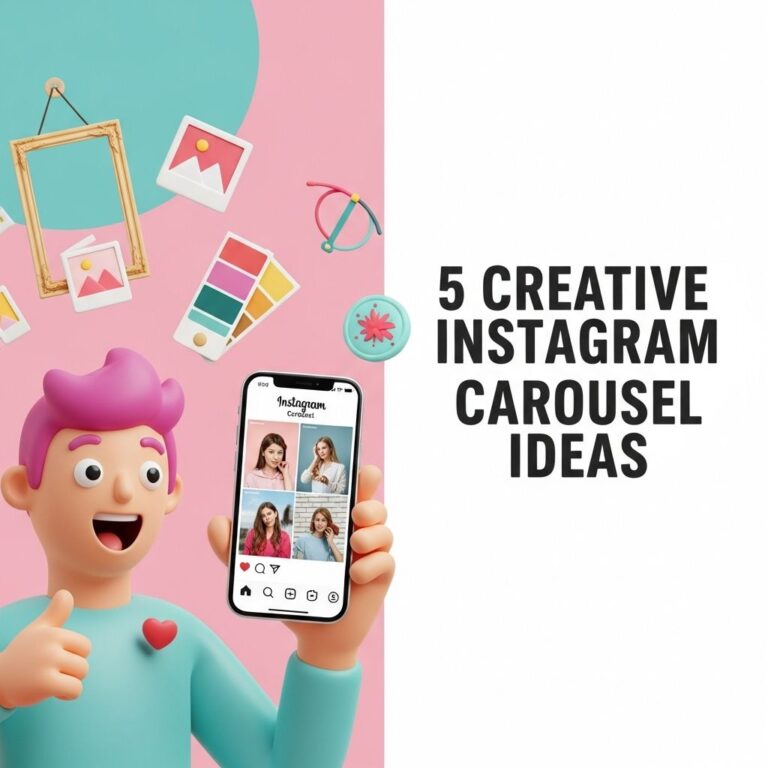
In the fast-paced world of social media, visual content reigns supreme. Instagram carousel posts have emerged as a powerful tool for brands and individuals looking to engage their audience. Unlike regular posts, carousel posts allow users to share multiple images or videos in a single post, encouraging viewers to swipe through the content. This format not only boosts engagement rates but also provides an opportunity to tell a more compelling story. In this article, we will explore the essential steps and best practices for designing eye-catching Instagram carousel posts that resonate with your audience.
Table of Contents
Understanding Carousel Posts
Before diving into the design process, it’s crucial to understand what makes carousel posts unique. Each carousel can contain up to 10 images or videos, allowing for a richer storytelling experience. Here are some reasons why you should consider using carousel posts:
- Enhanced Engagement: Carousel posts often have higher engagement rates because they encourage users to interact by swiping.
- Storytelling: You can create a narrative or a step-by-step guide that keeps viewers interested.
- Showcasing Products: Brands can display multiple products or angles of a single product, providing a fuller picture.
Step-by-Step Design Process
Step 1: Define Your Objectives
Before you start designing, it’s important to clarify the purpose of your carousel post. Ask yourself:
- What message do I want to convey?
- What action do I want my audience to take after viewing?
- Who is my target audience?
Step 2: Plan Your Content
Content planning is essential for a cohesive carousel. Consider creating a storyboard or outline that details what each slide will cover. Here are some content ideas:
- Tutorials or How-Tos: Provide step-by-step instructions.
- Before-and-After Comparisons: Show the impact of your product or service.
- Behind-the-Scenes: Give followers a sneak peek into your process.
Step 3: Design Each Slide
Your design should be consistent and visually appealing. Here are some tips:
- Use a Consistent Color Palette: Stick to your brand colors for a unified look.
- Font Selection: Choose fonts that are easy to read; avoid using more than two different fonts.
- High-Quality Images: Use high-resolution images to grab attention.
Step 4: Optimize for Engagement
To keep your audience engaged, consider the following:
- Include a Hook: Start with a captivating image or question that intrigues viewers.
- Use Call-to-Actions (CTAs): Encourage users to swipe, like, or comment.
- Train Your Audience: Let them know what to expect; use prompts like “Swipe to see more!” or “Tap for details!”
Step 5: Analyze and Iterate
After posting, track your carousel’s performance using Instagram Insights. Look at metrics such as:
- Swipe-through rates
- Engagement rates
- Comments and shares
Use this data to inform your future carousel posts. Experiment with different formats, content types, and design elements to see what resonates best with your audience.
Examples of Effective Carousel Posts
Here are some examples of brands that have successfully utilized carousel posts:
| Brand | Carousel Type | Description |
|---|---|---|
| Example Brand 1 | Tutorial | A step-by-step guide on using their product. |
| Example Brand 2 | Behind-the-Scenes | Showcasing the making of a product. |
| Example Brand 3 | Before-and-After | Highlighting the results of their service. |
Tools for Designing Carousel Posts
Several tools can facilitate your design process:
- Canva: User-friendly with templates specifically for Instagram posts.
- Adobe Spark: Offers powerful customization options and professional designs.
- Figma: Ideal for collaborative design work and prototyping.
Best Practices for Instagram Carousel Posts
To maximize the effectiveness of your carousel posts, adhere to these best practices:
- Keep It Concise: Each slide should convey a clear message without overwhelming the viewer.
- Maintain Flow: Ensure that each slide logically follows the previous one.
- Test Different Formats: Don’t be afraid to try various styles and content types to see what works best.
Conclusion
Designing Instagram carousel posts is an excellent way to enhance engagement and communicate your message effectively. By following these steps and best practices, you can create compelling content that resonates with your audience and meets your marketing goals. Remember, the key to success lies in creativity, consistency, and a willingness to adapt based on feedback and performance metrics.
FAQ
What are Instagram carousel posts?
Instagram carousel posts allow users to share multiple photos or videos in a single post, which viewers can swipe through.
How do I create an Instagram carousel post?
To create a carousel post, tap the ‘+’ icon, select ‘Post’, and then choose multiple images or videos from your gallery.
What is the ideal number of slides for an Instagram carousel?
Instagram allows a maximum of 10 slides, but it’s recommended to use between 3 to 5 slides for better engagement.
How can I design eye-catching carousel posts?
Use consistent colors, typography, and themes across the slides, and incorporate compelling visuals and clear messaging for maximum impact.
Should I include text in my Instagram carousel posts?
Yes, including text can enhance the message of your carousel, but keep it concise and ensure it complements your visuals.
What are some tips for increasing engagement on carousel posts?
Encourage viewers to swipe by teasing content on the first slide, use interactive elements, and include a call-to-action in your captions.