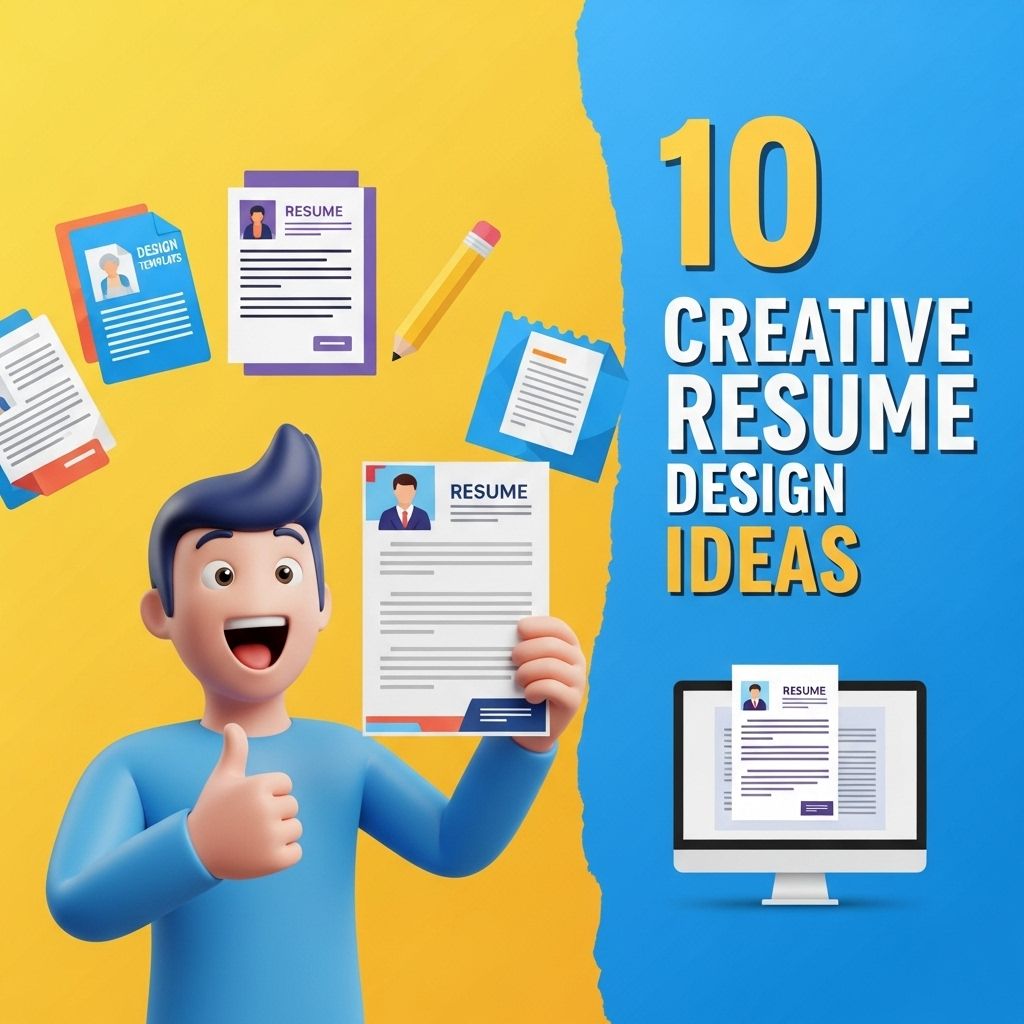
In a world where first impressions matter significantly, especially in the job market, your resume serves as a personal billboard showcasing your skills, experiences, and personality. A creative resume can not only help you stand out but also reflect your unique style and the specific requirements of the industry you’re targeting. This article delves into ten innovative resume design ideas that can impress potential employers and increase your chances of landing that coveted interview.
Table of Contents
1. Minimalist Design
Less is often more, especially in resume design. A minimalist resume can offer clarity and elegance, allowing your qualifications to stand out without distractions. Here are key elements:
- Simple Fonts: Utilize easy-to-read fonts such as Arial or Helvetica.
- Ample White Space: Ensure plenty of white space to enhance readability.
- Subtle Colors: Use a black-and-white scheme or soft pastel colors for accents.
Example Layout:
| Section | Details |
|---|---|
| Contact Information | Your name, phone number, email, LinkedIn URL |
| Summary | A brief introduction highlighting your skills and goals |
| Experience | Job title, company, dates of employment, key achievements |
| Education | Degree, institution, graduation year |
| Skills | Relevant skills tailored to the job |
2. Infographic Resume
Infographics combine visuals with text, offering a creative way to present your information. This style can convey your achievements and skills through charts, graphs, and icons.
Benefits:
- Visual Appeal: Captivates hiring managers’ attention.
- Information Density: Communicates complex information succinctly.
Tips for Design:
- Use a cohesive color scheme that matches your personal brand.
- Limit the text to key points—let the visuals do the talking.
- Incorporate icons for skills and tools.
3. Interactive PDF Resume
Interactive PDFs take resumes to the next level by allowing potential employers to interact with your content. Features may include clickable links, embedded videos, and animations.
Key Features:
- Embedded Links: Direct hiring managers to your portfolio or LinkedIn profile.
- Video Introductions: A brief video to introduce yourself can make a lasting impression.
- Dynamic Elements: Use animations to showcase achievements creatively.
4. Creative Use of Colors
Choosing bold colors can transform a standard resume into a vibrant representation of your personality. However, careful consideration is crucial to maintain professionalism.
How to Use Colors Effectively:
- Limit your palette to two or three colors to avoid overwhelming the reader.
- Use colors to differentiate sections or highlight important information.
- Avoid overly bright or clashing colors that might distract from the content.
5. Two-Column Layout
Two-column layouts can help to organize information efficiently, making it easy for hiring managers to scan your resume quickly. This approach is particularly effective for those with extensive experiences.
Recommended Sections:
- Left Column: Contact Info, Skills, Summary
- Right Column: Experience, Education, Certifications
6. Creative Typography
The choice of typography can set the tone for your resume. By using distinctive fonts or font pairings, you can enhance the overall look while making it more readable.
Font Pairings to Consider:
- Serif for headings (e.g., Playfair Display) and sans-serif for body (e.g., Open Sans).
- Modern typefaces like Futura or Proxima Nova for a contemporary look.
7. Use of Icons and Graphics
Incorporating icons can help break up text and draw attention to specific sections or skills. For example, using icons for contact information or skills can make your resume visually appealing.
Where to Use Icons:
- Contact Information Section
- Skills Section
- Social Media Links
8. Portfolio Integration
If you work in a creative field, integrating your portfolio directly into your resume can be advantageous. This could include screenshots of your work or brief case studies.
Tips for Portfolio Integration:
- Ensure the portfolio samples are relevant to the job.
- Include links to your online portfolio or social media profiles.
- Keep visual elements consistent with your resume design.
9. Thematic Resumes
Designing a resume around a specific theme relevant to the job can showcase your creativity and adaptability. For instance, a graphic design job might benefit from a design-centric approach.
Examples of Themes:
- Tech-inspired design with circuit patterns
- Nature-inspired with earthy colors and graphics
10. QR Code Integration
Including a QR code on your resume can provide quick access to your online portfolio, social media profiles, or a personal website. This modern touch merges traditional content with modern technology.
Best Practices for QR Codes:
- Test your QR code to ensure it works correctly.
- Place it in a prominent but unobtrusive location.
- Provide a short description of what the QR code links to.
In conclusion, a creatively designed resume can set you apart in a crowded job market. By combining strong visual elements with well-structured content, you can present yourself as a memorable candidate. Whether you opt for a minimalist approach or an infographic style, ensure that your design reflects your personality and aligns with the industry standards. The goal is not just to get noticed but to create a lasting impression that encourages hiring managers to consider your application seriously.
FAQ
What are some unique resume design ideas?
Consider using infographics, creative layouts, or minimalistic designs that highlight your skills and achievements effectively.
How can I make my resume stand out visually?
Incorporate colors, custom fonts, and icons to create a visually appealing resume that captures attention without overwhelming the reader.
Should I include a photo in my resume design?
Including a professional photo can add a personal touch, but it’s essential to consider the industry standards and norms.
What formats are best for creative resumes?
PDF is the most widely accepted format for creative resumes, as it preserves the design and layout across different devices.
How can I maintain professionalism in a creative resume?
Balance creativity with readability by using clear headings, structured sections, and ensuring that the content is easy to follow.
Are there any tools for creating creative resumes?
Yes, tools like Canva, Adobe Spark, and Microsoft Word offer templates and features that help you design eye-catching resumes.