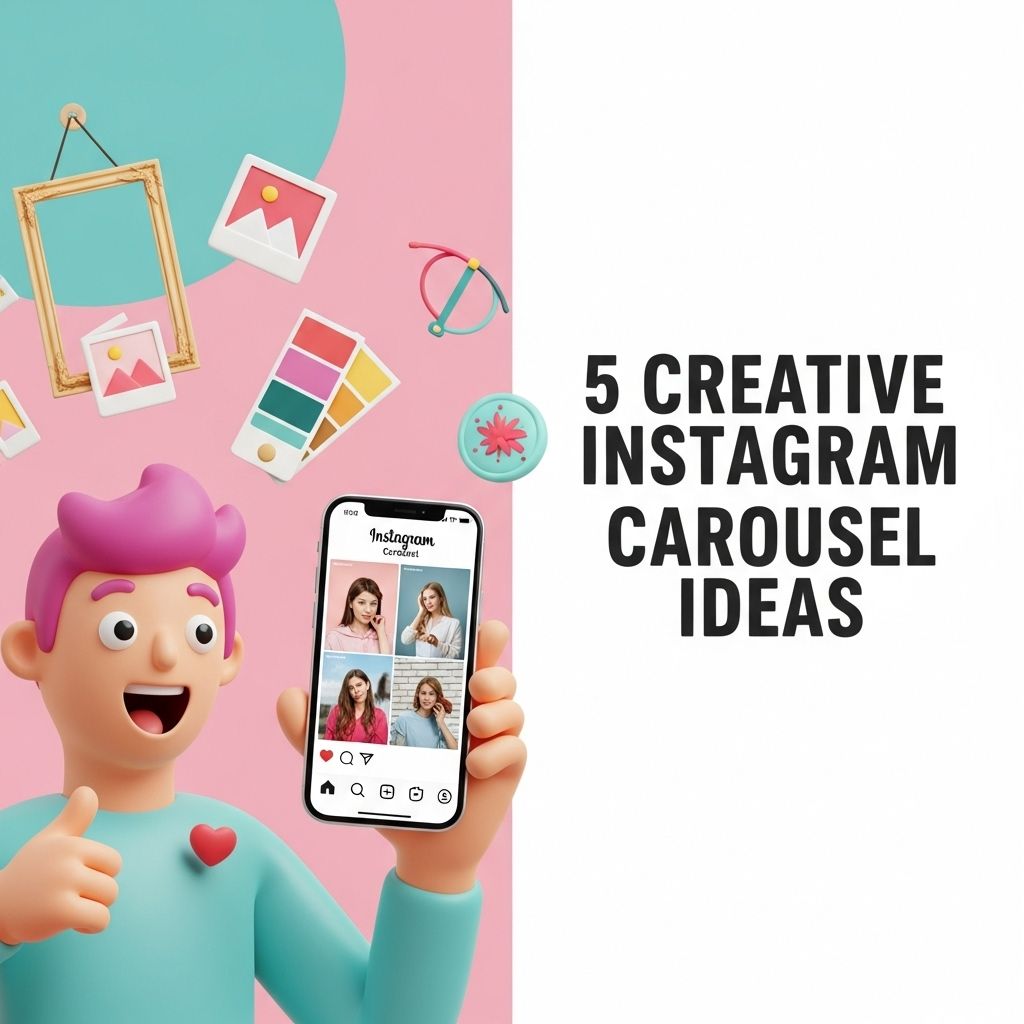
Instagram has rapidly evolved into a powerful platform for both personal expression and business marketing. With over a billion monthly active users, the visual-centric platform provides an incredible opportunity for creativity and engagement. One of the standout features of Instagram is the carousel post, allowing users to share multiple images or videos in a single post that viewers can swipe through. This article explores five innovative ideas for creating striking Instagram carousels that captivate your audience and increase your brand visibility.
Are you looking to elevate your Instagram presence? Creative carousel posts can significantly enhance engagement and keep your audience interested. Here are five innovative ideas to get you started, one of which could involve showcasing your products in a visually appealing narrative, like using free resources such as download free bag mockups.
Table of Contents
1. Thematic Storytelling
One of the most effective ways to utilize the carousel feature is through thematic storytelling. This approach allows you to create a narrative that unfolds across multiple slides, keeping your audience engaged from start to finish.
Tips for Thematic Storytelling:
- Choose a Central Theme: Pick a theme that resonates with your audience, whether it’s travel, fashion, or personal growth.
- Craft a Script: Outline a beginning, middle, and end to ensure a cohesive story.
- Visual Consistency: Use a consistent color palette and font style to create a unified look across all slides.
By using this method, you can create a compelling visual narrative that encourages users to swipe through each slide to discover the conclusion.
2. Before and After Transformations
This idea works particularly well for businesses in industries like home improvement, beauty, fitness, or fashion. Showcasing transformations can be incredibly powerful and visually captivating.
How to Create a Before and After Carousel:
- Selection of Subject: Choose a subject that showcases the transformation vividly.
- High-Quality Images: Ensure that both before and after images are high-quality and well-lit.
- Engaging Captions: Accompany each image with a brief description explaining the transformation process.
Consider using a split-screen effect in the first slide to enhance the visual difference between the before and after states.
3. Educational Content Series
Sharing knowledge is a great way to engage your audience on Instagram. Educational carousels can serve as a quick way to impart valuable information, tips, or insights.
Creating Educational Carousels:
- Identify a Topic: Pick a subject area that you are knowledgeable about and that adds value to your audience.
- Break Down Information: Divide complex information into digestible pieces and dedicate each slide to one key point.
- Use Visual Aids: Incorporate graphics, infographics, or bullet points for clarity.
For example, if your niche is digital marketing, consider creating a carousel titled “5 Essential SEO Tips” with one tip per slide, offering a concise explanation and visually engaging graphics.
4. User-Generated Content Showcases
Incorporating user-generated content (UGC) into your Instagram strategy can enhance community engagement and build trust with your audience. Showcasing your followers’ content allows them to feel valued while promoting your brand organically.
Steps to Create a UGC Carousel:
- Encourage Submissions: Ask your followers to tag your brand or use a specific hashtag.
- Select High-Quality Content: Choose the best submissions that resonate with your brand aesthetic.
- Give Credit: Tag the creators in the carousel and consider using captions that highlight their contributions.
This not only strengthens your community but also provides authentic content that demonstrates how your products or services are being used in real life.
5. Interactive Quizzes or Polls
Adding interactive elements to your carousel can significantly boost audience engagement. Quizzes or polls are a fun way to encourage participation and make your content more dynamic.
Designing an Interactive Carousel:
- Use Engaging Questions: Formulate questions that relate to your niche and are easy for your audience to answer.
- Provide Options: For quizzes, offer multiple-choice answers; for polls, present two options for users to pick from.
- Encourage Sharing: Ask followers to share their results or opinions in the comments.
You could create a carousel of five slides with a question on the first slide and multiple-choice answers on the following slides. This encourages swiping and interaction.
Conclusion
Utilizing carousel posts on Instagram is an effective way to keep your audience engaged and enhance your content strategy. From thematic storytelling to interactive quizzes, the possibilities are virtually limitless. By implementing these creative ideas, you can expand your reach, foster a stronger community connection, and elevate your brand presence on one of the most popular social media platforms. Start experimenting with these strategies today and watch your Instagram engagement soar!
FAQ
What are creative Instagram carousel ideas?
Creative Instagram carousel ideas include storytelling sequences, behind-the-scenes content, tutorials, user-generated content showcases, and visual product features.
How can I use storytelling in Instagram carousels?
You can use storytelling in Instagram carousels by breaking down a narrative into multiple slides, each representing a part of the story, engaging viewers with a compelling visual and textual flow.
What are some effective themes for Instagram carousel posts?
Effective themes for Instagram carousel posts include seasonal promotions, educational content, tips and tricks, before-and-after transformations, and personal anecdotes related to your brand.
How do I create a tutorial carousel on Instagram?
To create a tutorial carousel, divide the tutorial steps into individual slides, using visuals and concise text to guide followers through each step, making it easy to follow along.
Can I showcase user-generated content in a carousel?
Yes, showcasing user-generated content in a carousel is a great way to engage your community and highlight customer experiences, encouraging more followers to share their content.
What are the benefits of using Instagram carousels for marketing?
The benefits of using Instagram carousels for marketing include increased engagement, the ability to share more information in a single post, and the opportunity to keep users on your content longer.