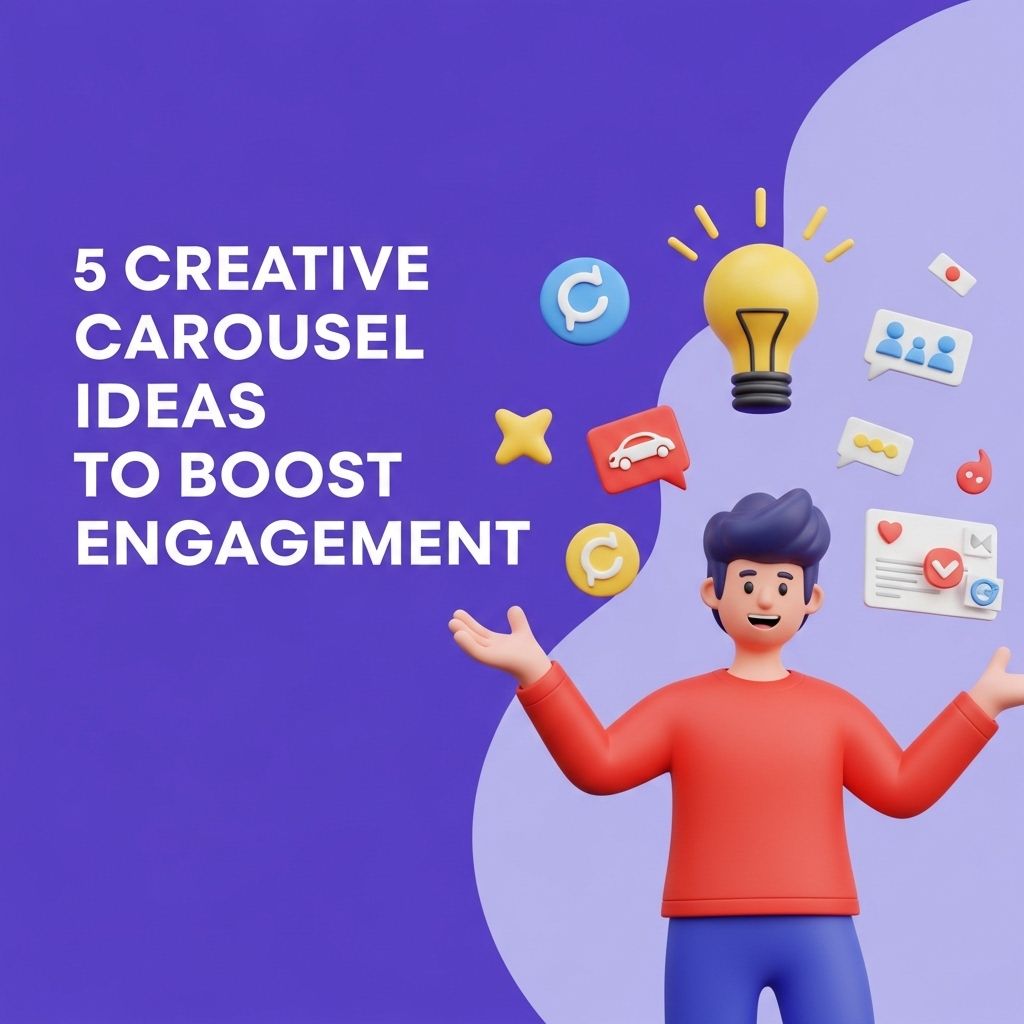
In the digital age, engagement is key to success in any online endeavor. Carousels, which allow users to swipe through a series of images or posts, can be a powerful tool to boost user interaction and keep audiences captivated. Unlike static posts, carousels invite users to participate actively, increasing the likelihood of interaction, shares, and even conversions. Here, we explore five creative carousel ideas that can enhance engagement and make your content stand out in a crowded digital landscape.
Table of Contents
1. Storytelling Through Sequential Imagery
One of the most effective uses for a carousel is storytelling. By breaking down a story into a series of images or slides, you can draw users in and keep them engaged.
How to Create a Storytelling Carousel:
- Identify the Central Theme: Choose a relevant theme or message that resonates with your audience.
- Break It Down: Divide the story into key moments or chapters, with each slide representing a part of the narrative.
- Use Compelling Visuals: Choose images that enhance the story and evoke emotions.
- Add Captivating Text: Use concise, impactful captions that prompt readers to continue swiping.
By utilizing this format, you can take users on a journey, encouraging them to engage with your content from beginning to end.
2. Educational Content in Bite-Sized Pieces
Sharing knowledge can be a great way to engage your audience. Carousels can break complex information down into digestible, easy-to-understand sections.
Steps for Creating Educational Carousels:
- Select a Topic: Pick a topic that is relevant to your audience’s interests or needs.
- Simplify Information: Convert complicated concepts into bullet points, definitions, or simple explanations.
- Include Visual Aids: Use infographics or illustrations to visualize the information.
- Encourage Interaction: Ask questions or include quizzes at the end to promote engagement.
This method not only provides value but also positions you as an authority in your field.
3. Showcasing User-Generated Content
Another fantastic way to increase engagement is by showcasing user-generated content (UGC). This not only creates a sense of community but also encourages your audience to participate.
Creating a UGC Carousel:
- Set a Theme: Encourage your followers to submit content based on a theme that aligns with your brand.
- Share the Best Submissions: Curate the best UGC and feature it in a carousel.
- Tag Contributors: Always credit the original creators to foster goodwill and encourage future submissions.
- Use a Hashtag: Create a unique hashtag to track submissions and promote visibility.
Featuring your audience’s content not only boosts engagement but also helps build a loyal community around your brand.
4. Product or Service Highlights
Carousels are an excellent medium for highlighting key features of your products or services. This can be especially useful for e-commerce platforms.
Steps to Create a Product Highlight Carousel:
- Choose Your Products: Select a handful of products or services that you want to spotlight.
- Highlight Key Features: Use each slide to focus on a different feature, benefit, or use case.
- Include Customer Testimonials: Adding reviews or feedback can enhance credibility.
- Call to Action: End with a compelling call to action, directing users to your site for more information or to make a purchase.
This format can help potential customers visualize the value of what you’re offering, potentially leading to higher conversion rates.
5. Quick Tips and Hacks
Everyone loves quick tips that can make their life easier! A carousel featuring helpful tips and tricks related to your niche can draw significant attention.
Creating a Tips Carousel:
- Identify Key Tips: List out a series of quick tips that your audience would find useful.
- Design for Easy Reading: Ensure that each tip is easy to read at a glance—use large fonts and minimal text.
- Incorporate Visuals: Use icons or images to illustrate each tip, making them more engaging.
- Encourage Sharing: Invite users to share their own tips in the comments or repost your carousel.
Quick tips not only provide immediate value but also encourage sharing, as users often want to pass along helpful advice to their friends and followers.
Conclusion
Incorporating creative carousel ideas into your content strategy can significantly boost engagement. Whether it’s telling a story, educating your audience, showcasing user-generated content, highlighting products, or providing quick tips, carousels offer versatility and interactivity that is hard to replicate with static content. By focusing on high-quality visual and textual content, your brand can stand out, foster engagement, and create a vibrant online community.
FAQ
What are some creative carousel ideas to boost engagement on social media?
You can create educational carousels that provide valuable tips, share behind-the-scenes content to humanize your brand, showcase customer testimonials or success stories, curate user-generated content, or create interactive quizzes to encourage audience participation.
How can I use carousels to tell a story?
Utilize each slide in a carousel to progressively tell a story, whether it’s about your brand’s journey, a product development process, or a day in the life of your team. This keeps viewers engaged as they swipe through the narrative.
What types of visuals work best in carousel posts?
High-quality images, infographics, and short videos are effective. Incorporate eye-catching designs, bold typography, and consistent branding to maintain visual appeal across all slides.
How often should I post carousels to maintain engagement?
It’s best to post carousels consistently, but not too frequently. Aim for 1-2 carousel posts per week to keep your audience engaged without overwhelming them.
What call-to-action should I include in my carousel posts?
Encourage users to engage with your carousel posts by including CTAs like ‘Swipe to learn more’, ‘Save this post for later’, or ‘Tag a friend who needs to see this’ to foster interaction.