In the ever-evolving world of web design, a carousel, or slider, can be a powerful tool to showcase content and engage users. However, the challenge lies in making these carousels not only functional but also visually appealing. In this article, we will explore ten creative carousel design ideas that can elevate any webpage and provide users with an engaging experience.
Table of Contents
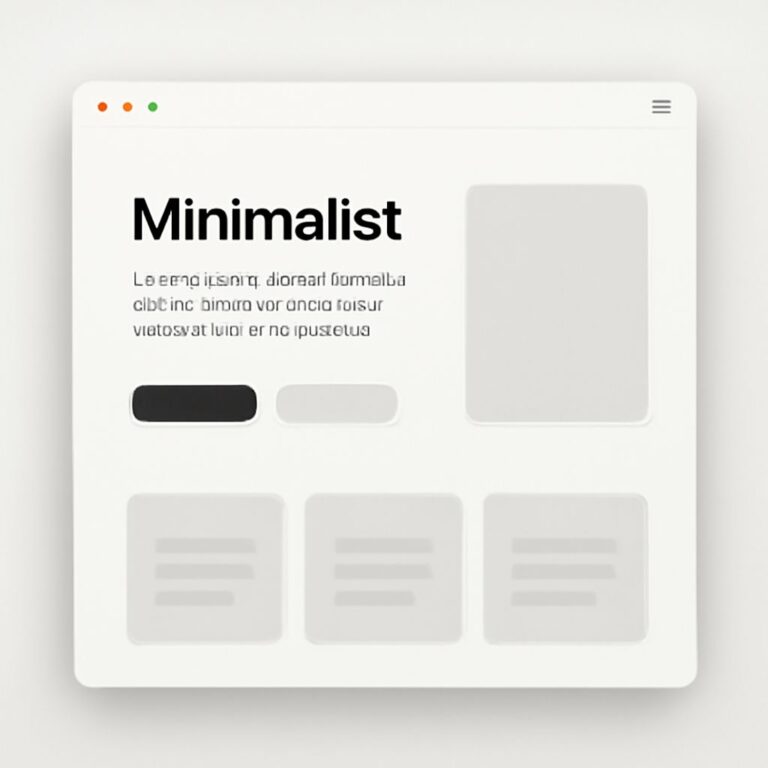
1. Minimalist Design
A minimalist carousel removes clutter and focuses on the essentials. By using a simple color palette and clean lines, you can create a sleek design that highlights the content. Features include:
- Large images with ample white space.
- Simple navigation buttons.
- Focus on typography for clear messaging.
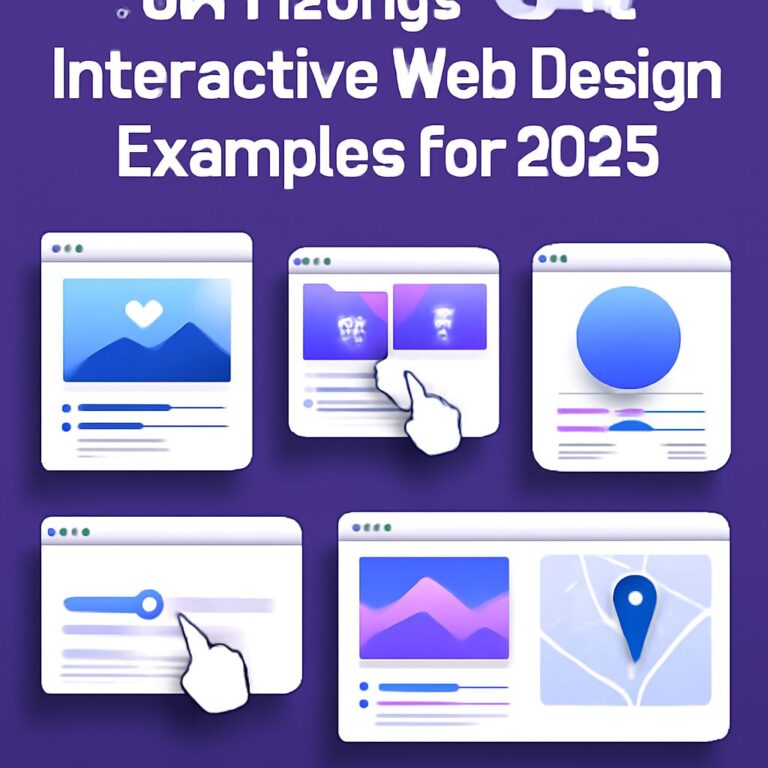
2. Interactive Elements
Integrating interactive elements into your carousel can significantly enhance user engagement. Consider adding:
- Hover effects that change images or content.
- Clickable areas that lead to further information.
Example:
When hovering over a product image, the carousel could display the product’s details, price, and an option to add to the cart.
3. Full-Screen Background
Using a full-screen background in your carousel can create an immersive experience. This design is particularly effective for:
- Showcasing stunning photography.
- Creating a cinematic feel for promotional content.
Implementation Tips:
Ensure that text remains legible against the background by using overlays or adjusting opacity levels.
4. Dynamic Content Transition
Instead of standard fades or slides, opt for dynamic transitions that add personality to your carousel. Some ideas include:
- Zoom-in and out effects.
- Parallax scrolling.
- 3D flips or rotations.
5. Multi-Item Carousel
Displaying multiple items in a single view can efficiently showcase products or content. This design allows users to:
- See more options without excessive scrolling.
- Quickly compare different items or features.
Implementation Example:
A restaurant website could display multiple menu items at once, allowing users to scroll through dishes quickly.
6. Storytelling Carousel
Transform your carousel into a storytelling platform by using sequential images and text. This format can captivate users by:
- Guiding them through the content step-by-step.
- Creating a narrative around your brand or product.
Visual Structure:
Each slide could represent a chapter in the story, complete with engaging visuals and concise copy.
7. Split-Screen Design
A split-screen carousel allows users to view two different pieces of content simultaneously. This design is useful for:
- Comparing before and after images.
- Highlighting product features side by side.
Technical Considerations:
Ensure that the split is aesthetically pleasing and doesn’t detract from the user experience.
8. Text Focused Carousel
For platforms that prioritize messaging over visuals, a text-focused carousel can effectively convey information. Features might include:
- Large, bold typography.
- Vibrant backgrounds to enhance visibility.
- Thematic imagery that supports the text.
9. Seasonal Themes
Creating seasonal or holiday-themed carousels can help keep your content fresh and relevant. Consider:
- Custom graphics and images for each season.
- Limited-time offers showcased prominently.
Engagement Strategies:
Use countdown timers in the carousel to create a sense of urgency for seasonal promotions.
10. User-Generated Content Carousel
Encouraging users to submit their content can foster community and engagement. A user-generated content carousel can:
- Feature customer testimonials.
- Showcase photos from users.
- Highlight user stories related to your brand.
Implementation Tips:
Moderate submissions to ensure quality and relevance to maintain a professional appearance.
Conclusion
Creating an engaging and functional carousel requires thoughtful design and a clear understanding of your audience’s needs. By implementing these ten creative carousel design ideas, you can enhance user experience, showcase your content effectively, and drive engagement on your website. Remember to keep testing and iterating on your designs to find what resonates best with your users.
FAQ
What is a carousel design in web and app development?
A carousel design is a user interface component that allows users to cycle through a series of images, text, or other content in a space-efficient manner, often used for showcasing multiple items or features.
How can I make my carousel design more engaging?
To make your carousel design more engaging, consider using high-quality images, incorporating animations, adding captions or descriptions, and ensuring easy navigation controls for users.
What are some creative ideas for carousel designs?
Some creative ideas for carousel designs include using split-screen layouts, interactive elements, personalized content based on user behavior, integrating video clips, and utilizing overlay text for storytelling.
What are the best practices for mobile carousel design?
Best practices for mobile carousel design include ensuring touch-friendly controls, optimizing loading times, using swipe gestures for navigation, and making sure content is readable on smaller screens.
How can I optimize carousel performance on my website?
To optimize carousel performance, limit the number of slides, compress images for faster loading, use lazy loading techniques, and regularly test for compatibility across different devices and browsers.