In today’s digital age, having a portfolio website has become an essential tool for professionals across various fields, from designers to developers and marketers. A standout portfolio not only showcases your skills and projects but also serves as a personal branding tool that can significantly impact your career opportunities. This article will guide you through the steps of creating a stunning portfolio website that captures attention and effectively highlights your work.
Creating a stunning portfolio website has never been easier, allowing you to showcase your work in just minutes. To elevate your presentation, consider using high-quality visuals, such as realistic bag mockup examples, which can add a professional touch to your designs.
Table of Contents
Understanding the Purpose of Your Portfolio
Your portfolio website should serve multiple purposes:
- Showcase your work and projects.
- Highlight your skills and expertise.
- Establish your personal brand.
- Provide a means for potential clients or employers to contact you.
Choosing the Right Platform
The first step in creating your portfolio is selecting the right platform. Here are some popular options:
1. Website Builders
Website builders are user-friendly and ideal for those with limited technical experience:
- Wix: Offers a drag-and-drop interface and plenty of templates.
- Squarespace: Known for its sleek designs and customization options.
- Weebly: Good for beginners with its straightforward setup.
2. Content Management Systems (CMS)
If you prefer more control over your site, consider a CMS:
- WordPress: Highly customizable, with thousands of themes and plugins available.
- Joomla: Flexible and powerful for building complex sites.
- Drupal: Best for developers looking for extensive customization.
3. Custom Development
For those with coding skills, building a site from scratch using HTML, CSS, and JavaScript allows for a completely unique design.
Designing Your Portfolio
Once you’ve chosen your platform, it’s time to focus on the design elements:
1. Choose a Clean Layout
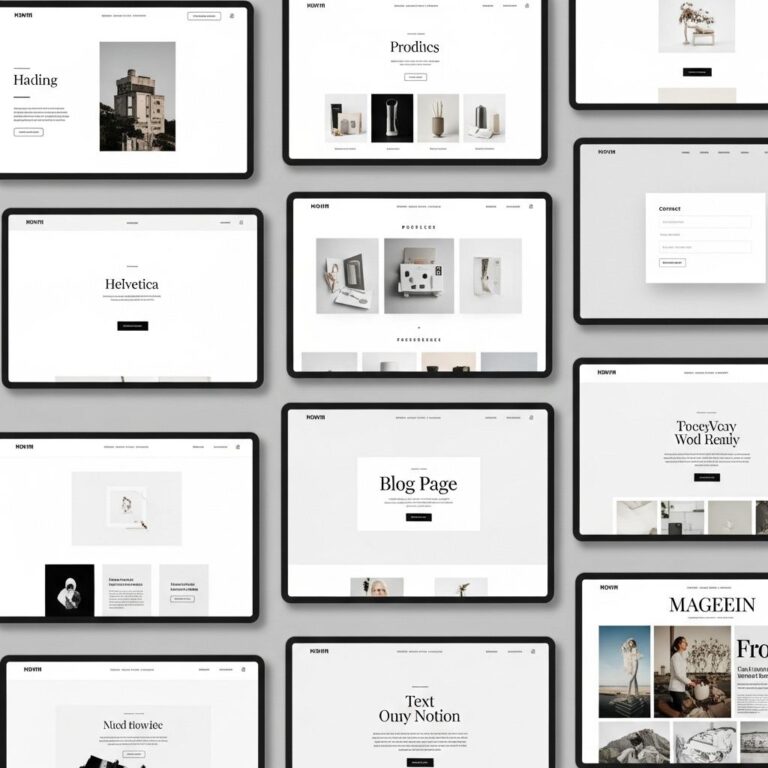
Simplicity is key. A clean and organized layout ensures that your work stands out. Avoid clutter and ensure that navigation is intuitive.
2. Use High-Quality Images
Your work deserves to be showcased in the best light. Use high-resolution images for your projects.
3. Consistent Branding
Maintain a consistent color scheme, typography, and overall branding throughout your portfolio. This aids in establishing your identity.
Content to Include in Your Portfolio
Your portfolio should tell a story about who you are and what you can do. Consider including the following:
1. About Me Section
This is your chance to connect with visitors. Include your background, skills, and what makes you unique.
2. Projects Showcase
Highlight your best work. For each project, consider including:
- Title and description
- Skills used
- Challenges faced and how you overcame them
- Your role in the project
3. Testimonials
Incorporate quotes from clients or colleagues to add credibility and showcase the positive impact of your work.
4. Resume
A downloadable resume can be helpful for potential employers or clients who want to know more about your professional background.
Optimizing for SEO
To ensure your portfolio reaches the right audience, optimization for search engines is crucial:
1. Use Relevant Keywords
Identify and integrate keywords that reflect your skills and services throughout your site.
2. Optimize Images
Include alt tags for all images to improve accessibility and SEO.
3. Create a Blog
Consider adding a blog section to share insights, tips, and updates, which can improve your site’s visibility.
Promoting Your Portfolio
Once your portfolio is live, the next step is promotion:
1. Social Media
Share your portfolio on platforms like LinkedIn, Twitter, and Facebook. Engage with communities related to your field.
2. Networking Events
Attend industry events to connect with potential clients and colleagues. Share your portfolio link when making connections.
3. Email Signature
Add your portfolio link to your email signature to increase visibility with every email you send.
Maintaining Your Portfolio
A portfolio is not a one-time project; it requires regular updates:
1. Update Projects Regularly
As you complete new projects, add them to your portfolio and remove outdated ones to keep the content fresh.
2. Review Design
Periodically assess your design and layout to ensure it aligns with current trends and best practices.
3. Seek Feedback
Ask peers for feedback on your portfolio to identify areas for improvement.
Conclusion
Creating a stunning portfolio website is an essential step in showcasing your work and building your personal brand. By selecting the right platform, designing an appealing layout, optimizing for search engines, and promoting your site effectively, you can make a strong impression in your industry. Remember, your portfolio is a reflection of your skills and personality, so take the time to make it a true representation of who you are as a professional.
FAQ
What is a portfolio website?
A portfolio website is an online platform that showcases an individual’s or organization’s work, skills, and achievements, typically used by creatives like designers, artists, and freelancers.
Why is having a portfolio website important?
Having a portfolio website is important because it acts as a digital resume, helps establish credibility, showcases your work to potential clients or employers, and provides a platform for personal branding.
What essential elements should I include in my portfolio website?
Essential elements for a portfolio website include a homepage, an about section, a gallery of your work, client testimonials, a contact form, and links to your social media profiles.
How do I choose the right platform to build my portfolio website?
Choosing the right platform depends on your technical skills, budget, and design preferences. Popular options include WordPress, Wix, Squarespace, and Behance, each offering various templates and customization options.
How can I make my portfolio website visually appealing?
To make your portfolio website visually appealing, focus on a clean layout, high-quality images, consistent branding, and an intuitive navigation system that enhances user experience.
What are some tips for optimizing my portfolio website for SEO?
To optimize your portfolio website for SEO, use relevant keywords in your content, optimize image alt tags, ensure fast loading times, create a mobile-friendly design, and include backlinks to increase visibility.