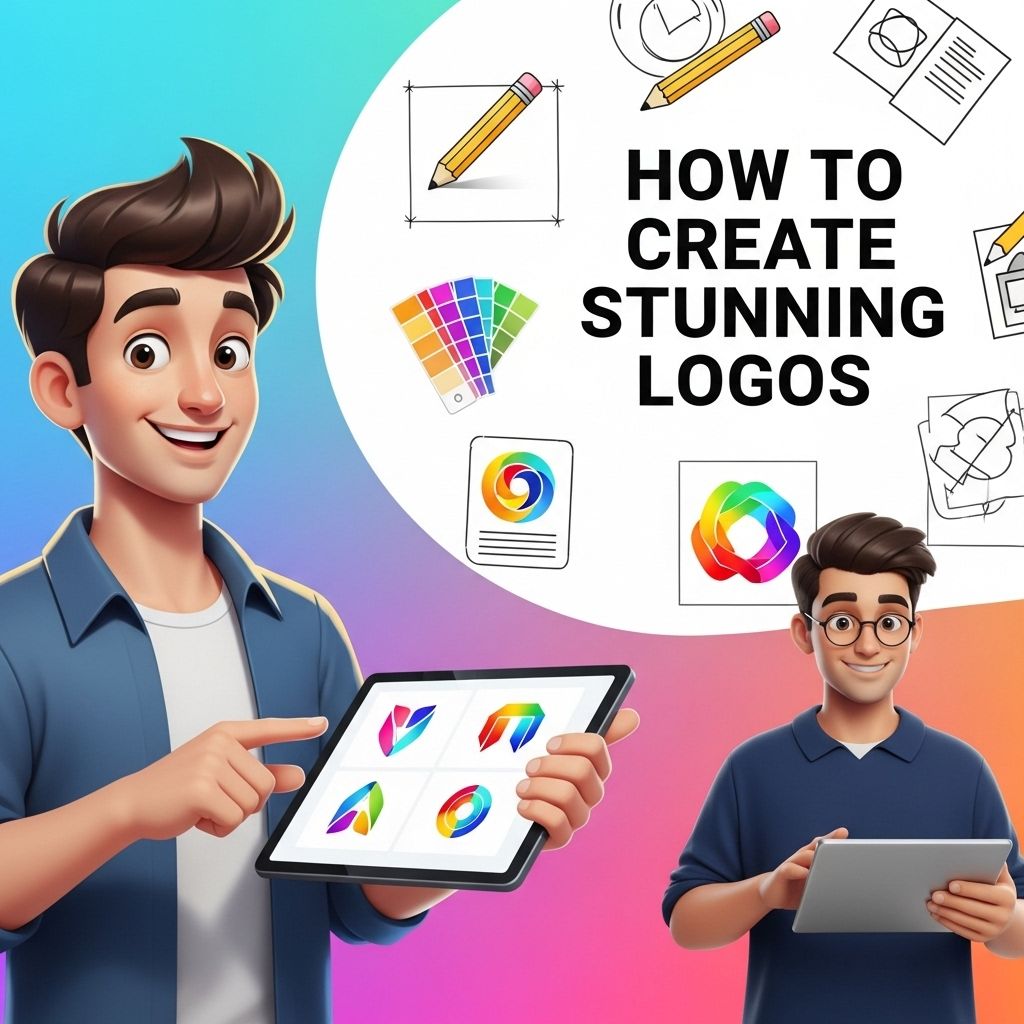
Creating a stunning logo is not just about aesthetics; it’s about conveying a brand’s identity and values through a visual representation. Whether you’re a business owner looking to establish your brand or a designer ready to craft logos for clients, understanding the principles behind logo design is crucial. This article digs deep into the elements of effective logo design, provides practical steps to create memorable logos, and highlights tools and resources that can aid in your creative process.
Table of Contents
Understanding the Basics of Logo Design
A logo is often the first impression of your brand. It should communicate your brand’s message clearly and effectively. Here are some fundamental aspects to consider:
Types of Logos
Logos can generally be categorized into three types:
- Wordmarks: These logos are entirely text-based and focus on the name of the brand.
- Lettermarks: Initials or abbreviations are used in these logos, offering visual appeal while keeping the brand name concise.
- Symbol or Icon: These logos use graphics or images to represent the brand, often without any text.
Key Elements of a Successful Logo
To design a logo that stands out, consider the following elements:
1. Simplicity
A simple logo is easy to recognize and remember. Think of iconic logos like Nike’s swoosh or Apple’s apple. A cluttered design can confuse potential customers and dilute brand identity.
2. Versatility
A good logo should be versatile enough to work across various mediums—be it print, digital, or merchandise. Test your design in different sizes and formats to ensure it maintains its integrity.
3. Timelessness
A logo should endure the test of time. Avoid trends that may quickly become outdated. Focus on classic designs that will remain relevant for years.
4. Relevance
Your logo needs to resonate with your target audience. It should reflect the industry, values, and personality of your brand. For instance, a fun and playful logo might work for a children’s toy brand but not for a law firm.
Steps to Create a Stunning Logo
Step 1: Research and Brainstorm
Before putting pen to paper (or mouse to screen), gather inspiration and understand your brand. Consider the following:
- Identify your audience.
- Analyze competitors’ logos.
- Gather visuals that inspire you (mood boards are effective).
Step 2: Sketch Ideas
Start with rough sketches. Don’t worry about perfection at this stage; focus on generating ideas. Experiment with different shapes, symbols, and lettering styles.
Step 3: Choose Colors Wisely
Color plays a pivotal role in logo design. Different colors evoke different emotions. Here’s a quick color guide:
| Color | Meaning |
|---|---|
| Red | Passion, energy, action |
| Blue | Trust, security, professionalism |
| Green | Growth, health, freshness |
| Yellow | Optimism, clarity, warmth |
| Purple | Luxury, creativity, wisdom |
| Black | Elegance, sophistication, simplicity |
Step 4: Experiment with Typography
Typography can make or break your logo. Choose fonts that align with your brand’s personality. Consider these typography tips:
- Avoid overly decorative fonts for legibility.
- Limit your design to two typefaces.
- Ensure adequate spacing between letters (kerning).
Step 5: Utilize Design Software
Once you’ve finalized your sketches and ideas, it’s time to digitize your logo using graphic design software. Popular tools include:
- Adobe Illustrator: An industry standard for vector graphic design.
- Canva: User-friendly and ideal for beginners.
- CorelDRAW: Great for professional graphic design.
Step 6: Get Feedback
Before finalizing your logo, seek feedback from peers or potential customers. Ask about their initial impressions and associations with your design.
Refining Your Logo
Feedback is invaluable in the design process. Based on the responses, you may need to iterate on your design. Here are some tips for refining:
- Simplify complex elements.
- Adjust color contrasts for better visibility.
- Make sure your logo looks good in black and white as well as color.
Finalizing the Logo
Once you’ve refined your logo and are satisfied with the design, it’s time to prepare the final files. Ensure you save your logo in various formats:
- Vector formats: Such as .AI or .SVG for scalability.
- Raster formats: Such as .PNG and .JPG for web use.
Examples of Successful Logos
To inspire your logo design journey, let’s look at a few successful logos:
- Nike: The swoosh is simple, yet it embodies movement and speed.
- McDonald’s: The golden arches are instantly recognizable and signify fast food.
- FedEx: The negative space in the logo cleverly forms an arrow, symbolizing speed and delivery.
Conclusion
Creating a stunning logo involves more than just aesthetic appeal; it requires a deep understanding of your brand and effective design principles. By following these steps, you’ll be well-equipped to produce logos that not only look good but also resonate with your target audience. Remember, a great logo is an investment in your brand’s future!
FAQ
What are the key elements of a stunning logo?
A stunning logo should be simple, memorable, timeless, versatile, and appropriate for the brand it represents.
What tools can I use to create a logo?
You can use graphic design software like Adobe Illustrator, online logo makers like Canva, or hire professional designers for custom logos.
How do I choose the right colors for my logo?
Choose colors that reflect your brand’s personality and values. Consider color psychology and how different colors evoke different emotions.
Should my logo include text or just an icon?
It depends on your brand identity. Text can help with brand recognition, while an icon may convey your message more visually. A combination is often effective.
How can I ensure my logo is unique?
Research competitors and existing logos in your industry. Create sketches and concepts that reflect your brand’s uniqueness, and consider working with a professional designer.
What file formats should I have for my logo?
You should have your logo in various formats, including vector formats like SVG and EPS for scaling, as well as raster formats like PNG and JPEG for web use.