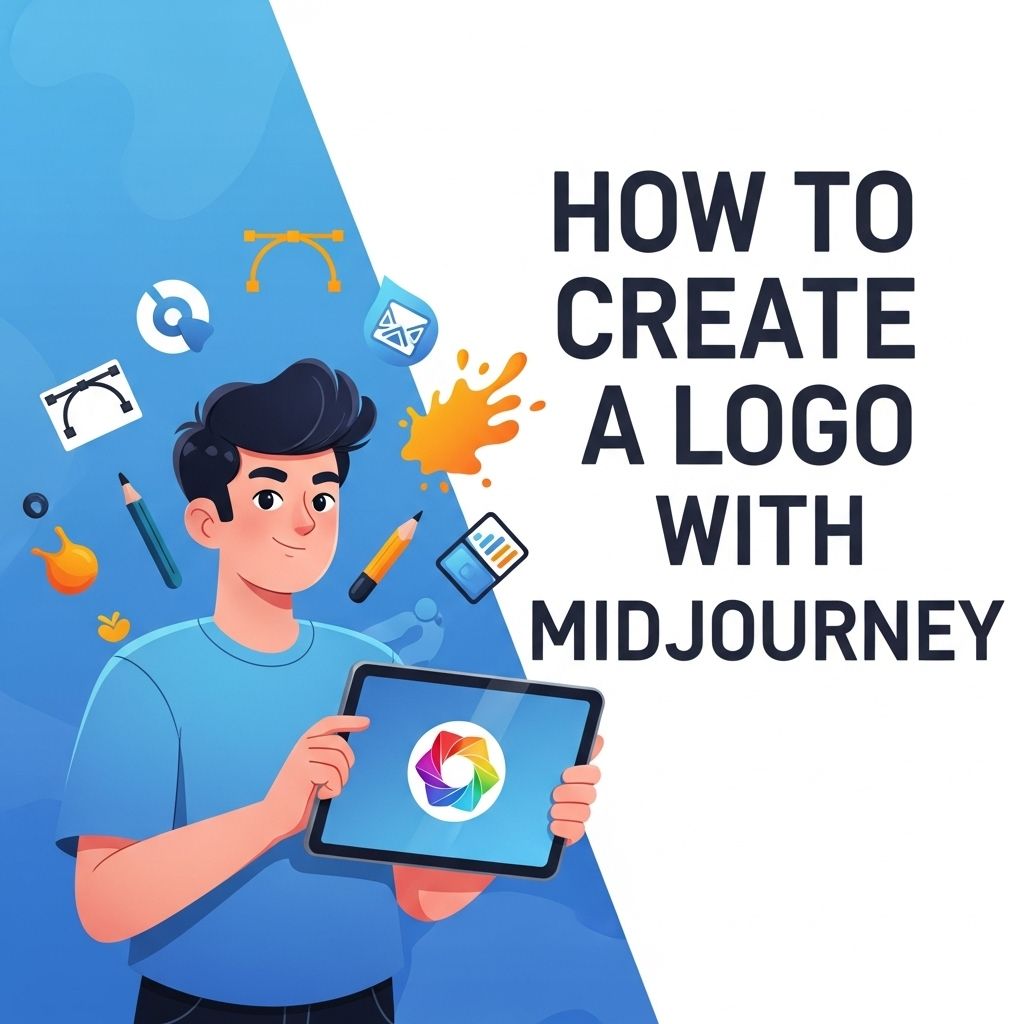
Creating a logo is a crucial step for any business or personal brand. It is not just a graphic; it’s the visual representation of your identity. With the rise of AI tools, designing logos has become more accessible and innovative. One such tool is Midjourney, an AI-powered platform that helps users generate unique logos quickly and efficiently. In this article, we will explore how to create a logo with Midjourney, detailing each step from concept to final design.
Creating stunning logos has never been easier with Midjourney, a powerful tool that leverages AI to bring your brand’s vision to life. Explore unique logo ideas that can inspire your design process and help you stand out in a competitive market.
Table of Contents
Understanding Midjourney
Midjourney is an advanced AI image generation tool that utilizes machine learning algorithms to create stunning visuals based on user prompts. By harnessing the power of this tool, users can generate logos that stand out from the competition. Here are some key features of Midjourney:
- User-friendly interface
- Rapid design generation
- Customization options
- High-resolution outputs
Key Considerations Before Designing Your Logo
Before diving into the design process with Midjourney, it’s essential to prepare and gather your thoughts. Here are some crucial aspects to consider:
Define Your Brand Identity
Your logo should reflect who you are as a brand. Consider the following:
- Mission and Vision: What is the purpose of your business? What do you aim to achieve?
- Target Audience: Who are you trying to reach? Understanding your audience can greatly influence your logo design.
- Brand Values: Identify the core values that your brand stands for. These will guide your aesthetic choices.
Gather Inspiration
Look for inspiration from various sources:
- Competitors’ logos
- Design websites (like Dribbble or Behance)
- Social media platforms
- Nature, architecture, and other art forms
Using Midjourney to Create Your Logo
Once you have a clear understanding of your brand identity and have gathered some inspiration, it’s time to start using Midjourney. Follow these steps to create a logo:
Step 1: Access Midjourney
To use Midjourney, you’ll need to access their platform. This can typically be done through the official website or a dedicated app. Make sure to create an account if required.
Step 2: Input Your Ideas
Start by drafting a prompt that encapsulates your brand identity. Midjourney works best with detailed descriptions. Here’s how to structure your prompt:
| Element | Example |
|---|---|
| Business Type | Online bookstore |
| Style | Minimalist |
| Color Scheme | Blue and orange |
| Additional Elements | Books, owl |
An example prompt might be: “Design a minimalist logo for an online bookstore, featuring an owl and a color scheme of blue and orange.”
Step 3: Generate the Logo
Once you have your prompt ready, input it into Midjourney and hit generate. The AI will process your request and provide several logo options based on your description.
Step 4: Evaluate the Options
After generation, you’ll receive multiple logo designs. Here’s what to look for in each:
- Relevance to your brand identity
- Visual appeal and uniqueness
- Versatility for different platforms (e.g., website, social media, print)
Step 5: Refine Your Choice
Choose the logo that resonates the most with you and your brand. You may want to refine it further. Midjourney offers customization options that can help you tweak colors, fonts, and elements to better suit your vision.
Step 6: Download and Use Your Logo
Once satisfied with your design, download the high-resolution version of your logo. Ensure you have various file formats (PNG, SVG, JPEG) for different applications.
Best Practices for Logo Design
Creating a logo is not just about aesthetics; it’s also about functionality. Here are some best practices to keep in mind:
Keep It Simple
A simple logo is often more memorable and versatile. Complex designs can become muddled when scaled down or viewed from a distance.
Ensure Scalability
Your logo should look good at any size. Test it on different mediums, from business cards to billboards.
Choose Colors Wisely
Color psychology plays a significant role in branding. For example:
| Color | Meaning |
|---|---|
| Blue | Trust and reliability |
| Red | Passion and energy |
| Green | Growth and health |
| Yellow | Optimism and creativity |
Final Thoughts
Creating a logo with Midjourney can be an enjoyable and innovative process. With its AI-driven capabilities, the platform allows for rapid exploration of designs that might not have been possible through traditional means. By understanding your brand identity and following the outlined steps, you can generate a logo that not only looks great but also resonates with your audience. Remember, your logo is often the first impression of your brand; make it count!
FAQ
What is Midjourney and how does it help in logo creation?
Midjourney is an AI-powered design tool that allows users to generate unique logos by providing creative prompts and using advanced algorithms to produce visually appealing designs.
Do I need design experience to create a logo with Midjourney?
No, you do not need design experience. Midjourney is user-friendly and suitable for beginners, allowing anyone to create professional-looking logos easily.
What are the steps to create a logo using Midjourney?
To create a logo with Midjourney, you generally start by entering your design specifications, such as style and colors, followed by generating the logo and refining it based on your preferences.
Can I customize my logo design in Midjourney?
Yes, Midjourney allows for customization, enabling you to adjust elements like colors, fonts, and layouts to better match your brand identity.
Is there a cost associated with using Midjourney for logo design?
Midjourney offers various pricing plans, including free trials, but advanced features may require a subscription for full access.
What file formats are available for download after creating a logo with Midjourney?
After creating a logo with Midjourney, you can typically download your design in various file formats such as PNG, JPG, and SVG, suitable for both web and print use.