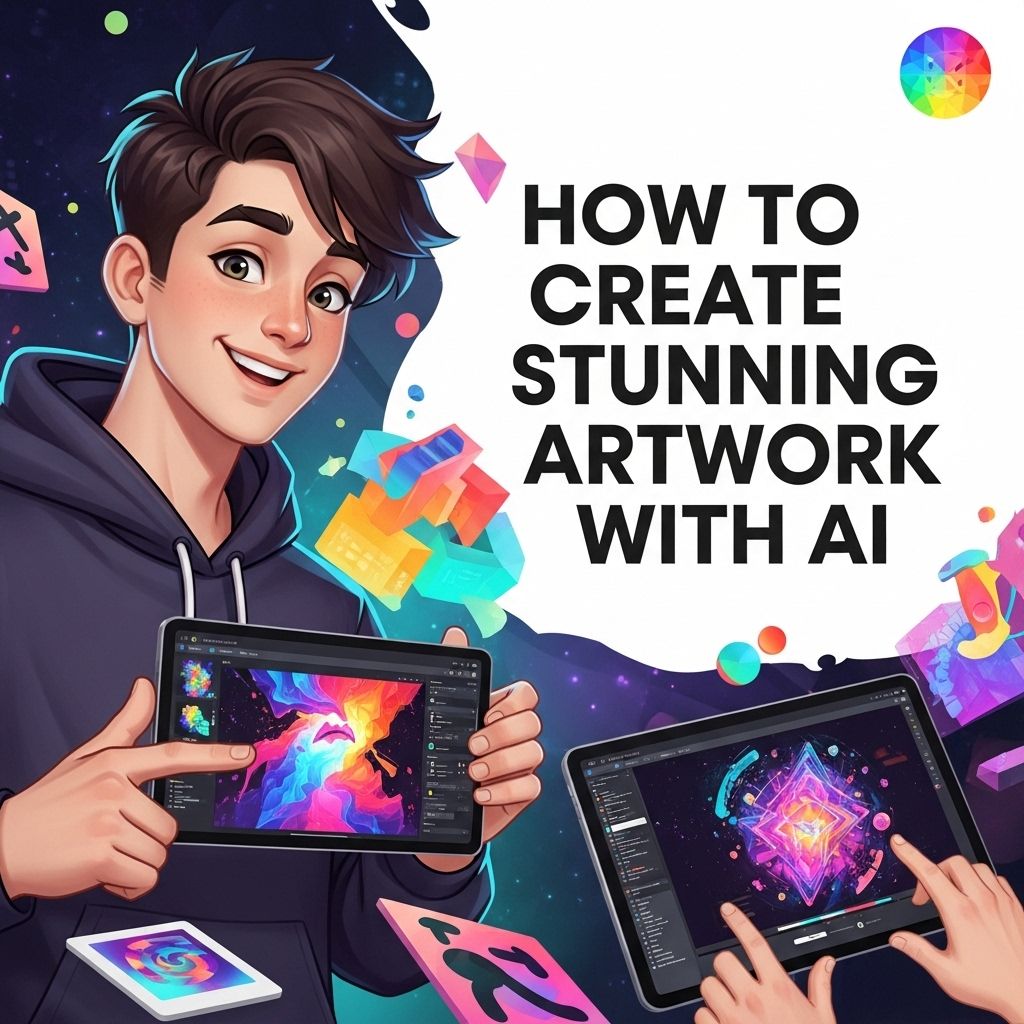
In the digital age, the creation of artwork has transformed significantly thanks to technological advancements. Artists are now leveraging artificial intelligence (AI) to create stunning pieces that push the boundaries of traditional art forms. From generating intricate designs to assisting in the creative process, AI has become a vital tool for modern artists. This article explores how to harness the power of AI in your artistic endeavors, providing insights, tools, and techniques to create visually impressive artwork.
Creating stunning AI artwork has never been easier; with just a few clicks, you can transform your ideas into visual masterpieces in minutes. For those looking to enhance their projects, check out download free bag mockups that perfectly showcase your designs.
Table of Contents
Understanding AI in Art
AI in art refers to the use of algorithms and machine learning techniques to create or enhance artwork. This technology can analyze existing works, understand styles, and even generate new pieces based on learned data. Here’s how AI is influencing modern artistry:
- Style Transfer: AI can learn the style of a specific artist and apply it to any image, creating a unique blend of content and style.
- Generative Art: Algorithms can create entirely new pieces of art by generating random patterns or structures based on input parameters.
- Collaboration: Artists can collaborate with AI systems, allowing the technology to suggest ideas or complete pieces based on initial human input.
- Enhanced Creativity: AI tools can inspire artists by providing new perspectives, freeing creative blocks, and pushing them to explore unconventional approaches.
Popular AI Art Tools
As the field of AI art continues to evolve, numerous tools have emerged to help artists incorporate AI into their workflow. Here are some of the most popular options:
1. DALL-E
DALL-E, developed by OpenAI, is an AI model that can generate images from textual descriptions. Artists can input a phrase or idea, and DALL-E will create an image that embodies that concept. This tool is particularly useful for rapid prototyping and visualizing ideas.
2. DeepArt
DeepArt utilizes deep neural networks to apply artistic styles to photographs. Users can upload a photo and choose from various famous styles to transform their images into artworks reminiscent of renowned artists.
3. Artbreeder
Artbreeder allows artists to combine images and modify them using AI. By blending images, adjusting parameters, and using the community’s datasets, users can explore new creative directions and discover unique styles.
4. Runway ML
This platform offers a suite of AI tools tailored for creatives. Runway ML enables artists to create videos, artworks, and animations, utilizing machine learning models for various artistic effects.
Step-by-Step Guide to Creating AI Artwork
Creating stunning artwork with AI involves a blend of creativity and technical understanding. Below is a detailed step-by-step guide to help you get started:
Step 1: Define Your Concept
Begin by brainstorming ideas and visual concepts that resonate with you. Consider the themes, emotions, and messages you want your artwork to convey. Jot down keywords and phrases that encapsulate your vision.
Step 2: Choose Your AI Tool
Select an AI tool based on your project requirements. If you’re looking to generate images from text, DALL-E might be the best choice. For style transfers, consider DeepArt or similar tools. Here’s a quick comparison to help you choose:
| Tool | Primary Use | Best for |
|---|---|---|
| DALL-E | Image Generation | Concept Visualization |
| DeepArt | Style Transfer | Transforming Photos |
| Artbreeder | Image Blending | Exploratory Art Creation |
| Runway ML | Video & Art Creation | Multimedia Projects |
Step 3: Experiment with Initial Outputs
Once you have your concept and chosen tool, begin generating initial artwork. Don’t hesitate to experiment with different inputs and settings. Many AI platforms allow you to tweak parameters to refine your outputs. Take note of which variations resonate with your concept.
Step 4: Refine and Edit
Use image editing software (like Adobe Photoshop or GIMP) to refine your AI-generated artwork. You can enhance colors, adjust compositions, or add personal touches that reflect your style. The blend of AI and manual editing can lead to striking results.
Step 5: Seek Feedback
Sharing your artwork with others can provide valuable perspectives. Engage with online communities or local art groups to gather feedback. Constructive criticism can help you improve and evolve as an artist.
Ethics and Considerations in AI Art
While AI technology offers exciting possibilities for artistic creation, it also raises ethical concerns. Here are some considerations to keep in mind:
- Copyright Issues: Understand the ownership rights of AI-generated artwork. Ensure that you adhere to the licensing agreements of any tools you use.
- Originality: Strive to maintain your unique voice in your artwork. AI should complement your creativity, not replace it.
- Transparency: When showcasing AI art, consider being transparent about the tools and processes you used. This honesty contributes to a better understanding of AI’s role in art.
Conclusion
The integration of AI in the artistic process presents an exciting opportunity for creators. By embracing this technology, artists can explore new dimensions of creativity, generate stunning visuals, and redefine their artistic practice. As you embark on your journey with AI, remember to balance technological innovation with your unique artistic vision, allowing both to coexist and enhance your creative expression.
FAQ
What tools can I use to create AI-generated artwork?
There are several tools available for creating AI-generated artwork, including DeepArt, Artbreeder, and DALL-E 2. These platforms allow users to input images or concepts and generate stunning art using artificial intelligence.
Is prior artistic experience necessary for creating AI artwork?
No, prior artistic experience is not necessary to create AI artwork. AI tools are designed to help anyone create stunning visuals, regardless of their artistic background.
How does AI generate artwork?
AI generates artwork by using algorithms that analyze and learn from existing images. It can combine styles, generate new concepts, and manipulate images based on user inputs.
Can I sell AI-generated artwork?
Yes, you can sell AI-generated artwork. However, it’s important to understand the copyright and licensing agreements of the AI tools you use, as they may vary.
What are some tips for creating better AI artwork?
To create better AI artwork, experiment with different styles, provide clear input images, and use high-resolution images. Additionally, adjusting parameters and settings can help refine the output.
Are there any ethical considerations when creating AI art?
Yes, ethical considerations include acknowledging the AI’s role in the creative process, understanding copyright issues, and ensuring that the artwork does not inadvertently infringe on existing works.