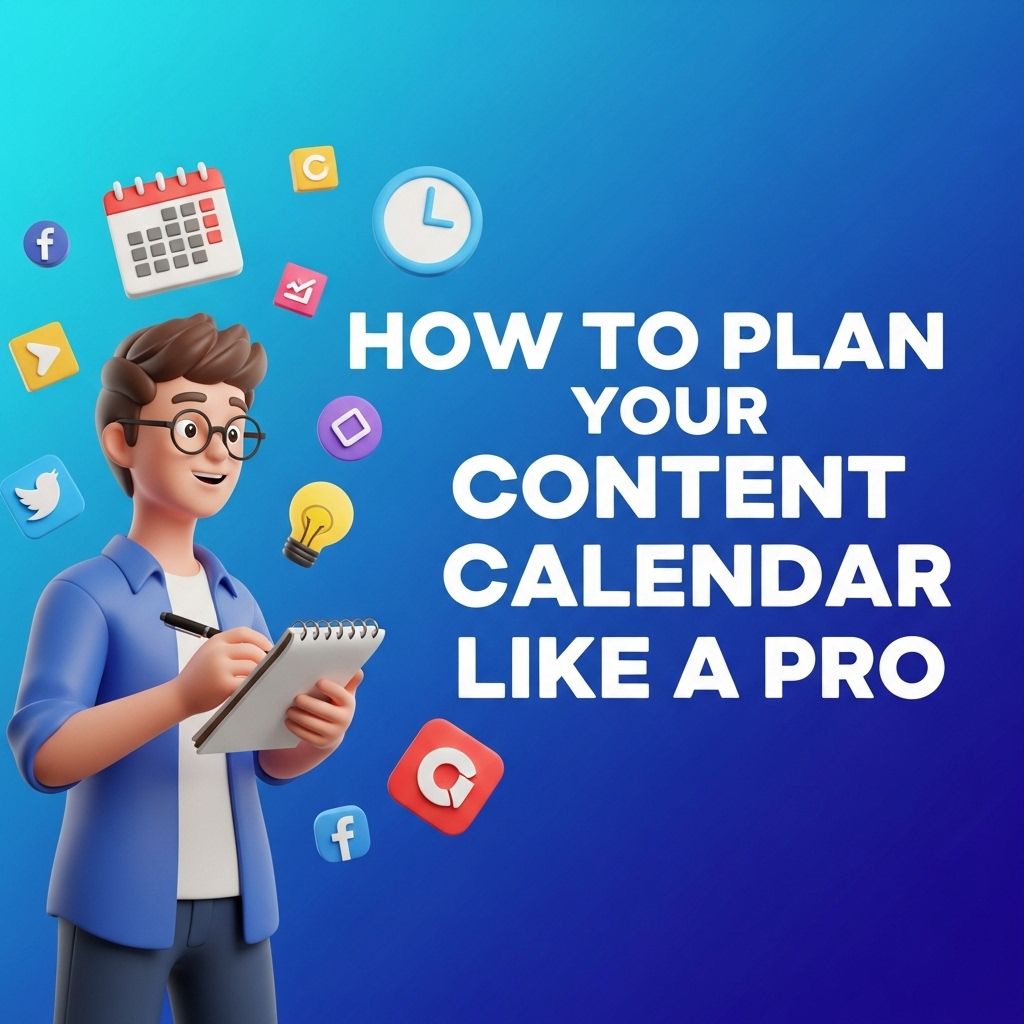
Creating a content calendar is a vital component of a successful content strategy. Whether you’re managing a blog, social media platforms, or a corporate website, a well-thought-out content calendar can help streamline your efforts, keep your audience engaged, and ensure that you are consistently meeting your objectives. In this article, we’ll explore the essential steps and tactics to help you plan your content calendar like a pro.
Creating an effective content calendar is essential for anyone looking to streamline their marketing efforts and ensure consistent messaging. By mastering your content calendar, you can plan ahead, stay organized, and create impactful campaigns that resonate with your audience. For inspiration on visual content, consider exploring valuable resources like these bag mockup visualization tips.
Table of Contents
Understanding the Importance of a Content Calendar
A content calendar is not just a schedule; it’s a strategic tool that can enhance your content marketing efforts. Here are some key benefits:
- Organization: Helps keep track of what, when, and where you publish.
- Consistency: Ensures regular posting to keep your audience engaged.
- Planning: Allows for advanced planning of themes, topics, and campaigns.
- Collaboration: Makes it easier for teams to work together and stay aligned.
- Analytics: Helps track performance and refine future content strategies.
Steps to Create an Effective Content Calendar
1. Define Your Goals
Before you dive into creating a content calendar, it’s essential to clearly define your goals. What do you want to achieve? Some common goals include:
- Increasing website traffic
- Growing social media followers
- Boosting engagement rates
- Generating leads or conversions
2. Know Your Audience
Understanding your audience is crucial to planning relevant content. Conduct audience research, surveys, or utilize analytics tools to gather insights about your audience’s preferences, pain points, and behaviors. Create personas to visualize your target audience and tailor your content accordingly.
3. Choose Your Content Types
Diverse content types keep your audience engaged. Here are some types you may want to incorporate:
| Content Type | Purpose | Examples |
|---|---|---|
| Blog Posts | Inform and educate | How-to guides, Lists, Opinion pieces |
| Social Media Posts | Engage and connect | Polls, Stories, Live videos |
| Videos | Visual storytelling | Tutorials, Interviews, Webinars |
| Podcasts | Deep-dive discussions | Interviews, Roundtable discussions |
| Email Newsletters | Maintain contact | Updates, Promotions, Tips |
4. Select Your Platforms
Decide which platforms you will use for content distribution based on where your audience spends their time. Some popular platforms include:
- Blogs
Tools to Help You Manage Your Calendar
Several tools can streamline the process of creating and managing your content calendar. Here are a few popular options:
- Google Calendar: Simple and accessible for scheduling.
- Trello: Offers visual boards for task management.
- Asana: Great for collaboration and tracking tasks.
- CoSchedule: Designed specifically for content marketing.
- Notion: Highly customizable for team needs.
Building Your Content Calendar
1. Choose a Format
Your content calendar can be a spreadsheet, a digital calendar, or a project management tool. Ensure that it is easy to use and accessible for all stakeholders involved.
2. Map Out Your Content
Begin by filling in your calendar with key dates, such as:
- Holidays
- Industry events
- Product launches
- Content themes or campaigns
3. Set a Publishing Frequency
Decide how often you will publish new content. Consider your team’s capacity and the preferences of your audience. A common approach includes:
- Daily: Ideal for social media platforms
- Weekly: Suitable for blogs
- Monthly: Good for newsletters and reports
4. Plan for Flexibility
While planning is crucial, remaining flexible is equally important. Allow for adjustments in your calendar to accommodate trending topics or unexpected events.
Measuring Content Performance
After implementing your content calendar, it’s essential to measure performance. Key metrics to track include:
- Traffic: Monitor website visits and page views.
- Engagement: Track likes, shares, and comments on social media.
- Conversions: Measure lead generation and sales.
- SEO Performance: Analyze keyword rankings and organic search traffic.
Tools for Analytics
Use the following tools to analyze your content’s performance:
- Google Analytics: Track website traffic and user behavior.
- Social Media Analytics: Review engagement metrics on various platforms.
- SEMrush: Analyze SEO performance and keyword rankings.
Conclusion
By following these steps and leveraging the right tools, you can create a comprehensive and effective content calendar that aligns with your marketing goals. Remember, a well-planned content calendar not only enhances organization but also allows you to engage with your audience effectively and consistently. Embrace the planning process, and watch your content strategy thrive!
FAQ
What is a content calendar?
A content calendar is a tool that helps you plan, organize, and schedule your content marketing efforts across various platforms.
Why is a content calendar important for content marketing?
A content calendar helps ensure consistency in posting, aligns content with marketing goals, and allows for better resource management.
How do I create a content calendar?
To create a content calendar, define your goals, choose a format (spreadsheet, software, etc.), and outline your content ideas along with deadlines and distribution channels.
What tools can I use to manage my content calendar?
Popular tools for managing content calendars include Trello, Asana, Google Sheets, and specialized content management systems like CoSchedule.
How often should I update my content calendar?
You should review and update your content calendar regularly, ideally weekly or monthly, to adapt to new trends, audience feedback, and marketing strategies.
What types of content should I include in my content calendar?
Include a variety of content types such as blog posts, social media updates, videos, and email newsletters to engage different segments of your audience.