In the ever-evolving landscape of technology, cloud computing stands as a transformative force that reshapes how businesses operate and individuals manage their data. Understanding the fundamentals of cloud computing is crucial for anyone looking to leverage its capabilities. This article will explore the core concepts of cloud computing, its deployment models, service categories, and the essential benefits it offers. We’ll also delve into practical considerations that should inform your cloud strategy.
Cloud computing has transformed the way businesses operate by providing scalable resources and flexibility. Understanding its fundamental aspects is crucial for leveraging its benefits effectively. Explore tools like varieties of bag mockups to enhance your projects as you dive into cloud computing basics.
Table of Contents
Understanding Cloud Computing
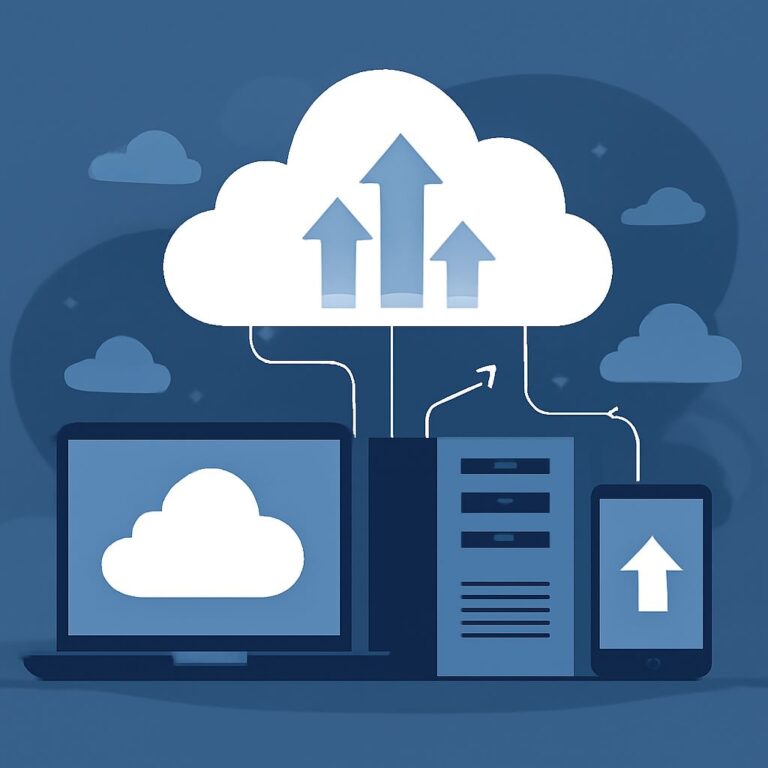
At its core, cloud computing refers to the delivery of computing services over the internet, allowing users to access and store data in remote servers rather than on local machines. This paradigm shift enables scalable, flexible, and cost-effective resource management. Here are key elements that define cloud computing:
- On-demand Self-Service: Users can access computing resources as needed without requiring human intervention from the service provider.
- Broad Network Access: Services are available over the network and can be accessed through various devices such as smartphones, tablets, and laptops.
- Resource Pooling: Providers combine multiple customers’ resources to serve them, allowing for scalability and efficiency.
- Rapid Elasticity: Resources can be easily scaled up or down based on demand, providing flexibility and cost-effectiveness.
- Measured Service: Resource usage is monitored and reported, allowing for transparency and optimized billing.
Deployment Models of Cloud Computing
Cloud computing can be deployed in several ways, each catering to different needs and levels of control. The primary deployment models include:
1. Public Cloud
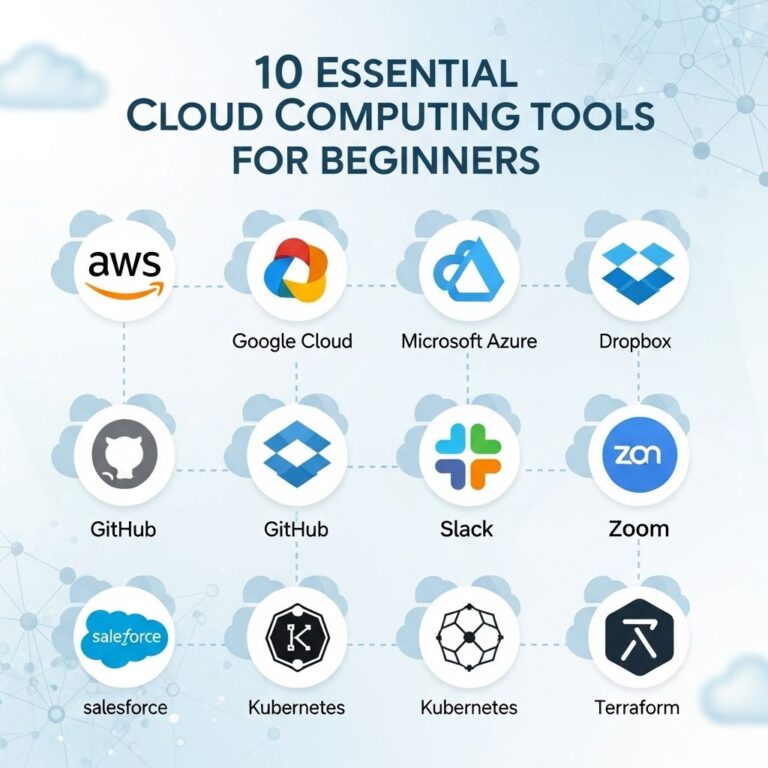
In a public cloud model, services are delivered over the internet and shared across multiple customers. Major providers include Amazon Web Services (AWS), Microsoft Azure, and Google Cloud Platform (GCP). Key benefits include:
- Cost-effectiveness due to shared infrastructure.
- No need for maintenance or management, allowing businesses to focus on core activities.
2. Private Cloud
A private cloud is dedicated to a single organization, offering greater control and security. It can be hosted on-premises or by a third-party provider. Benefits include:
- Enhanced security and compliance capabilities.
- Customizable infrastructure tailored to specific business needs.
3. Hybrid Cloud
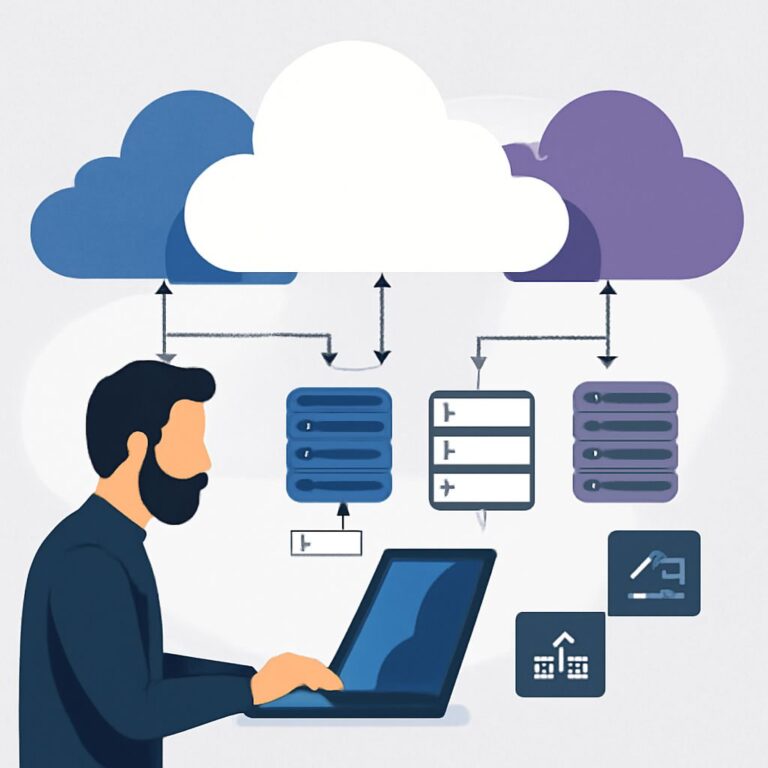
The hybrid cloud model combines both public and private clouds, allowing organizations to take advantage of the best of both worlds. This approach provides:
- Greater flexibility in resource allocation.
- Improved data security for sensitive information.
Service Models of Cloud Computing
Cloud services are generally divided into three main categories, each designed to meet particular needs:
1. Infrastructure as a Service (IaaS)
IaaS provides virtualized computing resources over the internet. Organizations can rent IT infrastructure such as servers, storage, and networking. Key traits of IaaS include:
- Scalability and flexibility in resource management.
- Pay-as-you-go pricing models.
2. Platform as a Service (PaaS)
PaaS provides a platform allowing developers to build, deploy, and manage applications without dealing with underlying infrastructure complexities. Its advantages include:
- Streamlined application development and deployment.
- Integrated development tools and services.
3. Software as a Service (SaaS)
SaaS delivers software applications over the internet on a subscription basis. Users can access applications via a web browser without installation. Benefits include:
- Reduced time and cost of software maintenance.
- Accessibility from any device with internet connectivity.
Advantages of Cloud Computing
Cloud computing offers a plethora of advantages that can significantly impact an organization’s performance and efficiency:
1. Cost Savings
By moving to the cloud, businesses can reduce costs associated with hardware, software, and maintenance. This is particularly beneficial for startups and small businesses.
2. Enhanced Collaboration
Cloud computing facilitates real-time collaboration by enabling multiple users to access and work on documents simultaneously, regardless of their location.
3. Automatic Updates
Cloud service providers regularly update services with the latest features and security patches, ensuring that users have access to cutting-edge technology without additional effort.
4. Data Security
While security concerns exist, reputable cloud providers implement stringent measures to protect data, including encryption, access controls, and regular security audits.
Considerations for Choosing a Cloud Provider
When selecting a cloud service provider, various factors should be taken into account:
1. Compliance and Security
Ensure that the provider complies with industry regulations and has robust security measures in place.
2. Service Level Agreements (SLAs)
Review SLAs to understand the provider’s commitments regarding uptime, support, and service availability.
3. Scalability
Choose a provider that allows for easy scaling of resources based on your needs.
4. Support Services
Assess the level of customer support offered, including availability of technical assistance and support channels.
Conclusion
Cloud computing has revolutionized how businesses utilize technology, providing flexibility, scalability, and a wealth of opportunities for innovation. By understanding the basics of cloud computing, its models, and the benefits it has to offer, organizations can make informed decisions that align with their strategic goals. As technology continues to advance, the importance of integrating cloud solutions into business operations will only continue to grow, paving the way for increased collaboration, efficiency, and data management.
FAQ
What is cloud computing?
Cloud computing is the delivery of computing services over the internet, allowing users to access and store data and applications on remote servers instead of local devices.
What are the main types of cloud computing?
The main types of cloud computing are Infrastructure as a Service (IaaS), Platform as a Service (PaaS), and Software as a Service (SaaS), each providing different levels of management and control.
What are the benefits of using cloud computing?
Benefits of cloud computing include cost savings, scalability, enhanced collaboration, automatic updates, and improved security, which can be tailored to business needs.
How does cloud computing enhance collaboration?
Cloud computing enhances collaboration by providing shared access to data and applications, enabling real-time communication and teamwork regardless of location.
Is cloud computing secure?
While cloud computing can be secure, it is essential to choose reputable providers and implement proper security measures, such as encryption and access controls, to protect sensitive data.
What is the difference between public, private, and hybrid clouds?
Public clouds are owned by third-party providers and shared among multiple users, private clouds are dedicated to a single organization, and hybrid clouds combine both public and private elements for flexibility.