Cloud computing has revolutionized the way we store, access, and process data. In an era where rapid technological advancement is the norm, understanding the fundamentals of cloud computing is essential for both individuals and businesses. This article explores key concepts, advantages, and types of cloud services that can help you harness the power of the cloud effectively.
Cloud computing has revolutionized the way we store, manage, and access data, offering scalability and flexibility that traditional computing cannot match. In this overview, we will delve into seven key insights that provide a foundational understanding of cloud computing and its benefits. For those interested in visual representations, consider exploring bag mockup visualization tips.
Table of Contents
What is Cloud Computing?
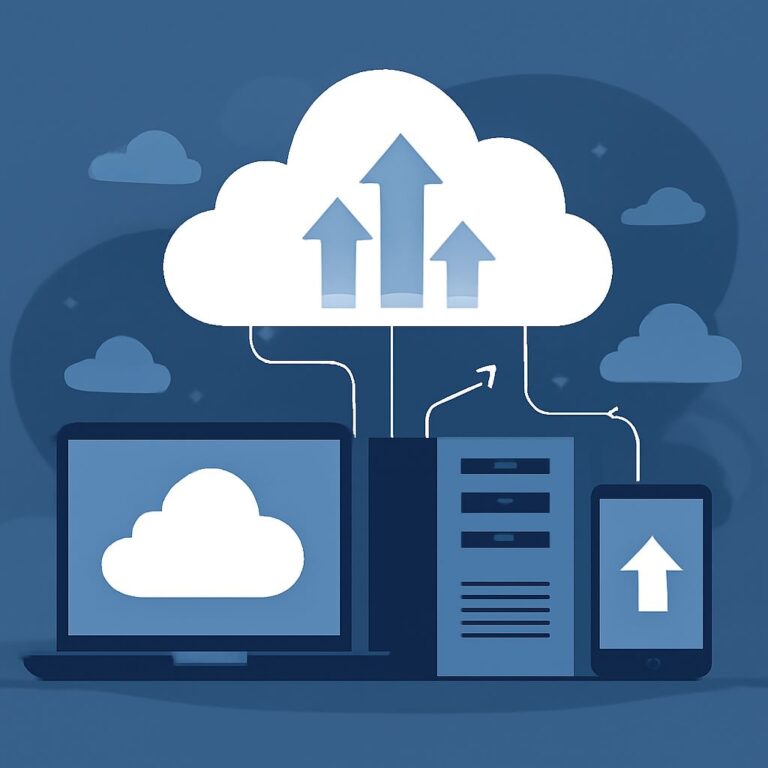
At its core, cloud computing refers to the delivery of computing services—including servers, storage, databases, networking, software, and analytics—over the internet (‘the cloud’). This model allows for flexible resources, faster innovation, and economies of scale. Instead of owning their own computing infrastructure, organizations can access technology services from a cloud provider.
Key Characteristics of Cloud Computing
- On-demand self-service: Users can automatically provision computing resources as needed, without requiring human interaction with service providers.
- Broad network access: Services are available over the network and accessed through standard mechanisms, which enables use across various platforms (e.g., mobile phones, tablets, laptops).
- Resource pooling: Providers serve multiple customers using a multi-tenant model, with different physical and virtual resources dynamically assigned and reassigned according to user demand.
- Rapid elasticity: Cloud resources can be elastically provisioned and released, in some cases automatically, to scale rapidly outward and inward commensurate with demand.
- Measured service: Cloud systems automatically control and optimize resource use by leveraging a metering capability appropriate to the type of service (e.g., storage, processing, bandwidth).
Types of Cloud Services
Understanding the different types of cloud services is crucial to choosing the right solution for your needs. The three main types are:
1. Infrastructure as a Service (IaaS)
IaaS provides virtualized computing resources over the internet. Users rent IT infrastructure rather than purchasing and managing it themselves. Key features include:
- Virtual machines, storage, and networks
- Scalability and high availability
- Pay-as-you-go pricing models
2. Platform as a Service (PaaS)
PaaS provides a platform allowing customers to develop, run, and manage applications without the complexity of building and maintaining the infrastructure typically associated with developing and launching apps. Its main components include:
- Development tools
- Middleware
- Database management systems
3. Software as a Service (SaaS)
SaaS offers software applications over the internet on a subscription basis. Users can access these applications via a web browser without worrying about installation and maintenance. Examples include:
- Google Workspace
- Salesforce
- Slack
Benefits of Cloud Computing
The adoption of cloud computing can bring numerous advantages to organizations, such as:
Cost Efficiency
By transitioning to cloud services, businesses can reduce the costs associated with purchasing, managing, and upgrading hardware and software. Some cost benefits include:
- No upfront hardware costs
- Reduced IT maintenance costs
- Flexible pricing models
Scalability
The cloud enables organizations to scale their IT resources up or down quickly according to demand. This flexibility helps businesses respond effectively to unexpected spikes in usage.
Enhanced Collaboration
Cloud computing provides tools and features that facilitate collaboration among teams. Employees can share files and communicate effectively regardless of their geographic location.
Challenges of Cloud Computing
While cloud computing offers many benefits, it also presents some challenges that users must consider:
Security Concerns
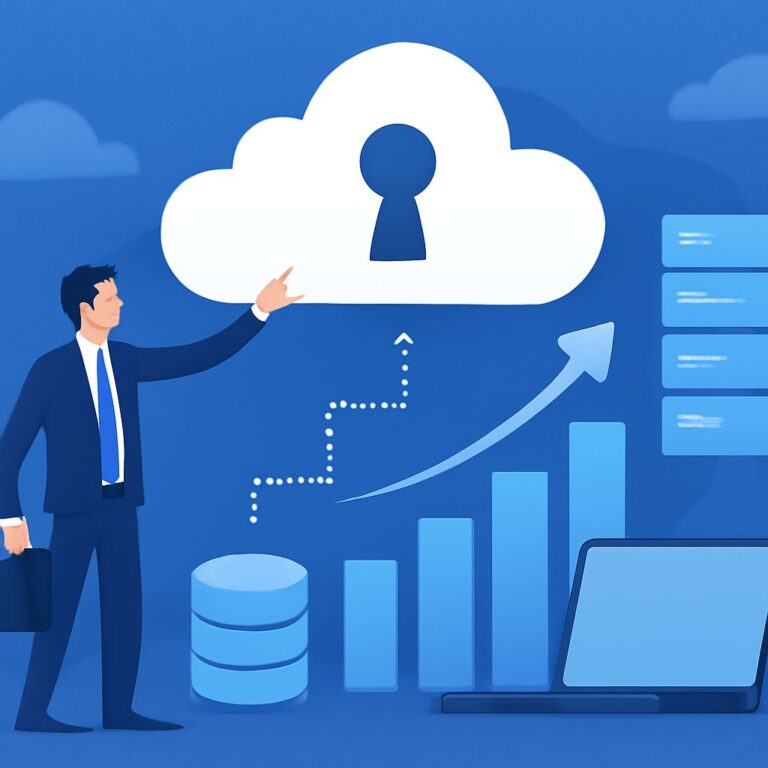
Storing sensitive data in the cloud can pose security risks. Organizations must ensure they choose reputable cloud providers and implement robust security measures to protect their data.
Downtime Risks
Despite the high availability promised by cloud providers, outages can and do occur. Businesses should prepare contingency plans to manage potential downtime.
Choosing the Right Cloud Provider
Selecting a cloud provider is a critical decision for any organization. Here are some essential criteria to consider:
1. Security Features
Verify the security protocols and compliance certifications offered by the provider. Look for:
- Data encryption
- Access controls
- Security incident response strategies
2. Performance and Reliability
Examine the provider’s uptime history and their Service Level Agreements (SLAs). A reliable provider should guarantee:
- High uptime percentage
- Fast response times
3. Support and Services
Evaluate the support options available, including:
- 24/7 technical support
- Comprehensive documentation
- Community forums
Future of Cloud Computing
As technology evolves, so too will cloud computing. Emerging trends include:
1. Multi-cloud Strategies
Organizations are increasingly adopting multi-cloud strategies to avoid vendor lock-in and optimize performance by using the best services from different providers.
2. Edge Computing
With the rise of IoT devices, edge computing is gaining traction, as it allows data to be processed closer to where it is generated instead of relying solely on centralized cloud data centers.
3. Artificial Intelligence Integration
Integrating AI with cloud services will enhance capabilities, enabling smarter data analysis and automation, driving businesses toward more intelligent operations.
Conclusion
Cloud computing is a transformative technology that is redefining how organizations operate. By understanding its principles, types, benefits, challenges, and future trends, businesses can leverage the power of the cloud to innovate and grow in the digital age.
FAQ
What is cloud computing?
Cloud computing is the delivery of computing services over the internet, allowing users to access and store data and applications on remote servers instead of local machines.
What are the main types of cloud service models?
The main types of cloud service models are Infrastructure as a Service (IaaS), Platform as a Service (PaaS), and Software as a Service (SaaS).
What are the benefits of using cloud computing?
Benefits of cloud computing include cost efficiency, scalability, flexibility, enhanced collaboration, and improved data security.
How does cloud storage work?
Cloud storage works by storing data on remote servers accessed via the internet, allowing users to upload, share, and retrieve data from anywhere with an internet connection.
What are public, private, and hybrid clouds?
Public clouds are services offered over the public internet, private clouds are dedicated to a single organization, and hybrid clouds combine both public and private cloud features.
Is cloud computing secure?
Cloud computing can be secure if proper security measures are implemented, such as encryption, access controls, and regular security audits.