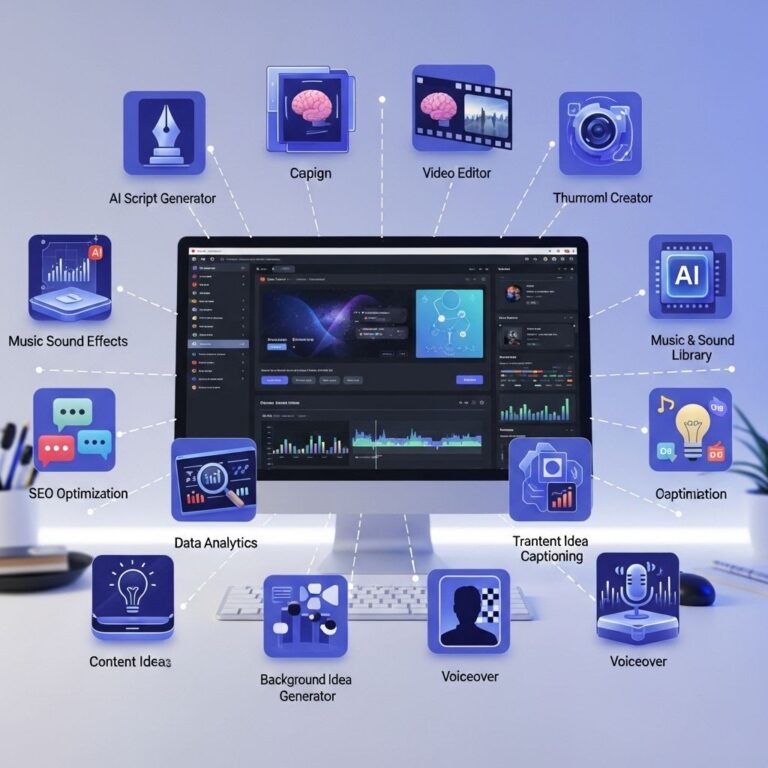
Creating a successful YouTube channel on a budget is not only feasible but can also be highly rewarding. With the right tools, you can produce quality content that engages your audience without breaking the bank. In this article, we will explore essential tools that can help you kickstart and manage your YouTube channel effectively. From video recording equipment to editing software and promotional strategies, here’s what you need to know.
Table of Contents
Video Recording Equipment
The foundation of any great YouTube channel is quality video content. You don’t need to invest in expensive gear initially; here are some essential tools to consider:
- Smartphone: Most modern smartphones have excellent cameras capable of recording high-definition video.
- Webcam: For those who prefer streaming or creating content from a computer, a good quality webcam is essential. Look for options like the Logitech C920.
- Tripod: Stability is key in video production. A budget-friendly tripod will help you achieve steady shots.
- Lighting: Natural light can sometimes be insufficient. Affordable ring lights or softbox lights can enhance your video quality significantly.
Microphones
Good audio quality is just as important as video quality. Here are some mic options:
- Lavalier Mic: These clip-on mics are great for interviews and vlogs. The Rode SmartLav+ is a popular choice.
- USB Microphone: A USB mic like the Blue Yeti can dramatically improve audio quality for voiceovers and podcasts.
- Shotgun Mic: If you are recording with a camera, consider a shotgun mic like the Rode Videomic for clear sound.
Video Editing Software
Once you have your footage, the next step is editing. Depending on your skill level and budget, you have various options:
| Software | Price | Platform |
|---|---|---|
| iMovie | Free | Mac |
| HitFilm Express | Free (with paid upgrades) | Windows, Mac |
| DaVinci Resolve | Free (with paid version) | Windows, Mac, Linux |
| Adobe Premiere Pro | $20.99/month | Windows, Mac |
Key Features to Look For
When choosing video editing software, consider the following features:
- Multi-track editing capabilities
- Audio editing tools
- Color correction options
- Special effects and transitions
Graphic Design and Thumbnails
Thumbnails are a vital aspect of attracting viewers. Here are some tools to create eye-catching thumbnails:
- Canva: Offers a user-friendly interface with plenty of templates specifically for YouTube thumbnails.
- Adobe Spark: Another great option for creating graphics with its easy drag-and-drop features.
- GIMP: A free, open-source image editor that allows for more advanced editing capabilities.
Tips for Creating Effective Thumbnails
To make your thumbnails stand out:
- Use bright colors that grab attention.
- Incorporate large, readable fonts.
- Include faces, as they generate more engagement.
Content Planning and Management Tools
Having a content strategy is crucial for maintaining consistency and growing your audience. Here are tools to help with planning and management:
| Tool | Purpose |
|---|---|
| Trello | Task and project management |
| Asana | Team collaboration and planning |
| Notion | All-in-one workspace for notes, tasks, and databases |
Developing a Content Calendar
A content calendar will help you stay organized. Here’s how to create one:
- Identify your target audience and niche.
- Brainstorm content ideas and topics.
- Schedule your upload frequency (weekly, bi-weekly, etc.).
- Keep track of performance metrics to adjust future content.
SEO and Promotion Tools
To maximize your reach, understanding SEO and promoting your channel is essential. Here are some budget-friendly tools:
- TubeBuddy: A browser extension that provides keyword research, SEO suggestions, and video analytics.
- VidIQ: Similar to TubeBuddy, it offers tools for SEO optimization and insights on your videos’ performance.
- Google Trends: This can help you find trending topics and keywords relevant to your niche.
Social Media Promotion
Don’t forget to leverage social media to promote your content:
- Share your videos on platforms like Twitter, Instagram, and Facebook.
- Join relevant groups and communities to engage with potential viewers.
- Consider creating short clips for platforms like TikTok or Instagram Reels to drive traffic to your YouTube channel.
Analytics and Feedback Tools
Understanding your audience’s behavior is crucial for growth. YouTube Analytics is a great start, but here are additional tools:
- Social Blade: Provides insights into your channel’s growth and performance over time.
- Google Analytics: Helps track traffic sources and user engagement.
- SurveyMonkey: Use this tool to gather feedback from your audience on your content.
Interpreting Analytics Data
When analyzing your data, focus on:
- Watch time and audience retention rates.
- Traffic sources to understand where viewers are coming from.
- Engagement metrics like likes, comments, and shares.
Conclusion
Starting a YouTube channel on a budget doesn’t mean you have to compromise on quality. By utilizing the right tools for video recording, editing, graphic design, content planning, SEO, and analytics, you can create engaging content that attracts viewers and fosters community. As you grow, you can reinvest in better equipment and software, but starting small with what you have can still lead to great success. Embrace the journey and enjoy the creative process!
FAQ
What are the essential tools for starting a budget YouTube channel?
The essential tools for a budget YouTube channel include a good quality smartphone or camera for recording, basic lighting equipment like softbox lights or ring lights, free video editing software such as DaVinci Resolve or HitFilm Express, a decent microphone for clear audio, and a tripod for stable shots.
Do I need to invest in expensive equipment for my YouTube channel?
No, you do not need to invest in expensive equipment to start a YouTube channel. Many successful creators begin with budget-friendly tools and gradually upgrade as their channel grows.
What free software can I use to edit my YouTube videos?
Some popular free video editing software options include DaVinci Resolve, HitFilm Express, and iMovie for Mac users. These programs offer various features to help you create high-quality videos without any cost.
How can I improve the audio quality of my YouTube videos on a budget?
To improve audio quality on a budget, consider using an external microphone that connects to your camera or smartphone. You can also record audio separately and sync it in post-production using editing software.
What lighting solutions are best for a budget YouTube channel?
For budget lighting solutions, natural light is a great option. You can also use affordable ring lights or softbox lights that provide consistent and soft lighting for your videos.
Is it necessary to have a YouTube channel logo and banner?
While not strictly necessary, having a YouTube channel logo and banner can help establish your brand identity and make your channel look more professional, which can attract more viewers.