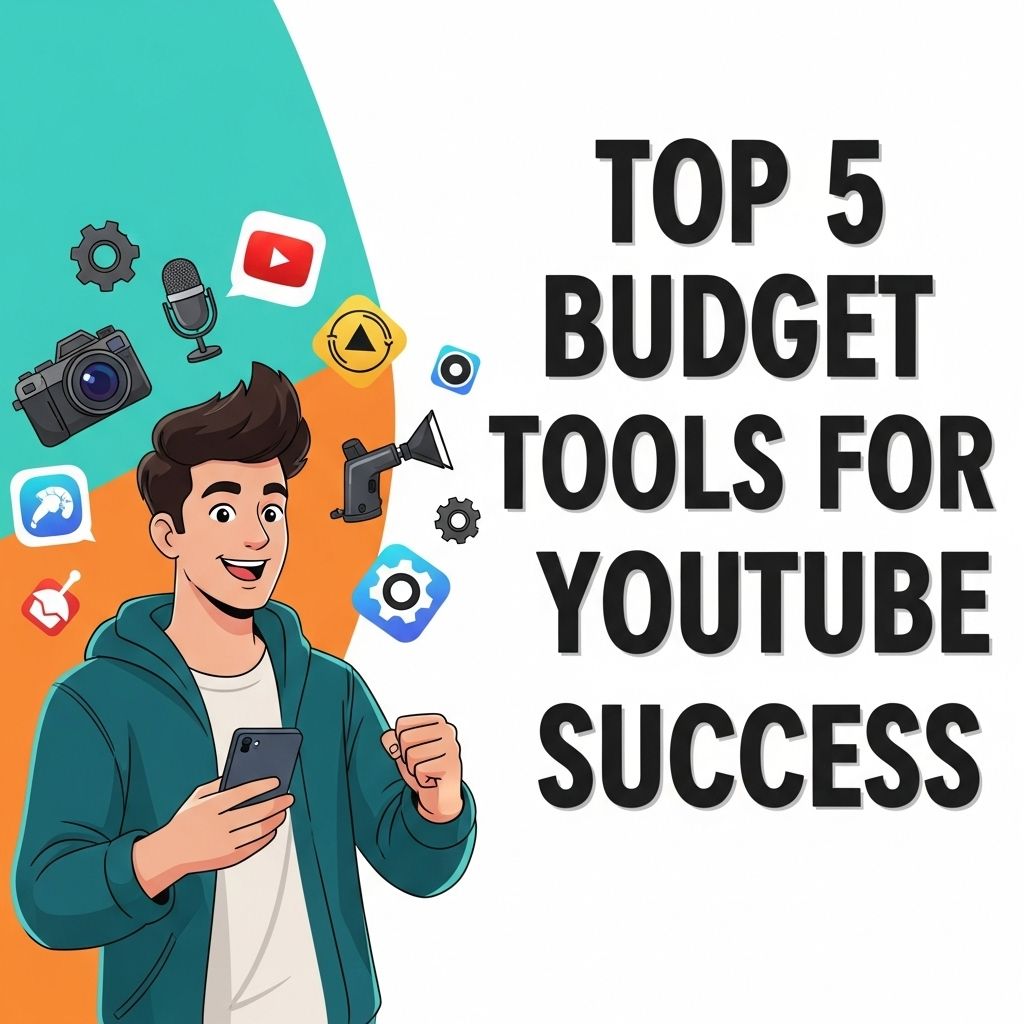
In the competitive landscape of YouTube, success hinges not only on creativity but also on strategic planning and effective resource management. Whether you are a budding content creator or a seasoned professional, having the right tools at your disposal can make all the difference. This article will explore five budget-friendly tools that can elevate your YouTube channel, streamline your workflow, and enhance your audience engagement.
In the competitive landscape of YouTube, managing your budget effectively is crucial for success. Here, we explore the top five budget tools that can enhance your channel’s performance and streamline your content creation process. Whether you’re looking to optimize your expenses or create high-quality tube visuals, resources like high-quality tube visuals can be invaluable.
Table of Contents
1. TubeBuddy
TubeBuddy is a powerful browser extension that assists YouTube creators in optimizing their channels. It provides a suite of features designed to enhance video performance, including:
- Keyword Research: Discover the best keywords to improve your search visibility.
- Tag Optimization: Get recommendations for tags that can help your videos rank higher.
- Thumbnail Generator: Create eye-catching thumbnails to boost click-through rates.
Pricing for TubeBuddy starts free for the basic features, with premium versions available for advanced capabilities.
Key Features:
| Feature | Free Version | Premium Version |
|---|---|---|
| Keyword Explorer | ✔ | ✔ |
| Tag Suggestions | ✔ | ✔ |
| Thumbnail Generator | ✔ | ✔ |
| SEO Studio | ✖ | ✔ |
2. Canva
Visual appeal is paramount on platforms like YouTube, where viewers are drawn to aesthetics. Canva is an online design tool that enables creators to produce stunning graphics and thumbnails effortlessly. Its user-friendly interface allows anyone, regardless of design experience, to create professional-looking visuals.
Benefits of Using Canva:
- Templates: Access thousands of customizable templates for thumbnails, channel art, and social media posts.
- Collaboration: Work collaboratively with team members in real-time.
- Brand Kit: Maintain brand consistency with easily accessible logos, colors, and fonts.
Canva offers a free version with substantial features, while a Pro version is available for advanced tools and content.
3. OBS Studio
For creators venturing into live streaming or screen recording, OBS Studio is a top-notch, open-source software option. It allows users to record video and stream live content efficiently.
Core Features of OBS Studio:
- High Performance: Offers high-quality video and audio recording.
- Customizable Interface: Tailor your layout with various scenes and sources.
- Support for Multiple Platforms: Stream to platforms like YouTube, Twitch, and Facebook.
One of the standout factors about OBS Studio is that it is completely free, making it an excellent choice for creators on a budget.
4. Social Blade
Understanding analytics is crucial for any YouTube creator. Social Blade provides comprehensive statistics for your channel and your competitors. By analyzing performance data, you can make informed decisions about your content strategy.
What You Can Track:
- Subscriber Growth: Monitor how your subscriber count fluctuates.
- Estimated Earnings: Get insight into potential revenue based on views.
- Video Performance: Analyze which videos perform best over time.
While Social Blade is free to use, premium features are available for deeper insights and additional data analysis tools.
5. Hootsuite
To maximize your reach, consistent engagement on social media platforms is vital. Hootsuite is a social media management tool that allows you to schedule posts across various platforms, including YouTube. This can help maintain a consistent upload schedule and engage with your audience more effectively.
Hootsuite Features:
- Scheduling: Plan and schedule posts in advance, optimizing the timing for audience engagement.
- Analytics: Gain insights into social media performance to refine your strategies.
- Team Management: Collaborate with team members to manage responses and interactions.
Hootsuite offers a free plan that allows users to manage three social profiles, with premium plans available for more extensive capabilities.
Conclusion
In the realm of YouTube, success is attainable without a hefty budget. The five tools discussed—TubeBuddy, Canva, OBS Studio, Social Blade, and Hootsuite—are not only affordable but also immensely beneficial in optimizing your content creation process and enhancing your audience engagement. By leveraging these tools, you can focus more on your creativity and less on navigating the complexities of video production and channel management. Embrace these resources, and watch your YouTube channel thrive!
FAQ
What are the best budget tools for YouTube creators?
Some of the top budget tools for YouTube success include TubeBuddy, VidIQ, Canva, OBS Studio, and Hootsuite.
How can I optimize my YouTube channel on a budget?
You can optimize your YouTube channel on a budget by using free tools like Canva for thumbnails, OBS Studio for recording, and leveraging social media for promotion.
Are there free tools available for YouTube SEO?
Yes, tools like TubeBuddy and VidIQ offer free versions that can help improve your YouTube SEO without breaking the bank.
What is the importance of analytics tools for YouTube success?
Analytics tools provide insights into viewer behavior, helping creators refine their content strategy and improve engagement, driving channel growth.
Can I create professional-looking videos without expensive software?
Absolutely! Free software like DaVinci Resolve and OBS Studio allow you to create high-quality videos without the need for costly editing tools.