Video editing has become an essential skill in today’s digital world, whether for personal projects or professional filmmaking. With a plethora of software options available, selecting the best one that suits your needs can be overwhelming. This article aims to guide you through the critical factors to consider when choosing video editing software, along with a breakdown of popular options available in the market.
Selecting the right video editing software can significantly enhance your creative projects and streamline your workflow. With a myriad of options available, it’s essential to consider your specific needs and skill level before making a choice. For inspiration in design and branding, explore resources like beer design templates to complement your video content.
Table of Contents
Understanding Your Needs
The first step in selecting video editing software is to understand your specific needs and requirements. Consider the following:
- Skill Level: Are you a beginner, intermediate, or advanced user?
- Purpose: Will you be creating videos for social media, professional work, or personal projects?
- Features Required: What editing features are essential for your projects (e.g., color correction, audio editing, special effects)?
Key Features to Consider
1. User Interface
A user-friendly interface can significantly enhance your editing experience. Look for software that has an intuitive layout, making it easier for you to navigate through the various tools and options.
2. Compatibility
Ensure that the chosen software is compatible with your operating system, whether it’s Windows, macOS, or Linux. Additionally, check if it supports various file formats you typically use.
3. Editing Tools
Consider the variety of editing tools available:
- Trimming and cutting videos
- Adding transitions and effects
- Text and titles
- Audio editing capabilities
- Color grading tools
4. Export Options
Look for software that offers multiple export options to suit your needs. Check for:
- Different video resolutions (720p, 1080p, 4K)
- File formats (MP4, MOV, AVI)
- Options for direct uploads to social media platforms
Budget Considerations
Video editing software can range from free tools to high-end, subscription-based programs. Here are some budget categories:
Free Software
There are several free options available that provide basic editing tools:
- HitFilm Express: A free version of a more advanced software with powerful features great for beginners.
- DaVinci Resolve: A professional-grade video editor available for free, particularly known for its color grading capabilities.
Paid Software
If you’re serious about video editing, consider investing in paid software:
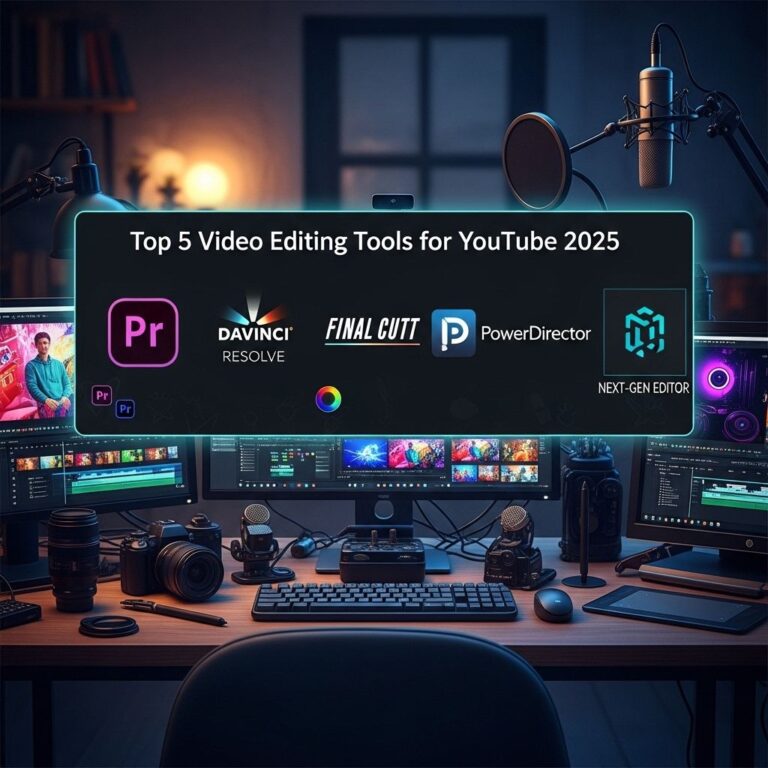
- Adobe Premiere Pro: A subscription-based software that offers comprehensive editing tools and is popular among professionals.
- Final Cut Pro: A one-time purchase for macOS users, it’s known for its robust features and efficiency.
Popular Video Editing Software Options
1. Adobe Premiere Pro
Adobe Premiere Pro is considered the industry standard for video editing. Its features include:
- Multi-camera editing
- Dynamic linking with other Adobe products
- Extensive effects and transitions library
2. Final Cut Pro
Final Cut Pro provides powerful tools for mac users and is renowned for:
- High performance with advanced rendering
- Magnetic timeline for easy editing
- Seamless integration with other Apple software
3. DaVinci Resolve
Combining editing, color correction, audio post-production, and visual effects, DaVinci Resolve is a versatile tool for all levels:
- Excellent color correction tools
- Fairlight audio integration for sound editing
- Free version has a substantial set of features
4. CyberLink PowerDirector
PowerDirector is known for its fast rendering and user-friendly interface, ideal for those who want to dive into video editing without a steep learning curve:
- Easy-to-use timeline
- Robust motion tracking features
- 50+ effects and templates
5. HitFilm Express
This software combines video editing and visual effects compositing, making it ideal for indie filmmakers:
- Advanced compositing tools
- 3D compositing features
- Large community with tutorials available
Trial Versions and Subscriptions
Many professional-grade video editing software packages offer trial versions or monthly subscriptions. Here are some recommendations:
- Adobe Premiere Pro offers a 7-day free trial, allowing users to explore its features.
- Final Cut Pro offers a 90-day free trial for new users.
- DaVinci Resolve is free, with a paid version available for additional features.
Community and Support
When selecting video editing software, consider the availability of community support and resources:
- Forums and user groups can provide troubleshooting help and creative solutions.
- Tutorials and online courses can enhance your skills and maximize your use of the software.
Conclusion
Choosing the best video editing software involves analyzing your specific needs, budget, and the features that matter the most for your projects. By considering the options listed above and focusing on the elements that are essential for your video editing journey, you can select a tool that enhances your creativity and productivity. Remember, the best software is the one that aligns with your goals and allows you to express your vision effectively.
FAQ
What factors should I consider when choosing video editing software?
When selecting video editing software, consider factors such as your budget, the features you need, the type of videos you plan to create, your level of expertise, and the compatibility with your operating system.
Is free video editing software effective for professional projects?
Yes, many free video editing software options offer powerful features suitable for professional projects. However, they may have limitations in terms of advanced functions or export quality compared to paid versions.
What are the best video editing software options for beginners?
Some of the best video editing software for beginners includes iMovie, Adobe Premiere Elements, and Shotcut, which provide user-friendly interfaces and essential editing tools.
How do I know if the video editing software is compatible with my computer?
Check the software’s system requirements on its official website to ensure it is compatible with your computer’s operating system and specifications.
Can I use video editing software on mobile devices?
Yes, many video editing software programs offer mobile versions or apps that allow you to edit videos directly on smartphones and tablets, such as Adobe Premiere Rush and InShot.
What advanced features should I look for in professional video editing software?
Look for features like multi-camera editing, color grading, motion graphics, audio editing, and support for various file formats when choosing professional video editing software.