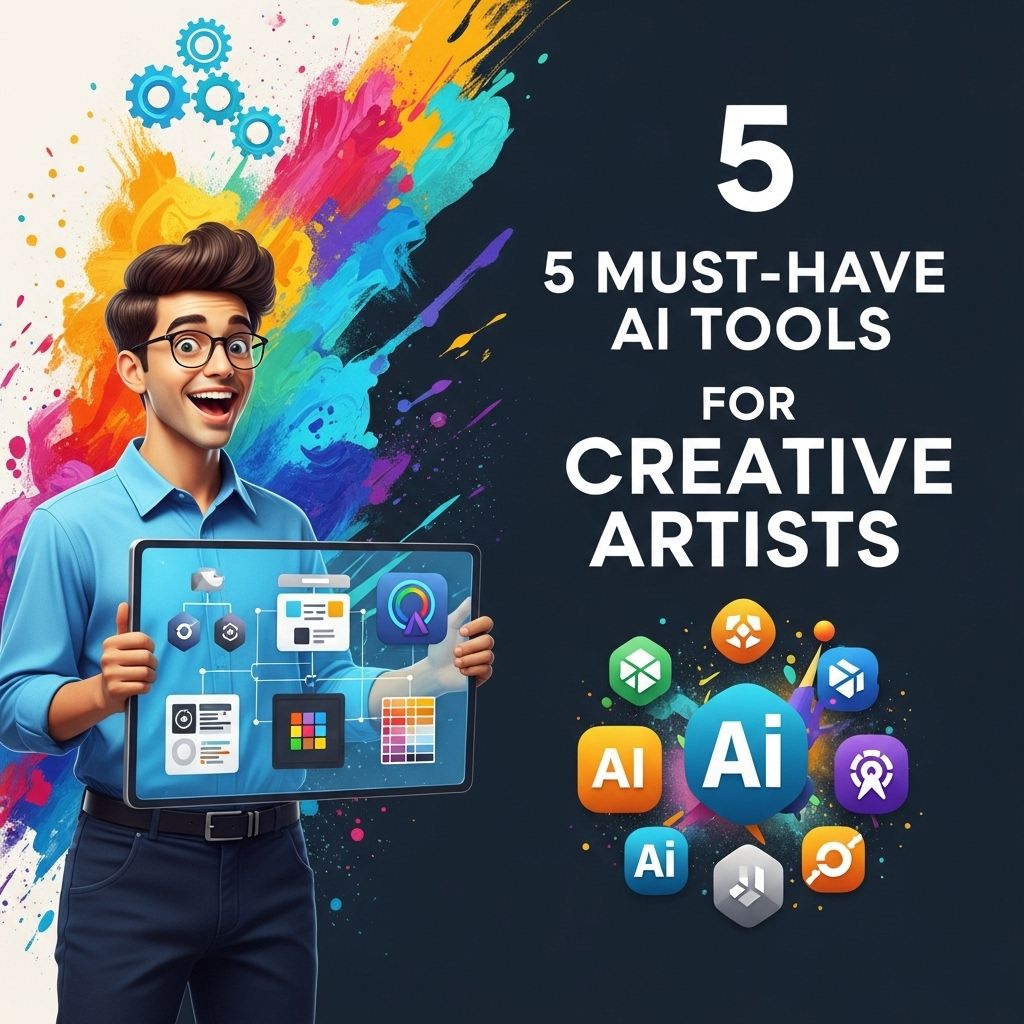
In today’s digital landscape, artificial intelligence (AI) is revolutionizing the way creative artists work. From enhancing productivity to generating innovative ideas, AI tools have become indispensable in various fields of art, including graphic design, music composition, and video production. As an artist, leveraging these technologies can not only streamline your workflow but also open up new avenues for creativity. In this article, we will explore five must-have AI tools that every creative artist should consider integrating into their processes.
Table of Contents
1. Adobe Sensei
As a leader in creative software, Adobe has harnessed the power of AI through its Adobe Sensei technology. This tool enhances many Adobe products, including Photoshop, Illustrator, and Premiere Pro, by providing intelligent features that can save artists time and improve their work.
Features:
- Automated image tagging: Adobe Sensei can analyze images and automatically apply tags, making it easier to search and organize your assets.
- Content-aware fill: This feature allows users to remove unwanted objects from images seamlessly.
- Smart cropping: Adobe Sensei can suggest crop options based on composition rules, ensuring that your images are aesthetically pleasing.
2. Daz 3D
Daz 3D is a powerful 3D creation tool that utilizes AI to provide artists with an extensive library of assets and models. The software is particularly valuable for character design and animation.
Benefits:
- Customizable characters: Users can easily create unique 3D characters using pre-built models and a wide range of customization options.
- AI-driven morphing: Daz 3D uses AI to generate realistic facial expressions and body movements, adding life to your characters.
- Seamless integration: Daz 3D integrates well with other software, allowing artists to move their designs into programs like Unity or Unreal Engine for game development.
3. Runway ML
Runway ML is an innovative platform that empowers artists to create and edit visual content using AI-powered tools. It offers a suite of features that make it incredibly easy to manipulate videos and images in real time.
Key Tools:
| Tool | Description |
|---|---|
| Image Synthesis | Generate new images based on existing content using machine learning algorithms. |
| Text to Image | Create visuals from textual descriptions, allowing for rapid concept development. |
| Green Screen Removal | Instantly remove backgrounds from videos without the need for complex editing. |
4. Artbreeder
Artbreeder is an AI-powered tool that allows users to create and collaborate on artwork by combining and modifying existing images. This tool is particularly popular among digital artists and illustrators.
How It Works:
- Image blending: Users can merge two or more images to create unique compositions.
- Parameter adjustment: Fine-tune images by adjusting various parameters like color, style, and composition.
- Community collaboration: Artbreeder allows artists to share their creations and build upon each other’s work, fostering a collaborative environment.
5. Amper Music
For artists involved in music creation, Amper Music offers an AI-driven platform that simplifies the process of composing and producing music. This tool is ideal for filmmakers, game developers, and content creators looking for high-quality soundtracks.
Features:
- Customizable music tracks: Users can specify mood, genre, and length to generate tailored music tracks.
- User-friendly interface: Amper Music features an intuitive interface, making it accessible even for those without a musical background.
- Royalty-free usage: All music created on Amper is royalty-free, allowing artists to use it in their projects without legal concerns.
Conclusion
Integrating AI tools into your creative workflow can dramatically enhance your productivity and creativity. From automating tedious tasks to generating entirely new ideas, these tools provide invaluable assistance to artists across various disciplines. By exploring the capabilities of Adobe Sensei, Daz 3D, Runway ML, Artbreeder, and Amper Music, you can unlock new potentials in your artistic endeavors. Embrace the technology, experiment with these tools, and see how they can elevate your creative projects to new heights.
FAQ
What are the best AI tools for creative artists?
Some of the best AI tools for creative artists include Adobe Sensei, Runway ML, Daz 3D, Artbreeder, and DeepArt.
How can AI tools enhance creativity for artists?
AI tools can enhance creativity by providing inspiration, automating repetitive tasks, generating unique art styles, and enabling artists to experiment with new techniques.
Are AI tools expensive for creative artists?
Many AI tools offer a range of pricing options, from free versions to premium subscriptions, making them accessible for artists with varying budgets.
Can AI tools replace human artists?
While AI tools can assist and enhance the creative process, they cannot fully replace the unique perspective and emotional depth that human artists bring to their work.
What types of art can be created using AI tools?
AI tools can be used to create various types of art, including digital paintings, animations, music compositions, and even 3D models.
How do I get started with AI tools for my art?
To get started with AI tools for your art, explore online resources, tutorials, and communities focused on the specific tools you are interested in using.