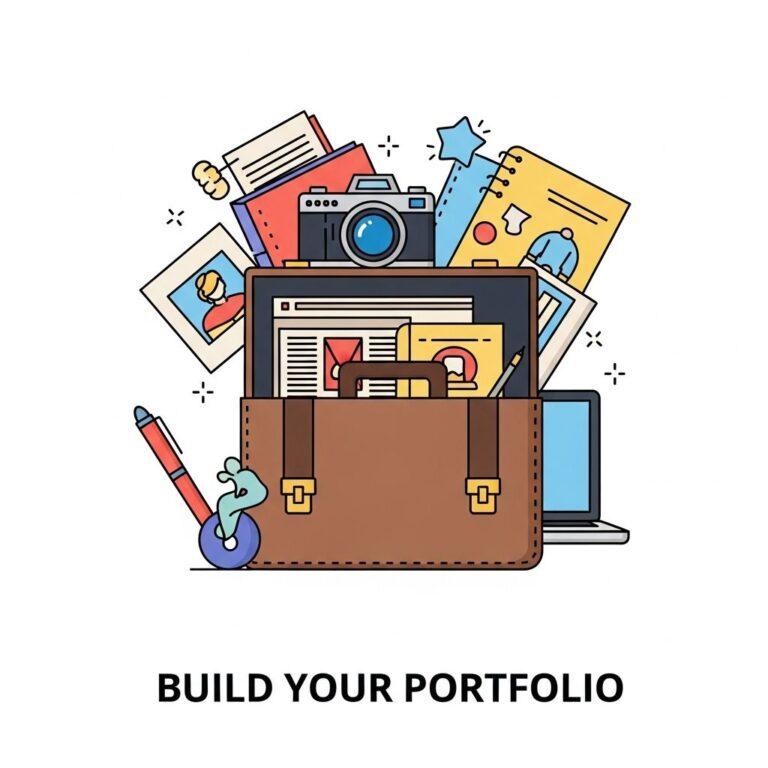
Creating a winning portfolio is essential in today’s competitive job market, especially for those in creative fields such as design, art, and web development. A portfolio not only showcases your skills and projects but also reflects your personal brand and professionalism. With numerous tools available, it can be overwhelming to choose the right ones that can help you build an impressive portfolio that stands out. In this article, we will explore five top tools that can help you create an engaging and effective portfolio.
Creating a winning portfolio requires essential tools that enhance presentation and appeal. From visually striking designs to effective mockups, these resources are vital in showcasing your work. For instance, you can explore realistic bag mockup examples to give your projects a polished look.
Table of Contents
1. Adobe Portfolio
Adobe Portfolio is a powerful tool that enables you to create a fully customizable portfolio with ease. It integrates seamlessly with other Adobe Creative Cloud applications, making it an ideal choice for designers and photographers who are already using Adobe software.
Key Features
- Integration with Adobe Creative Cloud
- Customizable layouts and designs
- Responsive design for mobile and desktop
- Ability to showcase images, videos, and galleries
- Personalized domain name options
How to Get Started
- Sign up for an Adobe Creative Cloud account.
- Select a template that resonates with your style.
- Upload your projects and images.
- Customize the layout and design to reflect your brand.
- Publish and share your portfolio.
2. Behance
Behance is a leading online platform where creative professionals can showcase their work, connect with other creatives, and gain exposure. This platform is particularly popular among graphic designers, photographers, and illustrators.
Key Features
- Large community of creatives for networking
- Integration with Adobe tools
- Ability to follow other artists and discover new talent
- Responsive design for easy viewing on any device
- Project feedback and interaction from other users
How to Get Started
- Create a free Behance account.
- Start uploading your projects and adding descriptions.
- Utilize tags and categories to make your work discoverable.
- Engage with the community by commenting on others’ projects.
- Share your portfolio link on social media and other platforms.
3. Wix
Wix is a versatile website builder that offers extensive customization options, making it a great choice for those who want complete control over their portfolio’s design. With its drag-and-drop interface, building a professional-looking site is straightforward even for those without coding experience.
Key Features
- User-friendly drag-and-drop interface
- Wide selection of customizable templates
- Integrated SEO tools for better visibility
- Option to add a blog or e-commerce features
- Mobile-optimized designs
How to Get Started
- Sign up for a Wix account.
- Choose a template that aligns with your vision.
- Use the drag-and-drop editor to customize your site.
- Add your projects, descriptions, and any other relevant content.
- Publish your portfolio and share it with your network.
4. Squarespace
Squarespace is another robust website builder that caters to creative professionals looking for a sleek and modern design. It is known for its aesthetically pleasing templates and excellent customer support.
Key Features
- Beautiful, designer-quality templates
- Integrated analytics for performance tracking
- Responsive designs for a polished look on all devices
- Built-in eCommerce options
- 24/7 customer support
How to Get Started
- Register for a Squarespace account.
- Select a template that represents your style.
- Use the intuitive editor to add your content.
- Enhance your portfolio with images, videos, and case studies.
- Launch your portfolio and promote it on social media.
5. WordPress
WordPress is an incredibly versatile platform that can be tailored to create a unique portfolio website. It offers endless customization possibilities through themes and plugins, making it suitable for anyone looking to showcase their work in a personalized way.
Key Features
- Open-source platform with thousands of themes
- Plugins for added functionality
- SEO-friendly capabilities
- Community support and extensive documentation
- Flexibility to create a blog alongside your portfolio
How to Get Started
- Choose a hosting provider and set up your WordPress site.
- Select a theme that suits your portfolio style.
- Customize your site using plugins and widgets.
- Add and organize your projects effectively.
- Launch your site and share it with your audience.
Conclusion
Building a standout portfolio requires the right tools and a clear understanding of your personal brand. Whether you are a designer, photographer, or developer, utilizing platforms like Adobe Portfolio, Behance, Wix, Squarespace, or WordPress can help you create an impressive portfolio that showcases your skills and attracts potential clients or employers. Take the time to explore each option and choose the one that aligns best with your vision and needs.
FAQ
What are the best tools to create a professional portfolio?
Some of the best tools include Adobe Portfolio, Canva, Behance, Wix, and WordPress. Each offers unique features for showcasing your work effectively.
How can I make my portfolio stand out?
To make your portfolio stand out, focus on high-quality visuals, maintain a consistent theme, and include case studies that highlight your process and results.
Is it necessary to have an online portfolio?
Yes, having an online portfolio is essential in today’s digital age, as it allows potential clients and employers to easily access and review your work.
What should I include in my portfolio?
Your portfolio should include a selection of your best work, a brief bio, your skills, testimonials, and contact information.
How often should I update my portfolio?
You should update your portfolio regularly, ideally every few months, to reflect your latest work and skills.
Can I use templates to create my portfolio?
Yes, using templates can help you create a polished and professional-looking portfolio quickly, especially if you are not familiar with design.