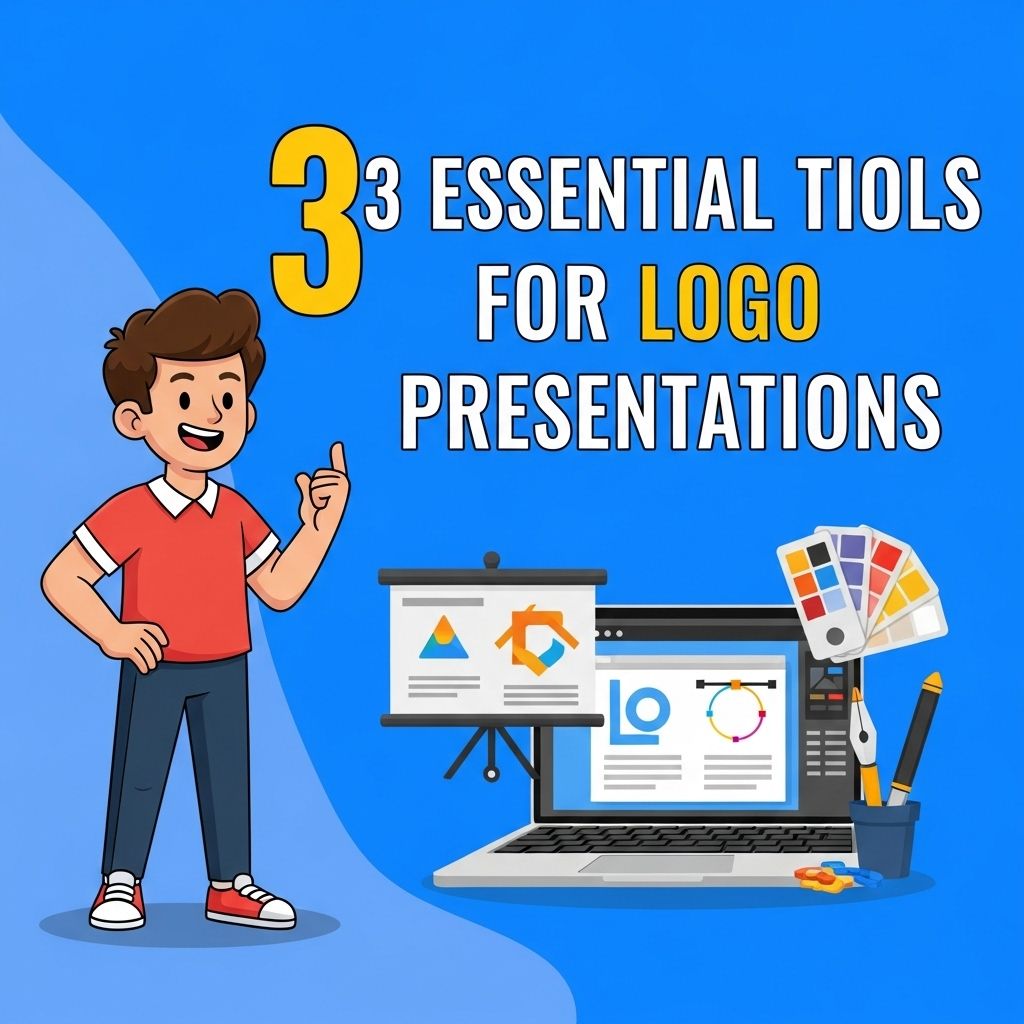
In the competitive world of branding and marketing, a well-crafted logo is essential for any business. But presenting that logo effectively can be just as important as the design itself. A strong logo presentation not only showcases the logo’s aesthetic appeal but also communicates its underlying values and concepts. In this article, we will explore three essential tools for creating impactful logo presentations that can captivate clients and stakeholders alike.
Creating a stunning logo presentation requires the right tools to showcase your design effectively. Here are three essential tools that can elevate your showcase and impress clients, from customizable mockups to presentation templates. For inspiration, you can also explore our gold logo collection to see how elegance can enhance your branding.
Table of Contents
1. Adobe Illustrator
Adobe Illustrator is a powerful vector graphic design tool that serves as the backbone of many logo design processes. It allows designers to create scalable logos that maintain quality across different sizes and formats. Here’s why Illustrator is a must-have for logo presentations:
- Precision: Illustrator offers advanced tools for precision design, which is crucial for creating clean, professional logos.
- Vector Graphics: Logos are best represented as vector graphics, allowing for infinite scalability without loss of quality.
- Presentation Features: The software includes tools for creating mockups, backgrounds, and other presentation elements, making it easier to demonstrate how the logo works in various contexts.
Key Features of Adobe Illustrator
| Feature | Description |
|---|---|
| Artboards | Create multiple presentations in a single document. |
| Color Management | Accurate color representations for digital and print. |
| Graphic Styles | Apply effects and styles consistently across designs. |
| Export Options | Save files in multiple formats suitable for any platform. |
2. Keynote or PowerPoint
While design software like Illustrator is essential for creating logos, presentation software such as Apple Keynote or Microsoft PowerPoint is vital for delivering the logo story to clients or stakeholders. Both tools allow you to create engaging presentations that can highlight the logo’s features and context. Here’s how to leverage these tools:
Creating Effective Presentations
- Storytelling: Use a narrative to explain the design journey, from inspiration to execution.
- Animation: Implement animations to reveal the logo evolution, making the presentation dynamic and engaging.
- Mockups: Showcase the logo applied to various merchandise or marketing materials using mockups to provide a real-world context.
Comparison of Keynote and PowerPoint
| Feature | Keynote | PowerPoint |
|---|---|---|
| Templates | Modern designs with a focus on visuals | Widely varied templates available |
| User Interface | Simplistic and intuitive | Feature-rich but can be complex |
| Collaboration | Easy sharing through iCloud | Robust collaboration features in Office 365 |
| Animations | Smooth transitions and effects | Extensive animation options |
3. InVision or Figma
InVision and Figma are modern design collaboration tools that have transformed how designers share their work with clients. These platforms allow for interactive prototypes and real-time feedback, making them ideal for logo presentations. Here’s what makes them essential:
Interactive Prototyping
Both platforms enable designers to create interactive mockups, allowing clients to see how the logo functions in various settings. This interactivity helps convey the logo’s impact beyond static images.
Collaborative Feedback
One of the standout features of tools like InVision and Figma is their ability to facilitate collaboration:
- Real-time Editing: Multiple users can edit and comment on designs in real-time, enhancing productivity.
- Version Control: Keep track of changes and iterations, ensuring you can revert to previous designs if needed.
- Commenting System: Stakeholders can leave specific feedback directly on the design, making it easier to understand their perspective.
Conclusion
In summary, presenting a logo effectively requires a combination of powerful tools that facilitate design, presentation, and collaboration. Adobe Illustrator provides the necessary design capabilities, while Keynote or PowerPoint allows for engaging storytelling. Finally, InVision or Figma enhances client collaboration through interactive prototypes. By integrating these tools into your logo presentation process, you can ensure that your designs not only look great but also resonate with your audience, ultimately leading to successful branding outcomes.
FAQ
What are the best tools for creating logo presentations?
Some of the best tools for creating logo presentations include Adobe Illustrator, Canva, and PowerPoint. These tools offer various features to help you design and showcase your logo effectively.
How can I make my logo presentation more engaging?
To make your logo presentation more engaging, use high-quality visuals, include mockups to show the logo in real-life applications, and tell a story about the design process and brand identity.
What should I include in my logo presentation?
In your logo presentation, include the logo design concepts, color palette, typography, mockups, and a brief explanation of the design choices to help the audience understand the branding vision.
Is it important to use mockups in logo presentations?
Yes, using mockups in logo presentations is important as it helps visualize how the logo will look in real-world scenarios, making it easier for clients to envision its application.
Can I create logo presentations using free tools?
Absolutely! Free tools like Canva and Google Slides are excellent options for creating professional-looking logo presentations without any cost.