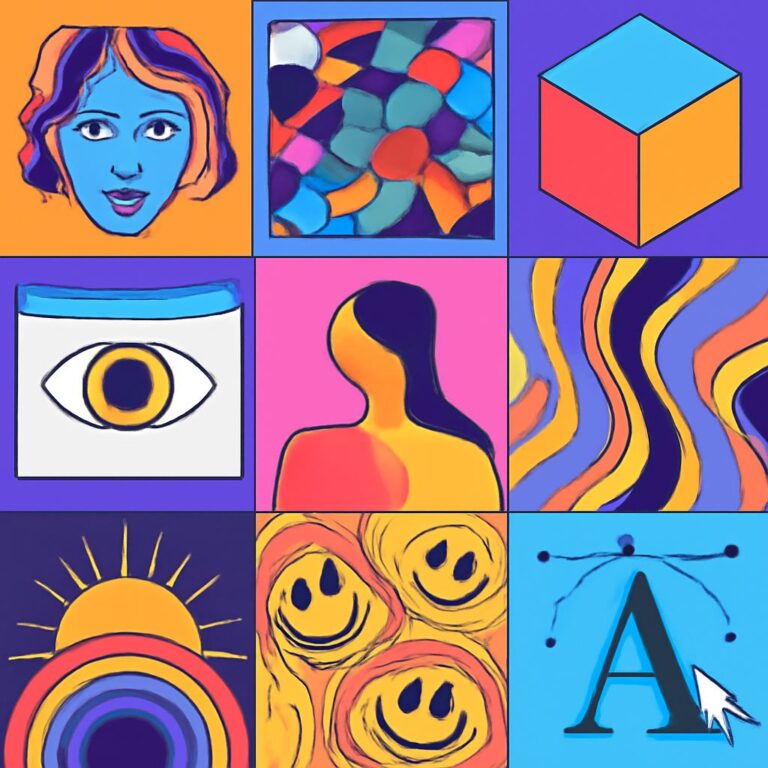
In the rapidly evolving landscape of artificial intelligence, creativity is taking on new forms, particularly in the realm of artwork. Artists and technologists are embracing AI tools to enhance their creative processes, generate unique visuals, and explore innovative styles. Whether you’re a seasoned artist or a curious beginner, understanding the best AI artwork tools can significantly expand your creative horizons.
Creating stunning AI artwork can be an exhilarating experience, especially with the right tools at your disposal. From enhancing creativity to simplifying complex designs, the top 10 tools discussed here will elevate your artistic projects. For instance, if you’re looking for inspiration in design, explore these realistic bag mockup examples.
Table of Contents
Understanding AI Artwork Tools
AI artwork tools harness algorithms and machine learning models to create or assist in creating images, illustrations, and graphics. These tools leverage vast datasets to learn styles, techniques, and contexts, allowing them to generate original works or modify existing pieces. Here’s a closer look at some of the top tools available today.
1. DeepArt
DeepArt specializes in transforming photos into pieces of art using the style of famous artists. With its deep learning algorithms, users can upload their images and select a style, resulting in a visually striking transformation.
Features:
- Multiple artistic styles to choose from.
- High-resolution output available.
- Simple user interface for easy navigation.
2. Artbreeder
Artbreeder allows users to blend images and create new artwork through an interactive interface. By adjusting parameters like color, shape, and style, artists can collaborate with the AI to generate unique compositions.
Benefits:
- Collaborative artwork development.
- Ability to mix different artworks.
- User-friendly controls for customization.
3. Runway ML
Runway ML is a versatile platform that offers a variety of AI tools for creative projects, including image generation, video editing, and more. It’s particularly popular among filmmakers and graphic designers.
Key Features:
| Feature | Details |
|---|---|
| Image Generation | Create visuals using various AI models. |
| Video Editing | Utilize AI for video effects and editing. |
| Collaboration Tools | Work on projects with team members seamlessly. |
4. DALL-E 2
Developed by OpenAI, DALL-E 2 has gained attention for its ability to generate high-quality images from textual descriptions. Its capacity to understand context and generate details makes it a powerful tool for artists.
Usage Tips:
- Be descriptive in prompts to achieve desired results.
- Experiment with various prompts to explore different outputs.
5. NightCafe Studio
NightCafe Studio is an AI art generator that enables users to create artwork using different algorithms, including neural style transfer and text-to-image synthesis. It’s known for its community features, allowing users to share their creations.
Highlights:
- Diverse algorithms for artistic creation.
- Community sharing and feedback.
- Customizable inputs for personalized art.
6. PaintsChainer
This tool is perfect for digital artists looking to automate the coloring process. PaintsChainer uses AI to color sketches, giving artists a head start on their illustrations.
Advantages:
- Fast coloring capabilities.
- Various coloring styles available.
- Easy-to-use interface for quick sketches.
7. Pixray
Pixray is a text-to-image generator that allows users to create images based on textual descriptions with incredible detail. It offers a variety of customization options, enabling personalization of generated content.
Features Include:
| Feature | Details |
|---|---|
| Customizable Settings | Adjust parameters for unique outputs. |
| High-Resolution Images | Generate detailed images suitable for prints. |
| Community Support | Access to a community for sharing and learning. |
8. GANPaint Studio
GANPaint Studio allows users to manipulate images in real time using Generative Adversarial Networks (GANs). It enables interactive edits, such as changing the landscape or adding objects to images.
What You Can Do:
- Add or remove elements from images.
- Modify artistic styles instantly.
- Experiment with different aesthetics.
9. Neural.love
Neural.love focuses on text-to-art conversion and is designed to be user-friendly. It combines various machine learning techniques to produce unique artwork from simple text prompts.
Why Choose Neural.love:
- Intuitive interface suitable for beginners.
- Fast generation of artworks.
- Wide range of artistic styles accessible.
10. This Person Does Not Exist
This tool showcases the capabilities of GANs by generating hyper-realistic human faces that do not belong to any real person. While it’s primarily focused on character creation, it also serves as inspiration for character design in artwork.
Interesting Uses:
- Character design for games.
- Inspiration for illustrations.
- Testing facial recognition systems.
Conclusion
The tools mentioned above represent just a fraction of the AI-driven innovations in art creation. As technology progresses, these platforms will likely evolve, offering even more sophisticated features and capabilities. For artists, embracing AI isn’t about replacing creativity but enhancing it, allowing for new exploration and expression. By experimenting with these tools, you can unlock new dimensions in your artistic endeavors.
FAQ
What are the best tools for creating AI artwork?
Some of the top tools for AI artwork include DALL-E 2, Midjourney, DeepArt, Artbreeder, and Runway ML. Each of these platforms offers unique features for generating and enhancing digital art using artificial intelligence.
How does AI-generated artwork differ from traditional art?
AI-generated artwork utilizes algorithms and machine learning to create images, often producing unique styles that may not be achievable through traditional methods. This technology can generate artwork based on prompts or existing images, offering a new medium for creativity.
Can I use AI artwork for commercial purposes?
The commercial use of AI artwork depends on the licensing agreements of the specific tool used. Always check the terms of service to determine if you can use the generated art for commercial projects.
Is AI artwork considered original?
AI artwork can be considered original in the sense that it is generated by algorithms, but it often draws from existing styles and datasets. The originality can depend on how much human input is involved in the creation process.
What skills do I need to create AI artwork?
While technical skills in programming or data science can be helpful, many AI artwork tools are user-friendly and require no coding knowledge. Basic skills in digital art and an understanding of creative concepts can enhance your results.
Are there free tools for creating AI artwork?
Yes, several tools offer free versions or trials for creating AI artwork, such as DeepArt, Artbreeder, and some features of DALL-E. However, premium features may require payment.