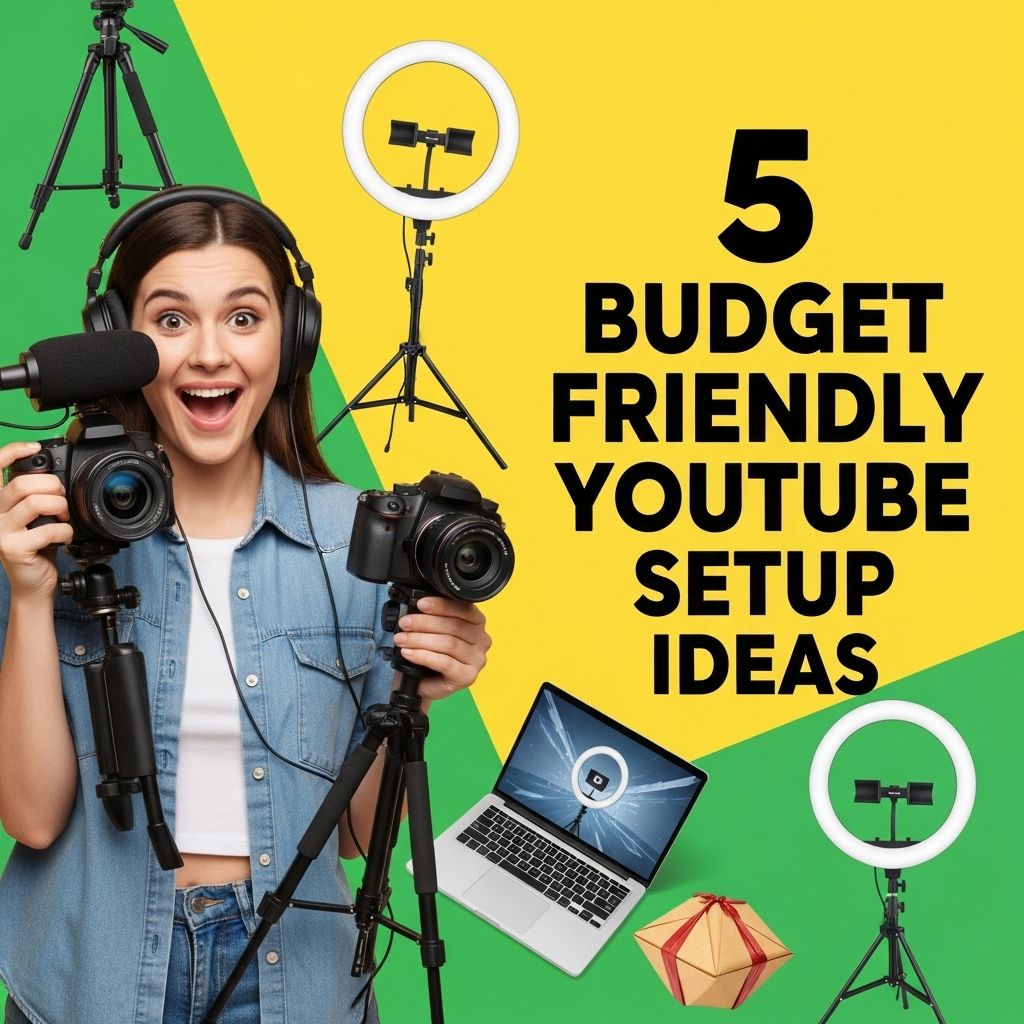
The world of content creation has exploded in recent years, with platforms like YouTube leading the charge. Many aspiring creators dream of launching their channels, but the costs associated with high-quality production can often seem prohibitive. Fortunately, a successful YouTube setup doesn’t need to break the bank. Here, we explore five budget-friendly ideas to help you establish a professional-looking channel without emptying your wallet.
Starting a YouTube channel on a budget doesn’t mean sacrificing quality. With a few smart setup ideas, you can create engaging content without breaking the bank. For instance, consider using creative tube packaging for your video props to add a unique touch, which you can find here.
Table of Contents
1. Define Your Niche and Audience
Before diving into equipment purchases, it’s crucial to define your niche and audience. This will not only guide your content creation but also help you understand the types of equipment you’ll need. Consider the following:
- Niche: What subject matter are you passionate about? This could range from gaming, beauty, tech reviews, vlogs, cooking, or education.
- Audience: Understanding who your viewers are will influence your tone, style, and the complexity of your setup.
2. Camera Options on a Budget
Your camera is one of the most significant investments in your YouTube setup. However, you don’t need to opt for the latest DSLR to make great videos. Here are some budget-friendly alternatives:
Smartphones
Most modern smartphones come equipped with impressive cameras capable of shooting high-definition video. Here’s how to make the most out of your phone:
- Stabilization: Use a tripod or a gimbal to prevent shaky footage.
- Lighting: Natural light is your best friend. Shoot during the day when possible for optimal lighting.
- Audio: Ensure good audio quality by recording in a quiet environment.
Entry-Level DSLRs and Mirrorless Cameras
If you prefer a dedicated camera, consider entry-level options. For instance:
| Camera Model | Price | Features |
|---|---|---|
| Canon EOS Rebel T7 | $450 | 24.1MP, built-in WiFi, easy to use |
| Nikon D3500 | $500 | 24.2MP, great battery life, beginner-friendly |
| Panasonic Lumix G7 | $600 | 4K video, compact design, good autofocus |
3. Affordable Lighting Solutions
Lighting is vital for enhancing the quality of your videos. Here are some budget-friendly lighting solutions:
Natural Lighting
Whenever possible, use natural light by filming near windows during the day. Position yourself to face the light source for the best results.
DIY Lighting
Consider creating your own lighting setup:
- Softbox Lights: You can make these using simple materials like white bedsheets to diffuse light from a lamp.
- Ring Lights: Affordable options are available online, or you can make one using LED strip lights and a round frame.
Affordable LED Lights
For those who prefer commercial options, consider budget brands like Neewer or LimoStudio, which offer lighting kits at reasonable prices, often below $100.
4. Quality Audio Equipment
Good audio quality is essential for keeping your audience engaged. Here are some budget-friendly audio solutions:
Lavalier Microphones
These clip-on mics are affordable and great for vlogs or interviews. Options like the Boya BY-M1 can be found for under $20.
USB Microphones
For sit-down videos or voiceovers, USB microphones offer excellent sound quality at an affordable price. Consider options like:
- Blue Snowball: Great entry-level USB mic around $50.
- Fifine K669B: A budget option priced around $30 with decent audio quality.
5. Editing Software on a Budget
Editing is where your footage comes to life. Thankfully, there are several budget-friendly editing software options available:
Free Software
If you’re just starting out, consider these free options:
- DaVinci Resolve: Professional-grade software that’s completely free.
- HitFilm Express: Offers advanced features for free, but requires a tutorial to master.
Affordable Paid Options
If you’re willing to invest a little, consider:
- Adobe Premiere Elements: A streamlined version of Adobe Premiere Pro, available for around $100.
- Filmora: A user-friendly editor priced at approximately $70 per year.
Conclusion
Creating a successful YouTube channel on a budget is entirely possible with careful planning and smart equipment choices. By defining your niche, investing wisely in camera and audio equipment, optimizing your lighting, and using affordable editing software, you can produce high-quality content without financial strain. Remember, the key to success on YouTube also lies in consistency, creativity, and engagement with your audience. Start building your channel today!
FAQ
What are the essential items for a budget-friendly YouTube setup?
Essential items include a good quality smartphone or webcam, basic lighting like softbox lights or ring lights, a tripod for stability, a microphone for clear audio, and simple editing software.
Can I use my smartphone to create YouTube videos?
Yes, many smartphones have excellent cameras and can capture high-quality video, making them a great option for a budget-friendly YouTube setup.
What is the best affordable lighting solution for YouTube videos?
Softbox lights or ring lights are affordable lighting solutions that can greatly enhance video quality by providing even and flattering illumination.
How can I improve audio quality without spending much?
You can improve audio quality by using an external microphone, such as a lavalier mic or a shotgun mic, which are relatively inexpensive and can greatly enhance sound clarity.
Are there free editing software options for YouTube videos?
Yes, there are several free editing software options available, such as iMovie, DaVinci Resolve, and Shotcut, which provide robust features for video editing without any cost.